PatrykINTERNET
Explorer
November 23, 2024
Question

Problem with VPN autoconnect

  • November 23, 2024
  • 2 replies
  • 1587 views
 

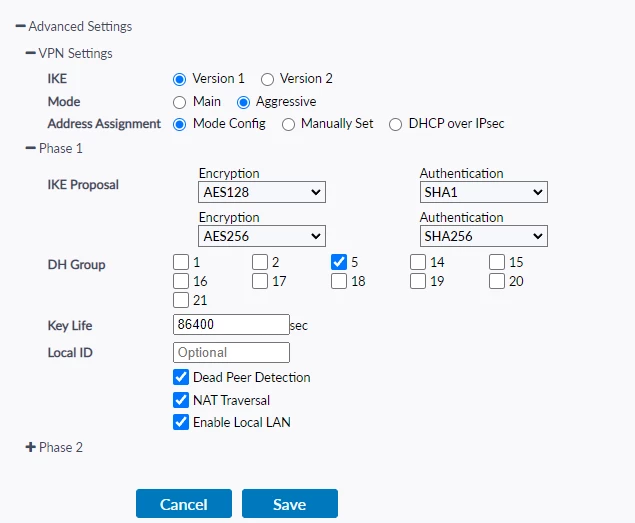
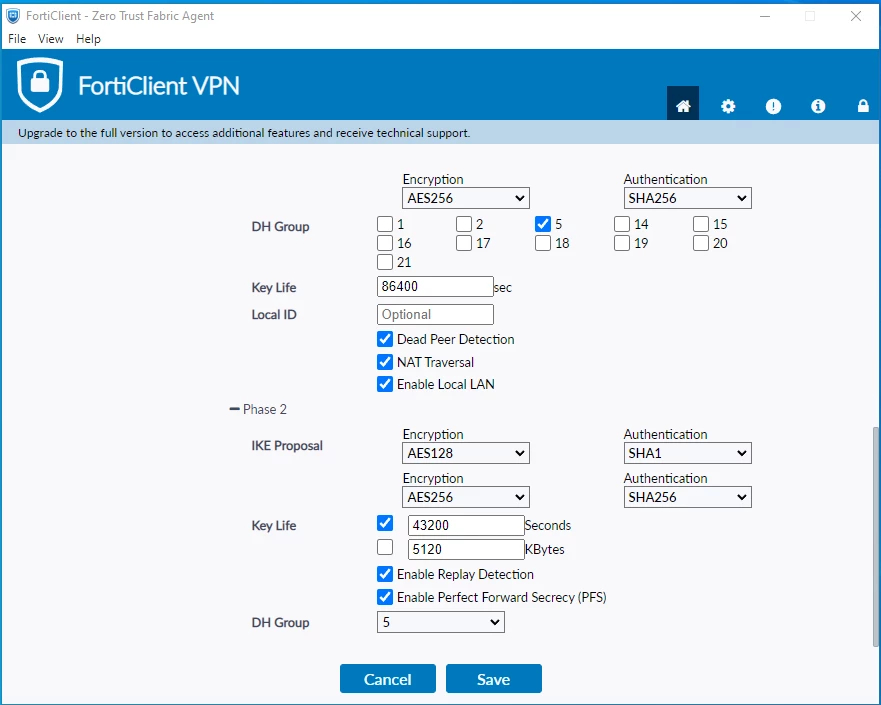
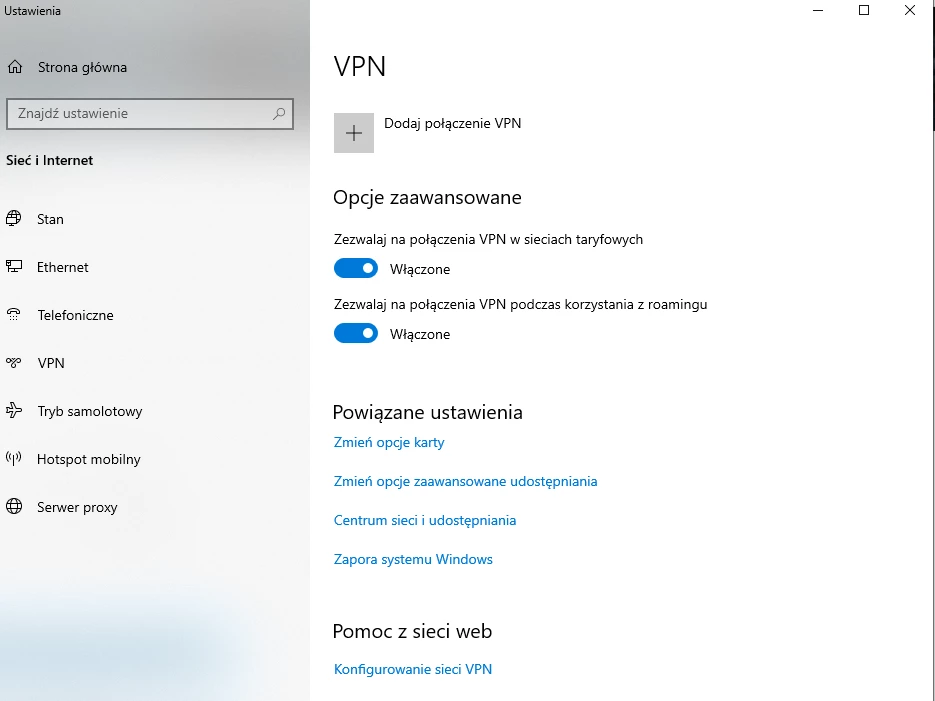
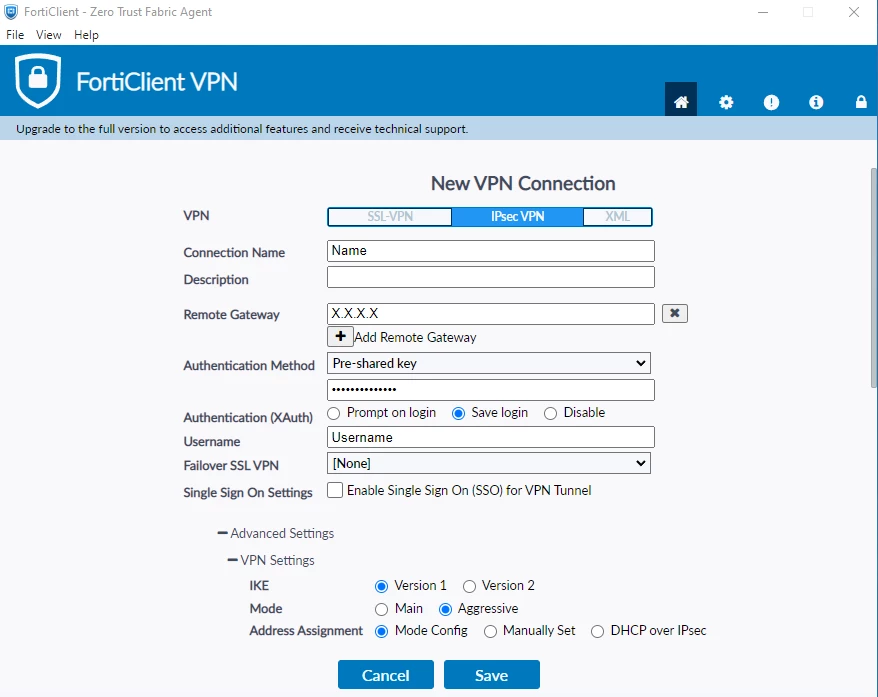
I would like to automatically connect to the VPN network, but I do not want to use FortiClient. I have FortiGate with remote access set up, and I can connect normally via FortiClient. Is there an option in Windows 10 and 11 to connect using the default Windows settings, under Network & Internet -> VPN? VPN configuration is attached. I know, that in Microsoft Store is Forticklient, but only for SSL not IPSec.
Zdjęcie 0.png


Zdjęcie 1.png


Zdjęcie 2.png


Zdjęcie 3.png


2 replies

apFortinet
Staff
Staff
November 23, 2024

Hi @PatrykINTERNET ,

You can try to use L2TP over IPSEC as per below article:

https://community.fortinet.com/t5/FortiGate/Technical-Tip-How-to-establish-VPN-connection-between-Windows-10/ta-p/200001https://community.fortinet.com/t5/FortiGate/Technical-Tip-How-to-establish-VPN-connection-between-Windows-10/ta-p/200001


Cheers,

Ankit

If you have found a solution, please like and accept it to make it easily accessible to others.

PatrykINTERNET
Explorer
November 24, 2024

I try this, but don't work. I have option on fortigate 1 to 1 and get this communicat  "The L2TP connection attempt failed because the security layer encountered a processibg error during initial negotiations witch the remote computer". I have windows 11. I try write in Win + R command ncpa.cpl and in security enable allow the use protocol and click Microsoft CHAP version 2 (MS-CHAP v2) and in settings enable LCP extension, windows defender off and don't work again

ebilcari
Staff
Staff
November 24, 2024

I have used the built-in IKEv2 client and it was more stable compared to the old L2TP/IPsec client. There is this article that shows how to configure using certificates but a similar approach can be used also for username/password.

Emirjon