WebFilter Override
Dear Fortinet Community.
First of all the infos:
Firewall model: Fortigate 100F
version: 7.4.5
We have a thing I cannot explain to myself. I think the behaviour to handle it like this is since we have updated from 7.4.4 to 7.4.5. But I am not sure.
We see a WebFilter violation when opening a http (not https) website. This website is in the category Phishing. We encountered it when installing a program that wants to download a executable file from this http source. Category Phishing is set to block in the WebFilter. Just to let you know. I made a ssl expection exception for the website. This helps to open the webpage when using SSL (https) but not without SSL, so http. The installer wants to reach the website by http.
Probably I am wrong now but in the past we have added websites to the static URL Filter in the webfilter settings in order to reach them and to override a category filter. I have understood the static web filter as something like an override for categories. So whatever I do all my Static URL filters I have added in the past lead to the result that I cannot open a webpage if it is in the category like Phishing although it is allowed in the static URL filter.
It looks like this when I open the http website:
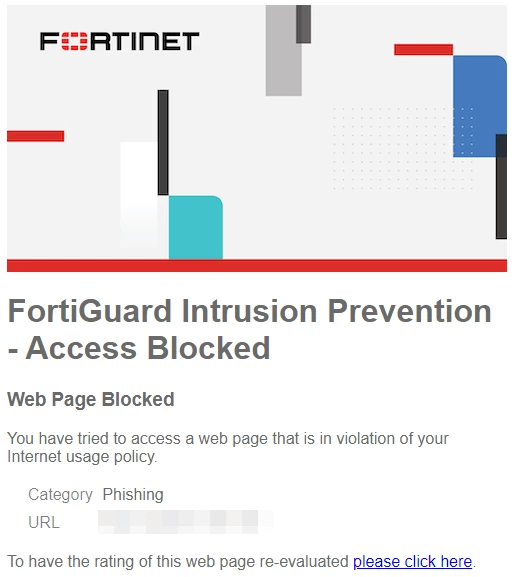
Is there a way I do not know without making a Policy rule especially for this website without a webfilter so that I can reach the website and can download an executable file? Like I said. Important to know is that the installer wants to download the file via http not https. And important to know is that we use flow based...
Any help is very much appreciated.
With kindest regards
FortiLover