Hello
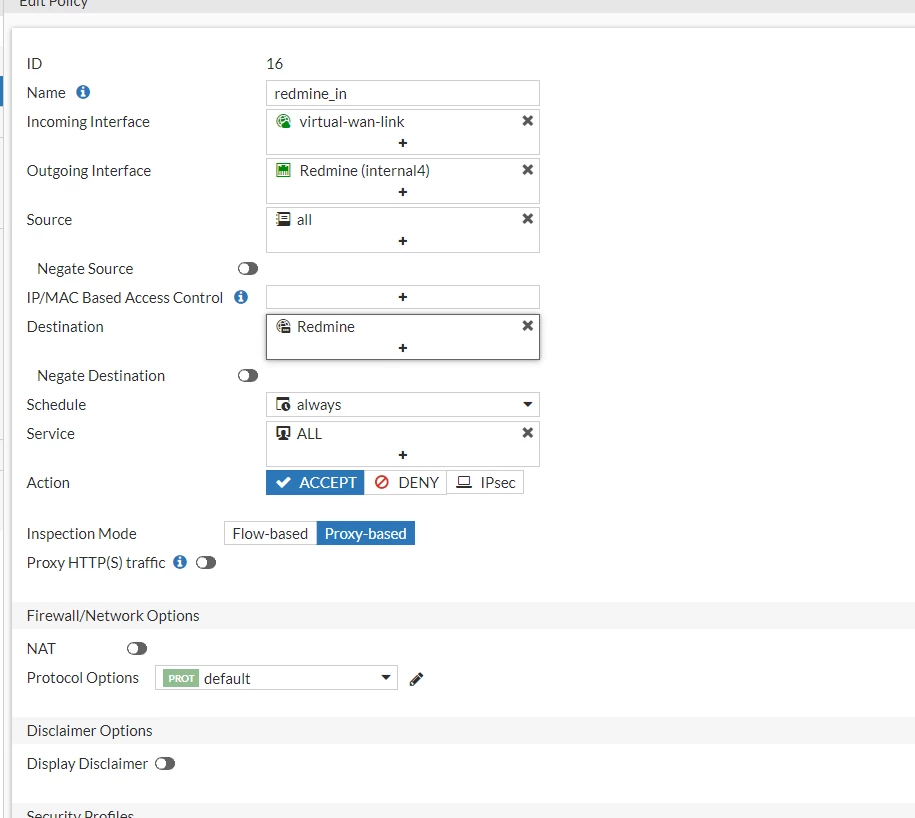
I guess from debugs you are matching policy zero as default
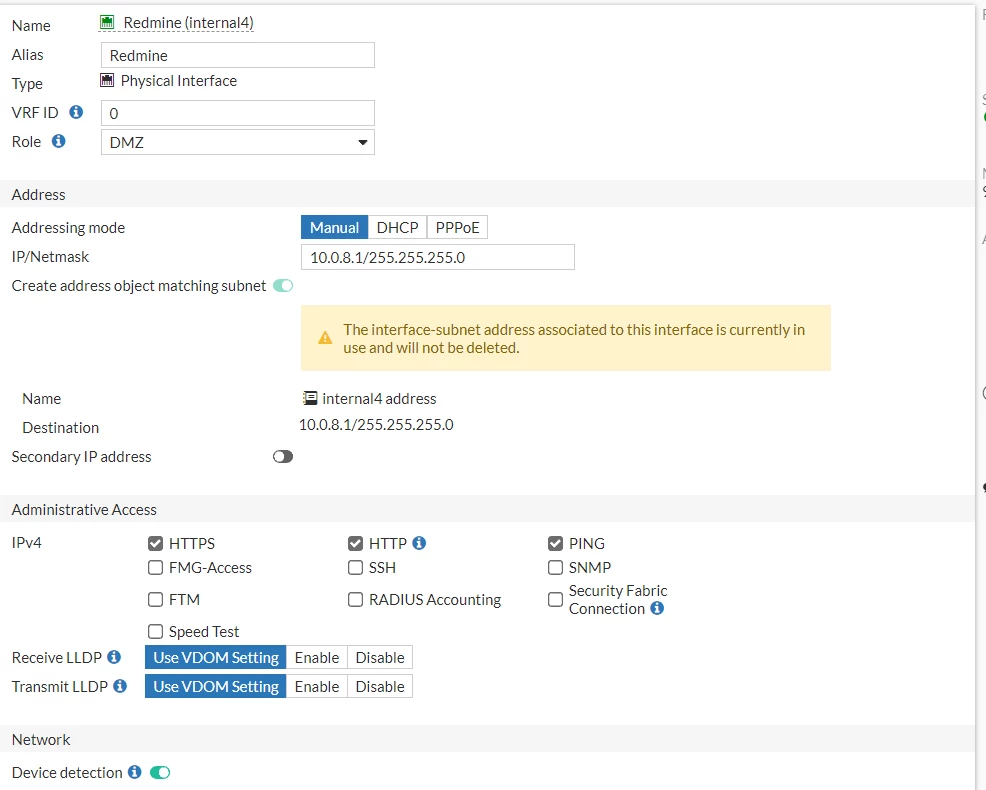
I would advise to check routing for internal subnet 10.0.8.1/24
I guess is internaly connected , but can you try policy route simulator to check the traffic path
In order to have an uderstanding how the Fortigate does handle the traffic, please run debug flow and packet sniffer as below:
Please run these debugging commands while connected to fortigate via two ssh sessions:
NOTE: SSH Session 1 and SSH Session 2 are separate simultaneous SSH connections.
It means that they must be running simultaneously. Otherwise, this gathered data will not be useful for troubleshooting
NOTE : Before running below mentioned commands, make sure that you capture console output to a file.
Please follow below link to capture the output in the text file with Putty:
a) SSH Session 1(Sniffer.txt):
diag sniffer packet any "host 10.1.1.1 or host 192.168.99.2" 6 0 l
b) SSH Session 2(Debug.txt):
diag debug reset
diag debug console timestamp enable
get router info routing-table all
get router info routing-table details
get router info routing-table database
get router info kernel
diag ip arp list
diag ip address list
diag ip rtcache list
diag debug flow filter clear
diag debug flow filter addr 10.1.1.1 192.168.99.2 or
diag debug flow trace start 10
diag debug enable
Run the above-mentioned commands and then try to connect to 192.168.99.2. After the connection attempt, stop the sniffer and debug.
To stop the debug, type:
diag debug disable
diag debug reset
diag debug flow trace stop
To stop the sniffer, press "CTRL + C".
Once done, attach the outputs to the thread