

donmatlock
New Member
May 25, 2022
Solved

Cabelas.com

  • May 25, 2022
  • 4 replies
  • 4420 views

Morning everyone,

I have a website that was not making it past the webfilter (well 2), cabelas.ca and cabelas.com.

I was able to clear cabelas.ca by adding an exception to dns and webfilter, but same practice doesn't work with the *.com

Has anyone experienced this before, the logs show it passed through without issue.
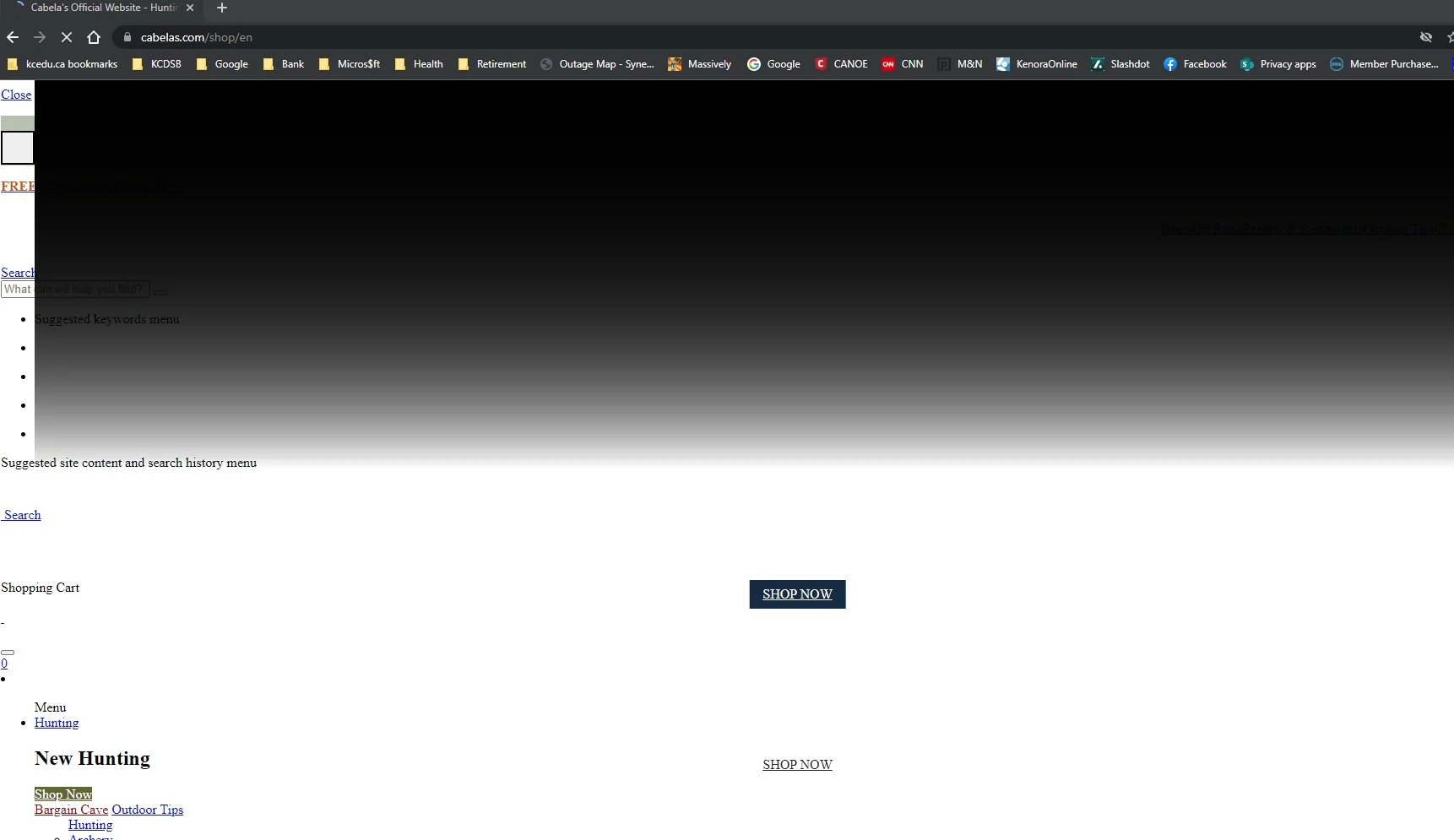
Screenshot 2022-05-24 143922.jpg

Best answer by donmatlock

Thanks for the response, it turns out that cabelas.ca was easily whitelisted via the webfilter, but cabelas.com incorporates a lot of sub services that we had blocked...IE snapchat was a big one.

So I informed the user they could use the *.ca, but.com was out of the question due to all the baggage that comes with it.


4 replies

bpozdena_FTNT
Staff
Staff
May 25, 2022

You will need to allow all the sources the page uses - just use your browser developer tools to see what domains are used and which are being blocked. You can follow this KB to get the basic idea.

donmatlock
donmatlockAuthorAnswer
New Member
May 30, 2022

Thanks for the response, it turns out that cabelas.ca was easily whitelisted via the webfilter, but cabelas.com incorporates a lot of sub services that we had blocked...IE snapchat was a big one.

So I informed the user they could use the *.ca, but.com was out of the question due to all the baggage that comes with it.


Elwyn_moen
New Member
May 6, 2023

Yo, listen up, here's the deal: if you're having trouble accessing certain pages, it's probably because your browser is blocking some of the sources the page uses. But don't fret, my friend! You can easily fix this by opening up your browser's developer tools and checking out which domains are being blocked. It's as easy as that!


If you need a little guidance on how to get started, check out this KB article for some basic tips and tricks. It'll give you the lowdown on how to allow all the sources you need to get the page up and running smoothly. Trust me, once you get the hang of it, you'll wonder how you ever lived without it!

parteeksharma
Staff
Staff
May 6, 2023

Hi donmatlock,

You can try to use the static url filter to allow the websites for which you face the issue. Also please be informed that redirected urls also need to be whitelisted. Kindly check below document to allow the website using static url filter:

https://community.fortinet.com/t5/FortiGate/Technical-Tip-Using-a-static-URL-filter-feature-to-allow-block/ta-p/193086

Regards,
Parteek