


Technical Tip: QR code URL detection
Description
This article describes how to detect QR-coded URL categories in the body of an email.
Scope
FortiMail v7.2, v7.4, v7.6.
Solution
QR codes can be scanned to direct users to websites associated with the codes.
It is possible to enable QR code URL scanning, which queries the websites associated with the QR codes on FortiGuard and takes action depending on the URL category defined in the AntiSpam Profile.
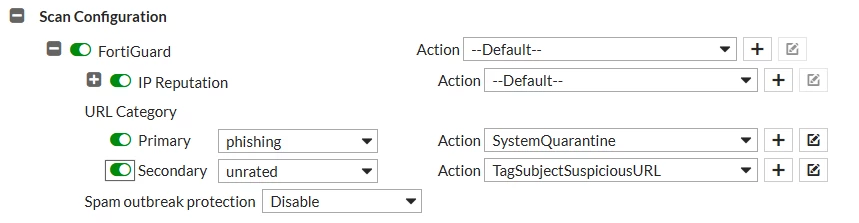
Run the following configuration to enable this feature:
config antispam settings
    set qr-code-url-scan-option attachment-image inline-image
    set qr-code-url-scan-status enable
end
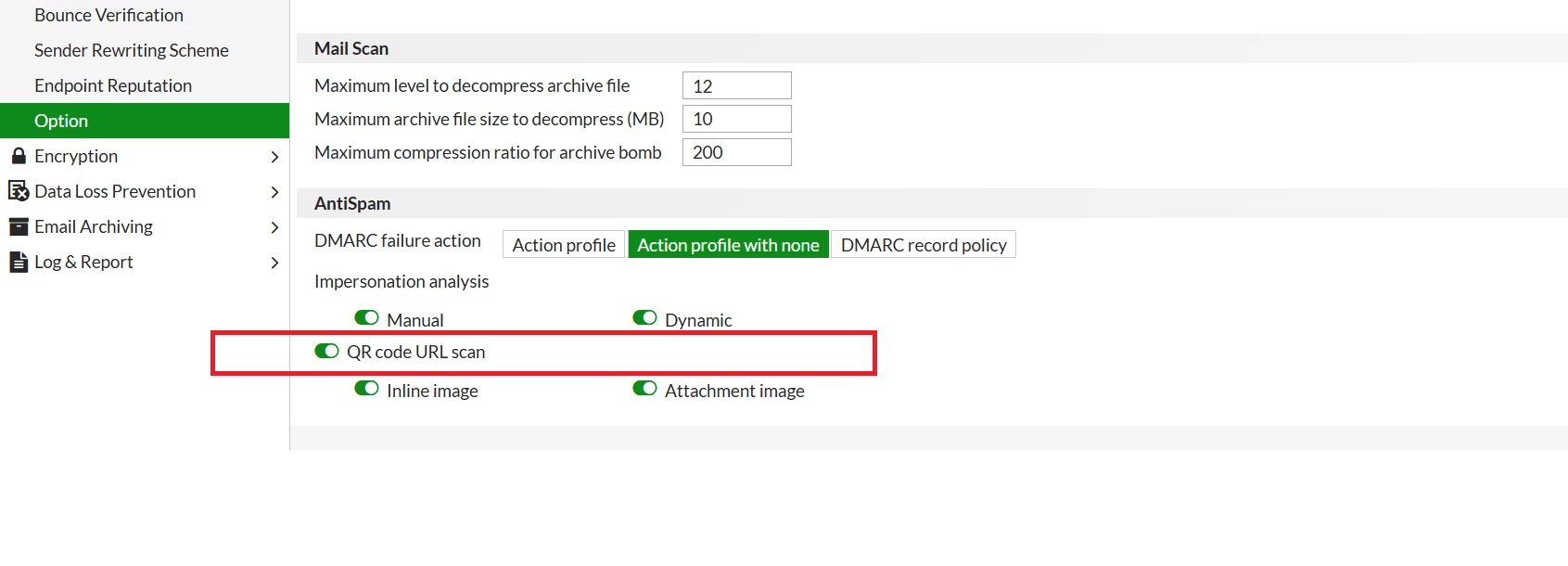
Note: Starting from v7.4.0, a new feature, 'QR Code URL in Attachment', has been added, which allows scanning a QR code URL in the email attachment. Only the inline QR codes were scanned before.
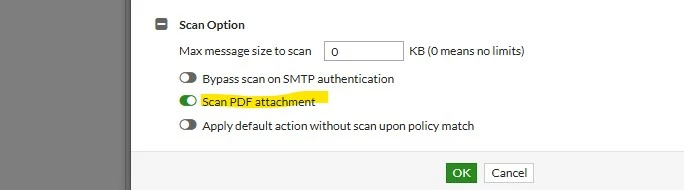
The attachment scan only applies to PDFs using the Antispam profile scan option for 'Scan PDF attachment'.
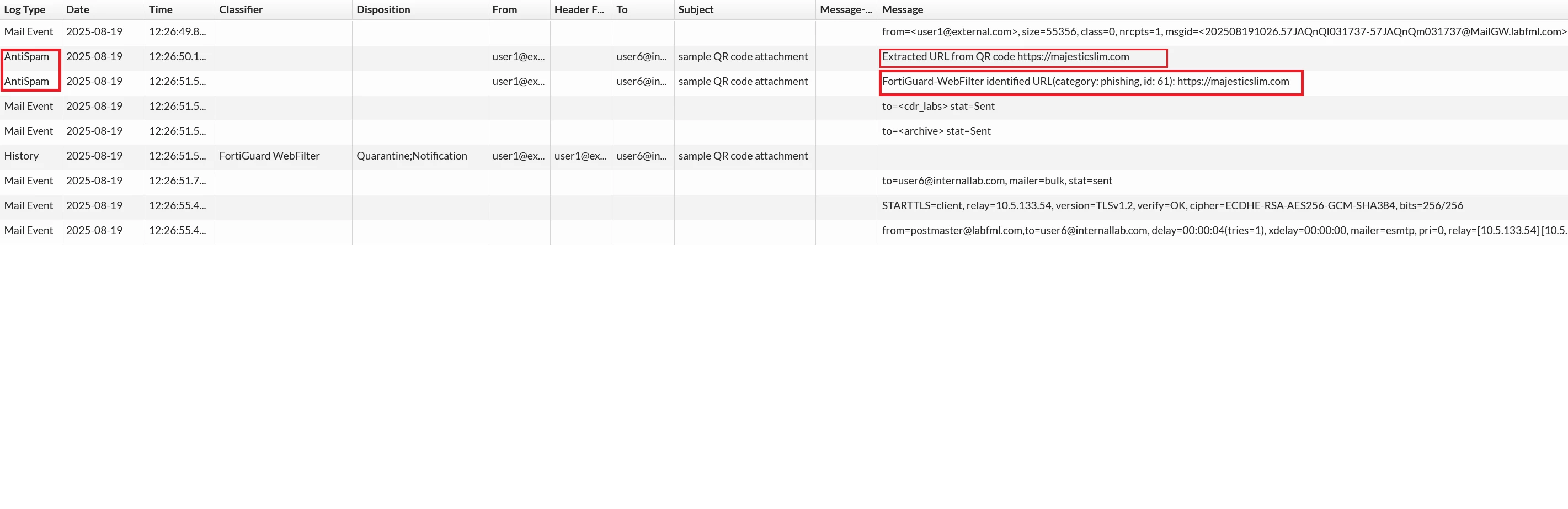
Example log:
The cross-search log below indicates that the URL was extracted from the QR code and identified as category: phishing.
Note: If the QR code URL detection is not working as expected, open a ticket with Fortinet TAC and request Support (FortiMail device must have a current license) Technical Tip: How to create a ticket for Fortinet TAC.
Related article:
Technical Tip: FortiMail QR code URL scan is not identifying phishing emails


