Technical Tip: Uploading a certificate using an API
Description
This article describes how to upload a certificate to FortiGate using a REST API.
Scope
FortiGate, REST API.
Solution
This document assumes the REST API Administrator user has already been created and the API Key is ready for authentication.
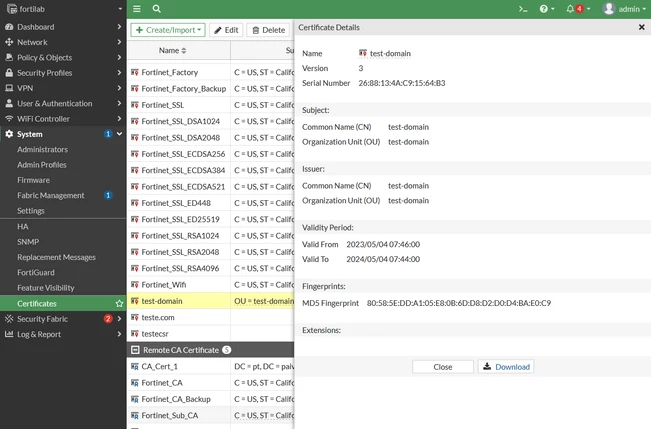
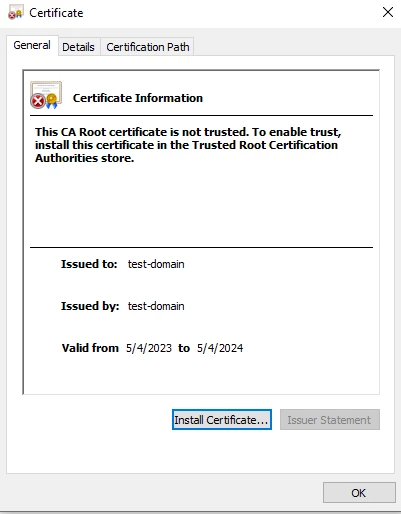
The following self signed certificate and key in BASE64 format will be used for the demonstration and attached to this technical doc for testing purposes:

The following parameters can be used to upload a certificate to the FortiGate:
{
"type": "string",
"certname": "string",
"password": "string",
"key_file_content": "string",
"scope": "string",
"acme_domain": "string",
"acme_email": "string",
"acme_ca_url": "string",
"acme_rsa_key_size": 0,
"acme_renew_window": 0,
"file_content": "string"
}
For our example we will just use the following, as out private key is not encrypted with a password:
{
"type": "string",
"certname": "string",
"key_file_content": "string",
"scope": "string",
"file_content": "string"
}
Postman will be the tool used to perform the API calls to the FortiGate in this article. The following path will be used:
On Postman, create a new collection for the FortiGate and then create a new request. Change this new request to have the POST type, and rename it as desired:

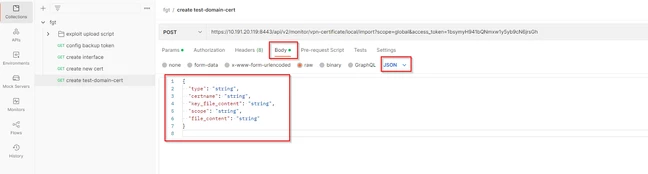
Select Body, change the format to JSON, and paste the parameters:
Next, prepare both the private key and .crt file. Remove all breaks to ensure the entire file is a single, long string and remove the '-----BEGIN RSA PRIVATE KEY----- -----END RSA PRIVATE KEY-------' and '---BEGIN CERTIFICATE----- -----END CERTIFICATE-----'.
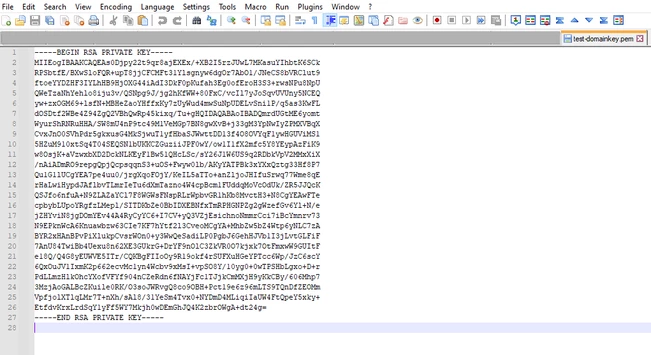
Open the files in a preferred text editor, such as Notepad++. The private key will look like this initially:
Start by deleting the end and beginning lines of the private keys:
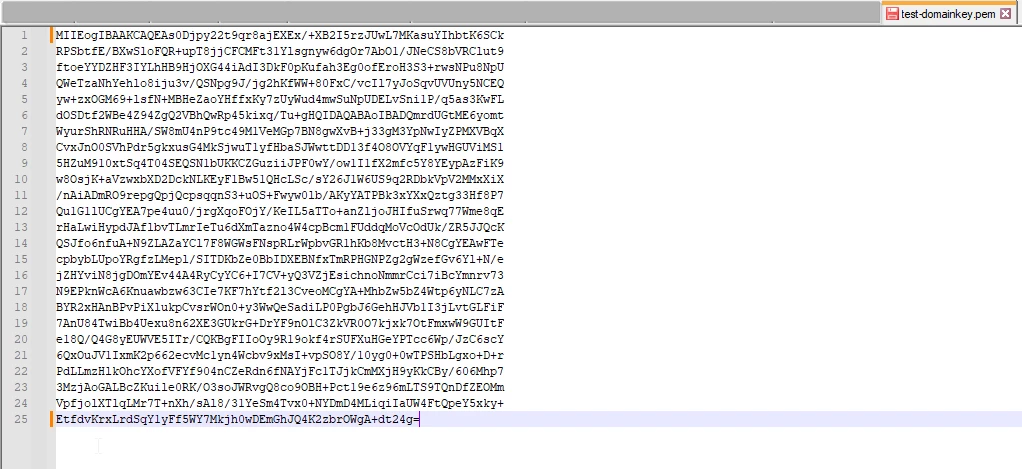
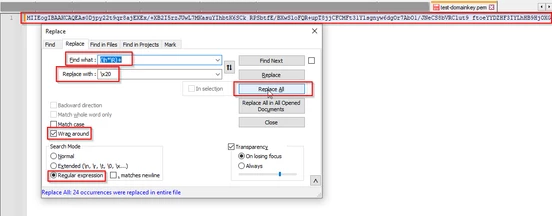
Next, reduce the contents to a single string. One way to do this is to use Ctrl+H to open Notepad++'s Replace tool and do the following:
1) Check the Wrap around option.
2) Choose the Regular expression search mode.
3) Fill in the regex (\h*\R)+ in the Find what: zone.
4) Fill in the regex \x20 in the Replace with: zone.
5) Select Replace All.
The key file will now be a single string with a few spaces introduced:
To remove those spaces, run another Find and Replace operation to replace the space character (' ') with nothing (leave the 'Replace with' field blank).
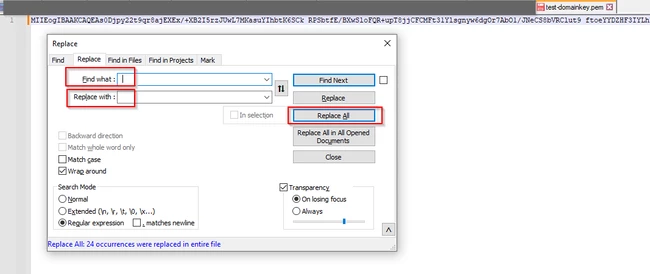
The key file will now consist of a single string without spaces. Repeat this process for the .crt file.
Next, insert the parameters in postman:
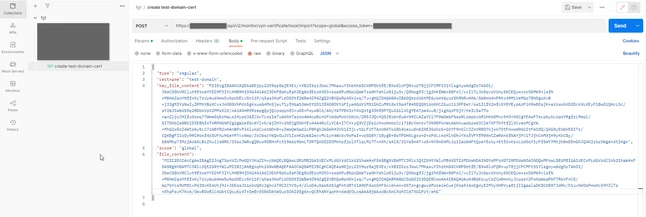
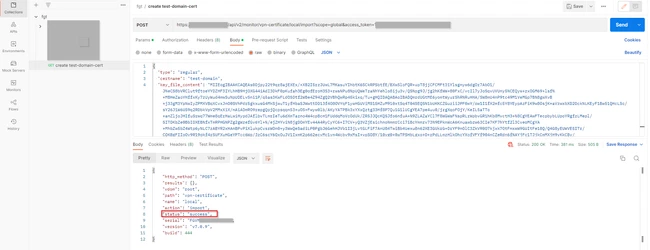
Select Send to get a success message:
Upon accessing the FortiGate, it should be possible to verify that the certificate successfully uploaded: