


Technical Tip: Unsupported protocol during HTTPS access: ERR_SSL_VERSION_OR_CIPHER_MISMATCH
Description | This article describes the unsupported protocol during HTTPS access: ERR_SSL_VERSION_OR_CIPHER_MISMATCH. |
Scope | FortiGate. |
Solution | The issue appears when a user is trying to get HTTPS access to FortiGate even if HTTPS and SSH access is allowed on the port.

One possible reason why this error occurs is if the client and server do not support a common SSL protocol version or use an old TLS version.
Related document: Technical Tip: Low Encryption (LENC) device FAQ.
To check the TLS version configured in the FortiGate, use the following command:
Config admin-https-ssl-versions to support more TLS protocols:
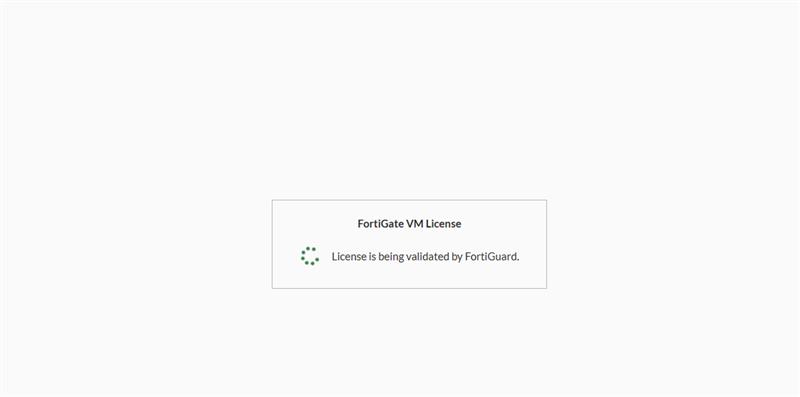
 Another possible reason, especially for FortiGate-VM deployments, is if there is a license pending action and FortiGate is unable to connect to FortiGuard servers or does not have a locally uploaded license copy to validate the license. When connecting via HTTPS, it will show the same error:
 |
