Technical Tip: Logs generated while using the 'diagnose log test' command
| Description | This article describes the expected output while executing a log entry test using 'diagnose log test' command. |
| Scope | FortiGate |
| Solution | The command 'diagnose log test' is utilized to create test log entries on the unit’s hard drive to a configured external logging server say Syslog server, FortiAnalzyer, etc.
Related article:
Note: The output of the command 'diagnose log test' may vary with FortiOS versions.
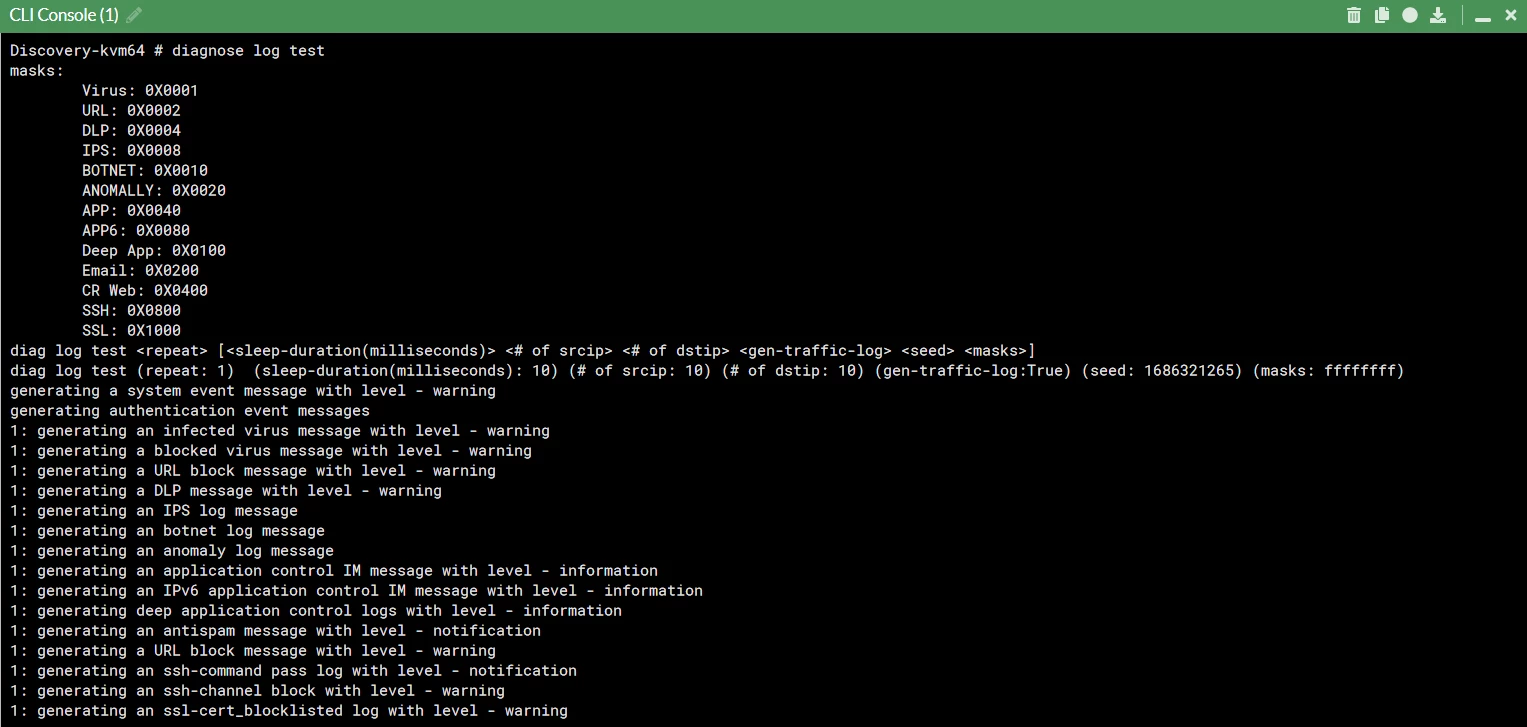
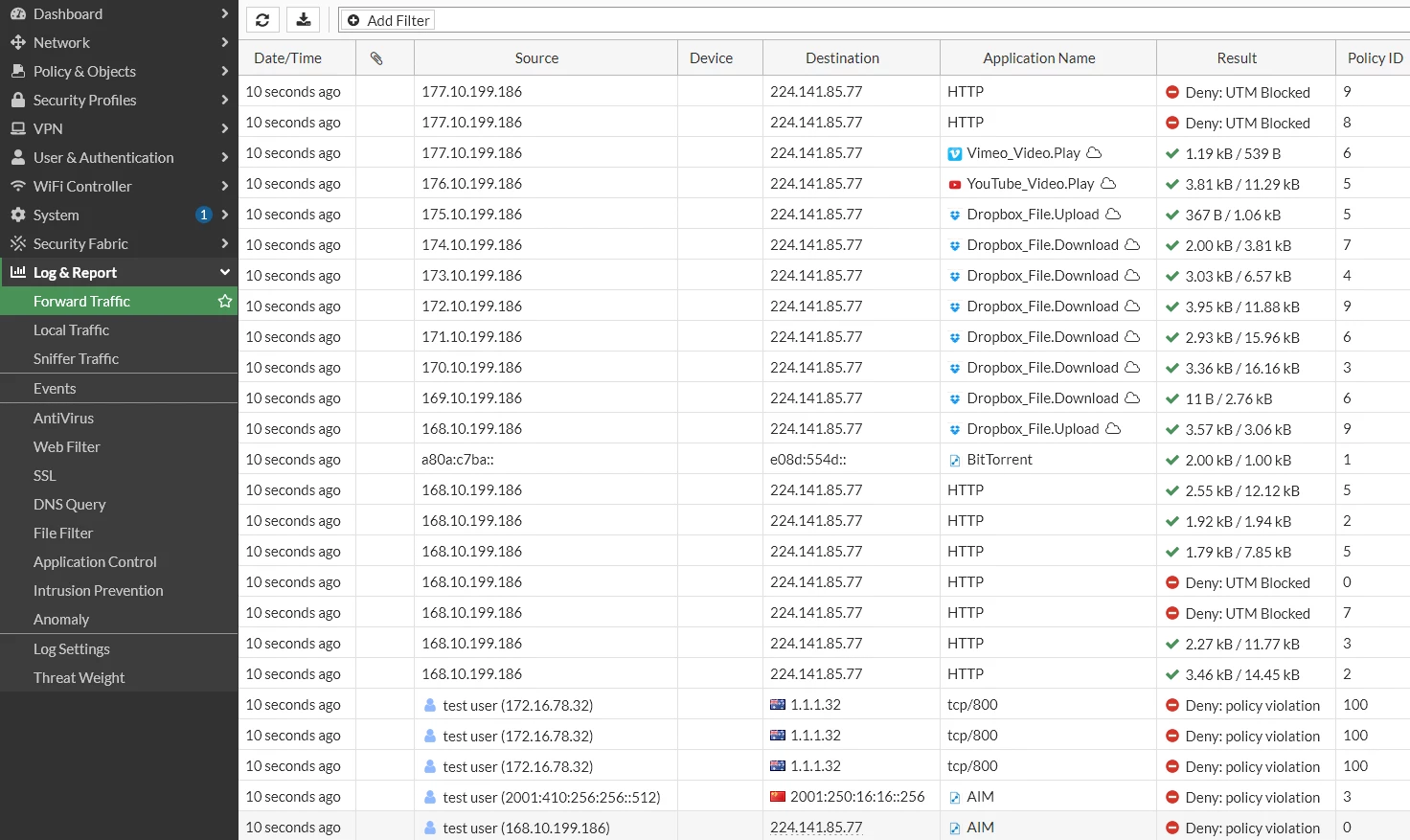
However, this leads to a definite set of log entries that can be found in the Log & Report -> Forward Traffic section as seen below:
Below are the categorized log details on each event:
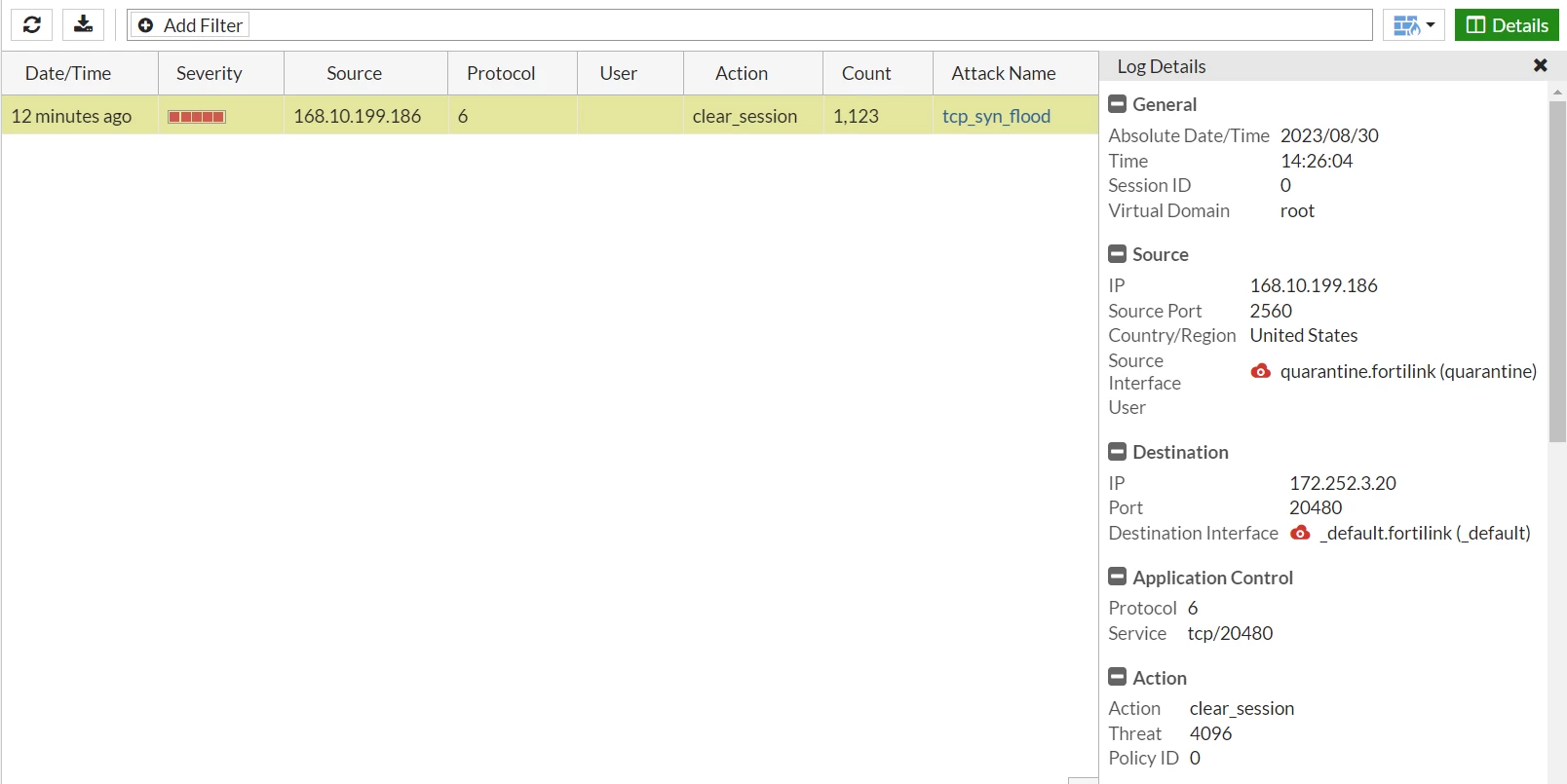
Anomaly Events:
Anti-Spam Events:

Antivirus Events:

Application control Events:
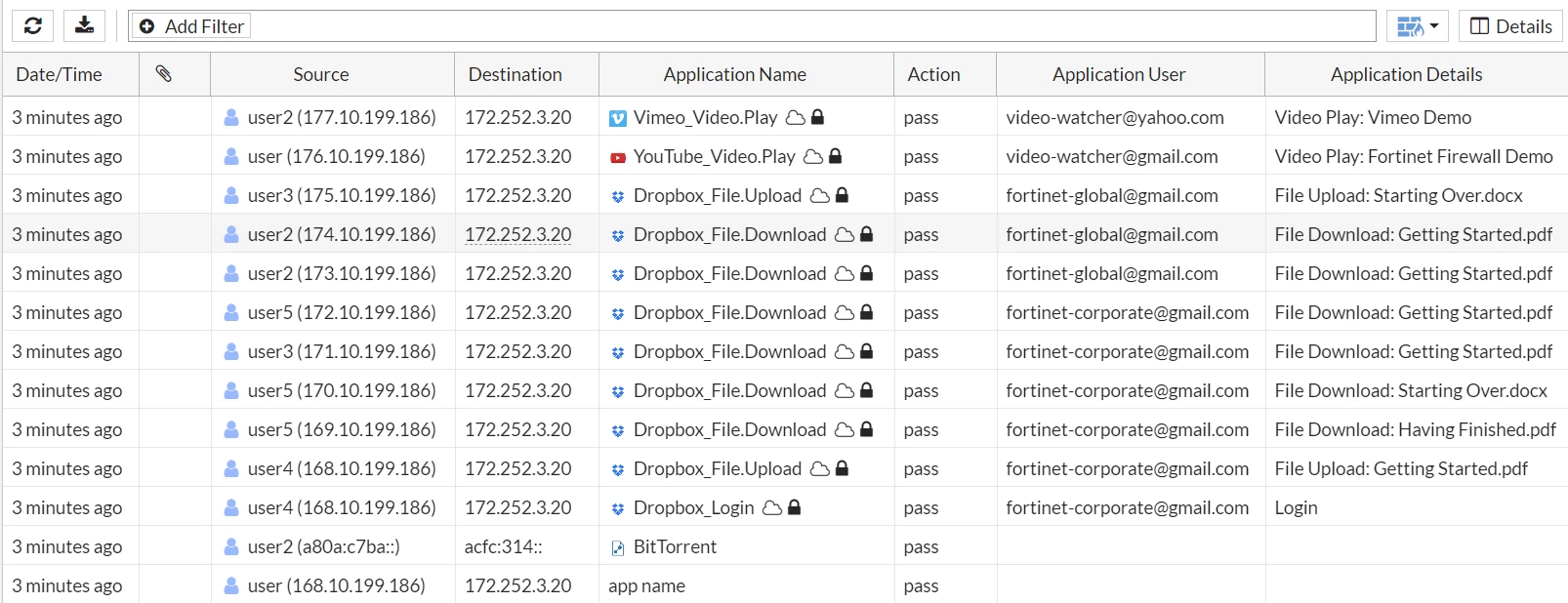
Data Leak Prevention Events:

DNS query Events:
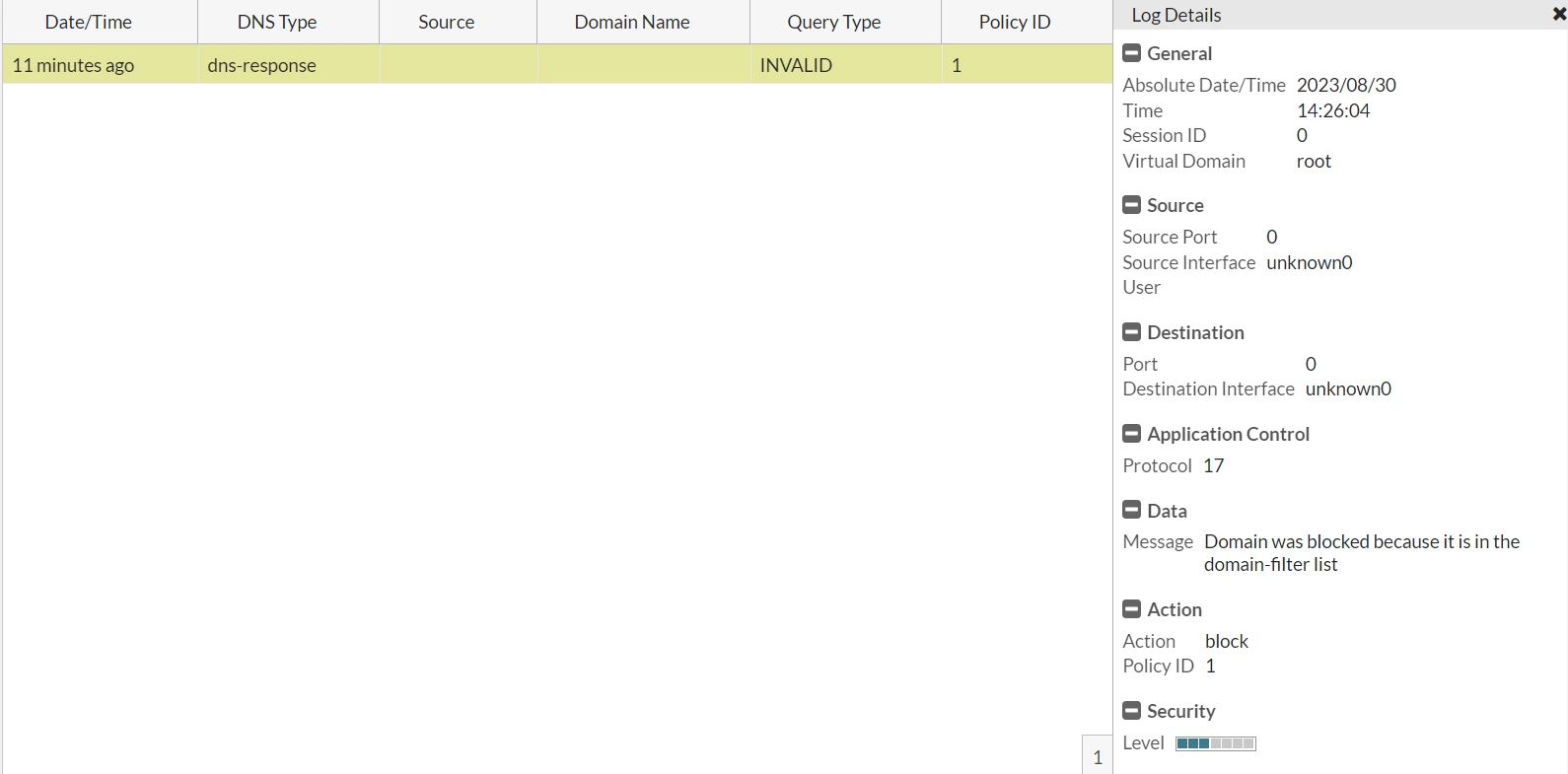
IPS Events:

Sniffer Events:
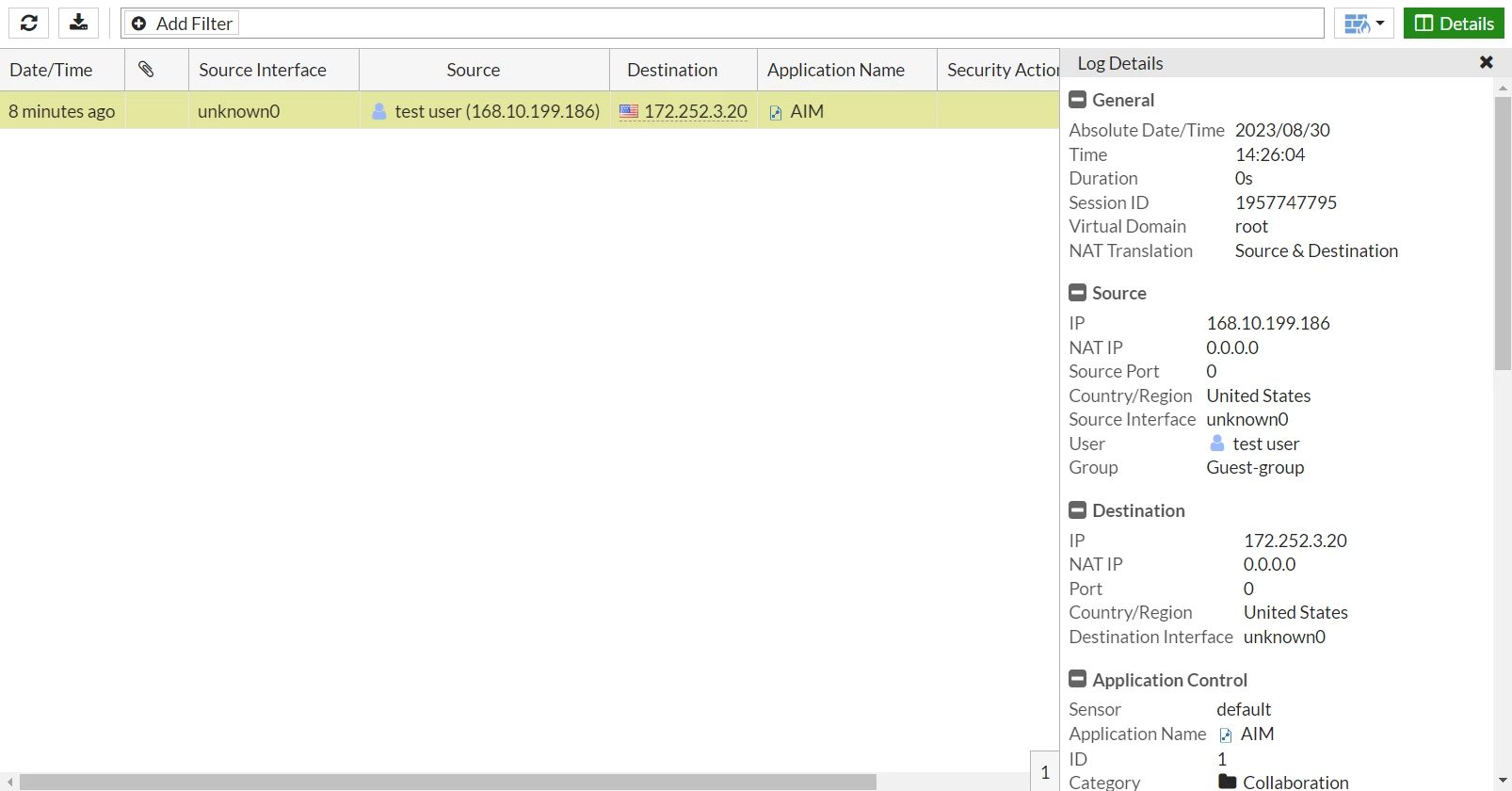
SSH Events:

SSL Events:
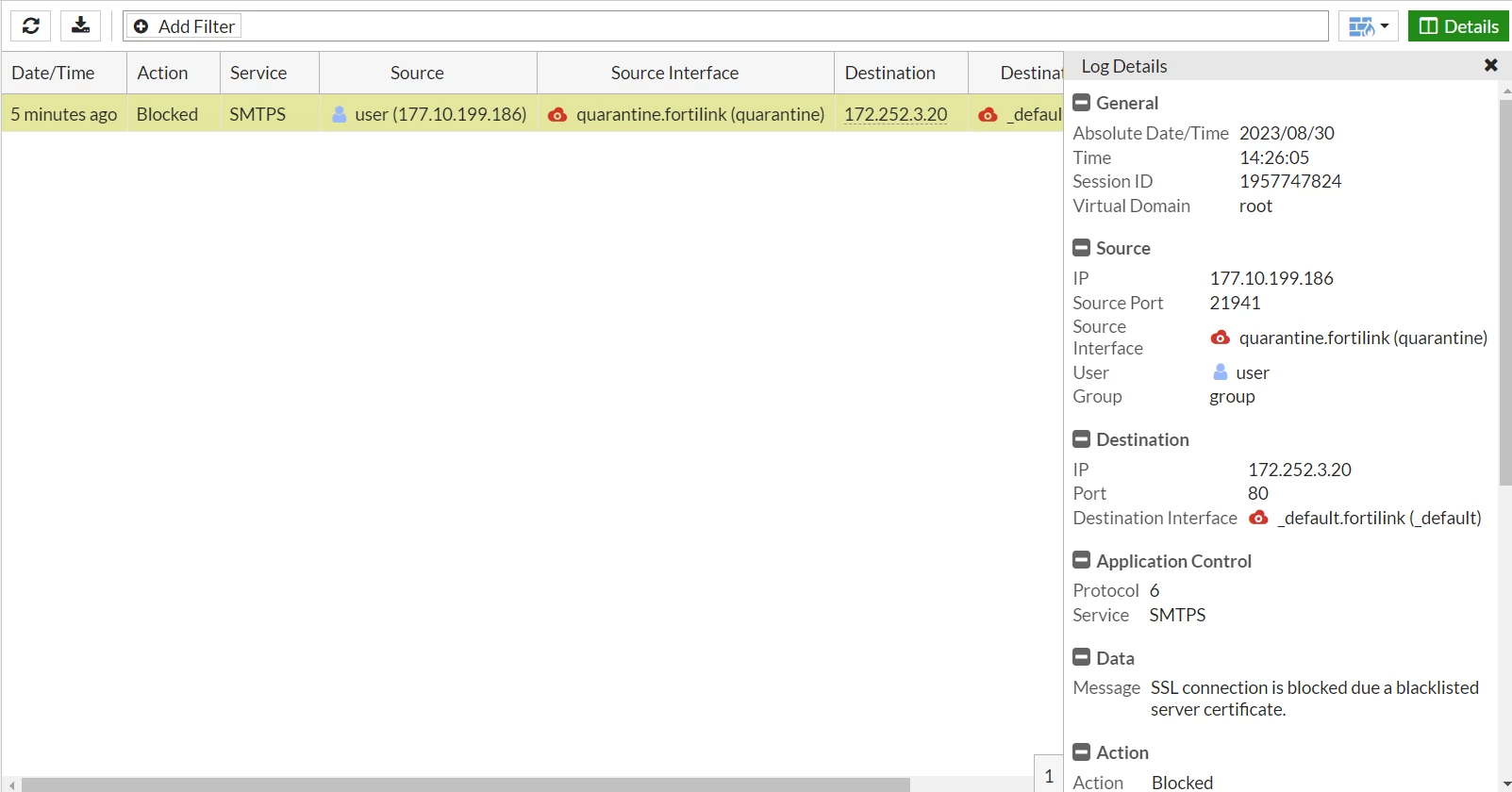
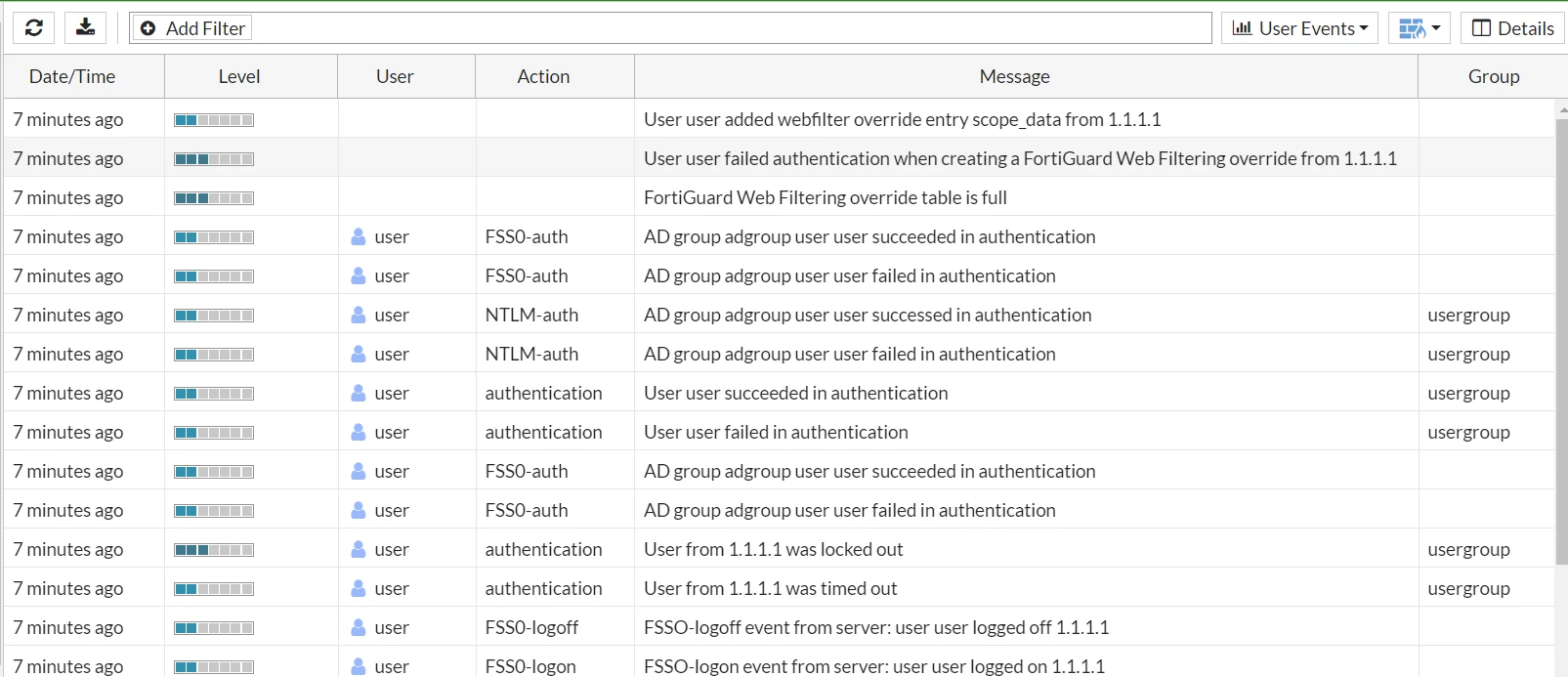
User Events:
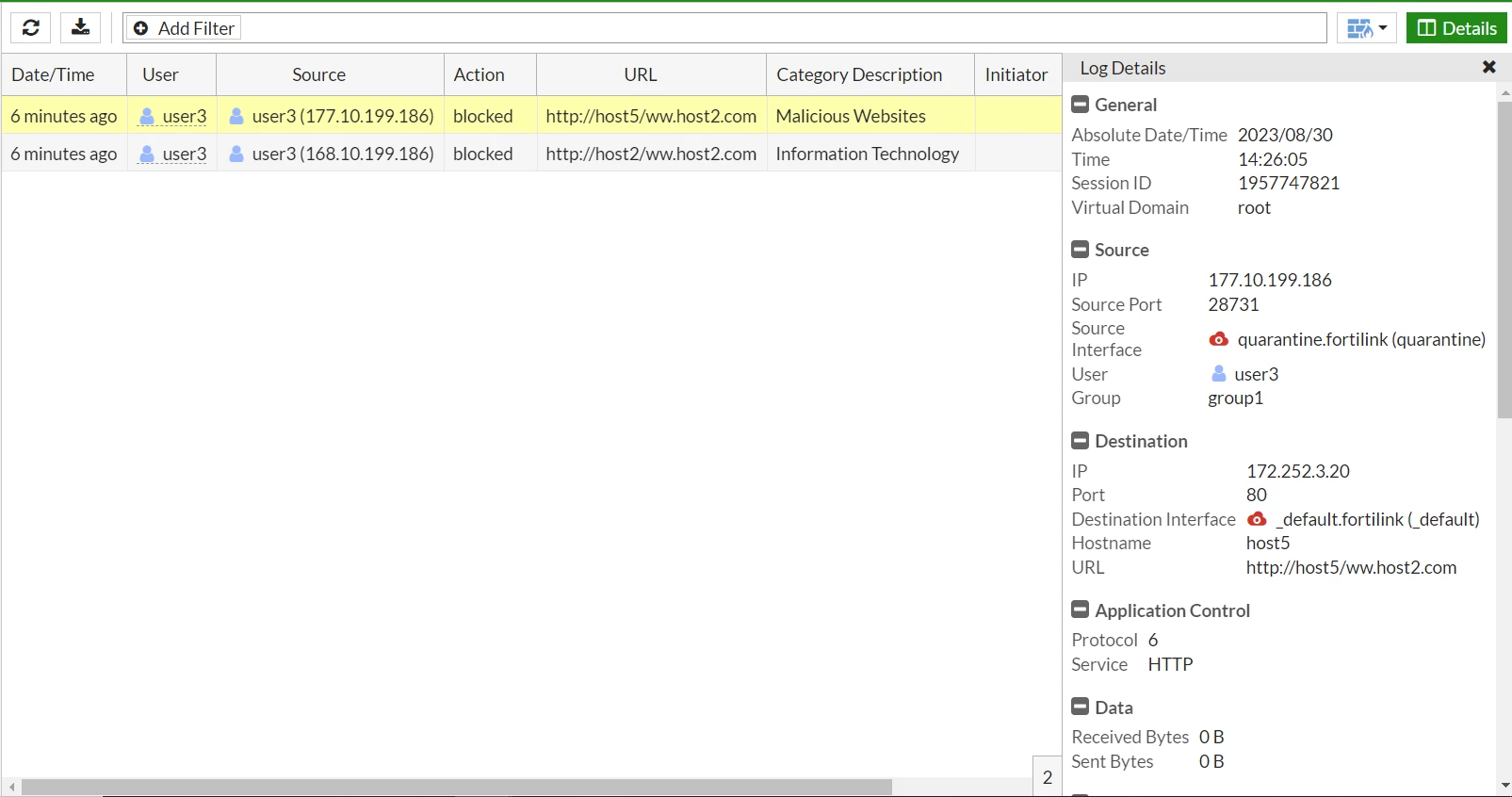
Web Filter Events:
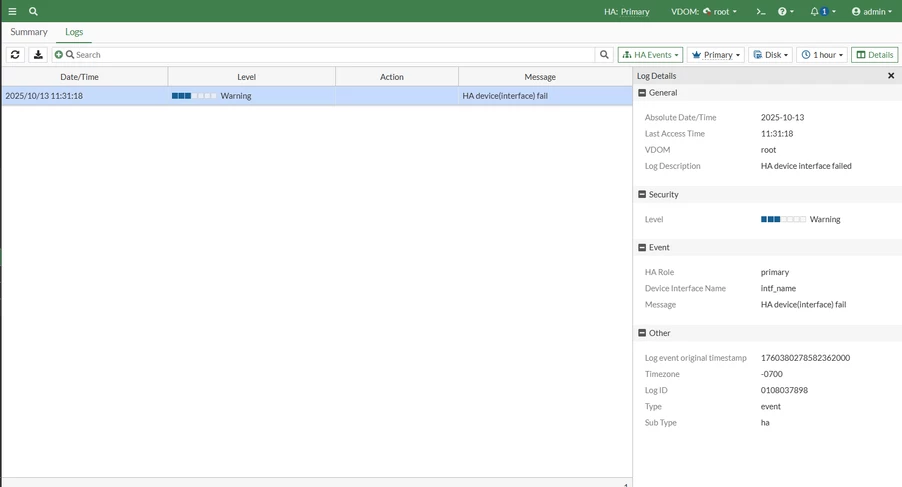
HA Events:
The test log entries usually generated from the below source addresses:
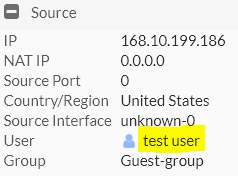
Also, some of the test logs will be generated from 'test user' as the source, even if there is no user-configured like this in the FortiGate.
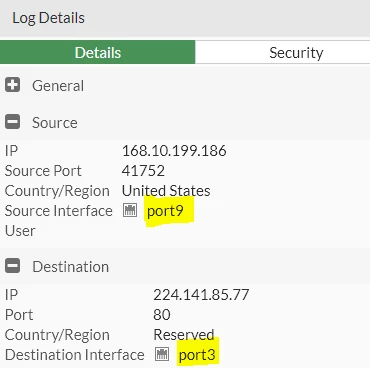
The logs' details sometimes can show traffic passing from interfaces that are disabled.
These test logs also tend to display traffic hitting implicit deny or a policy ID that is not ideally configured in the FortiGate.

The above test logs are only triggered when using the command 'diagnose log test' in the CLI and do not indicate any kind of attack or illegitimate traffic traversing the FortiGate. |