



Technical Tip: Load balancing Virtual server over IPsec
| Description | This article describes how to configure a virtual server when one or more real servers are at the remote site of an IPsec tunnel. |
| Scope | FortiGate. |
| Solution | The general virtual server configuration for load balancing can be found in: Technical Tip: Configure a virtual server.
But if one or more of the real servers are located at a remote location connected through an IPsec tunnel, it is necessary to specify a source IP address in the health check configuration so it can be allowed in the tunnel.
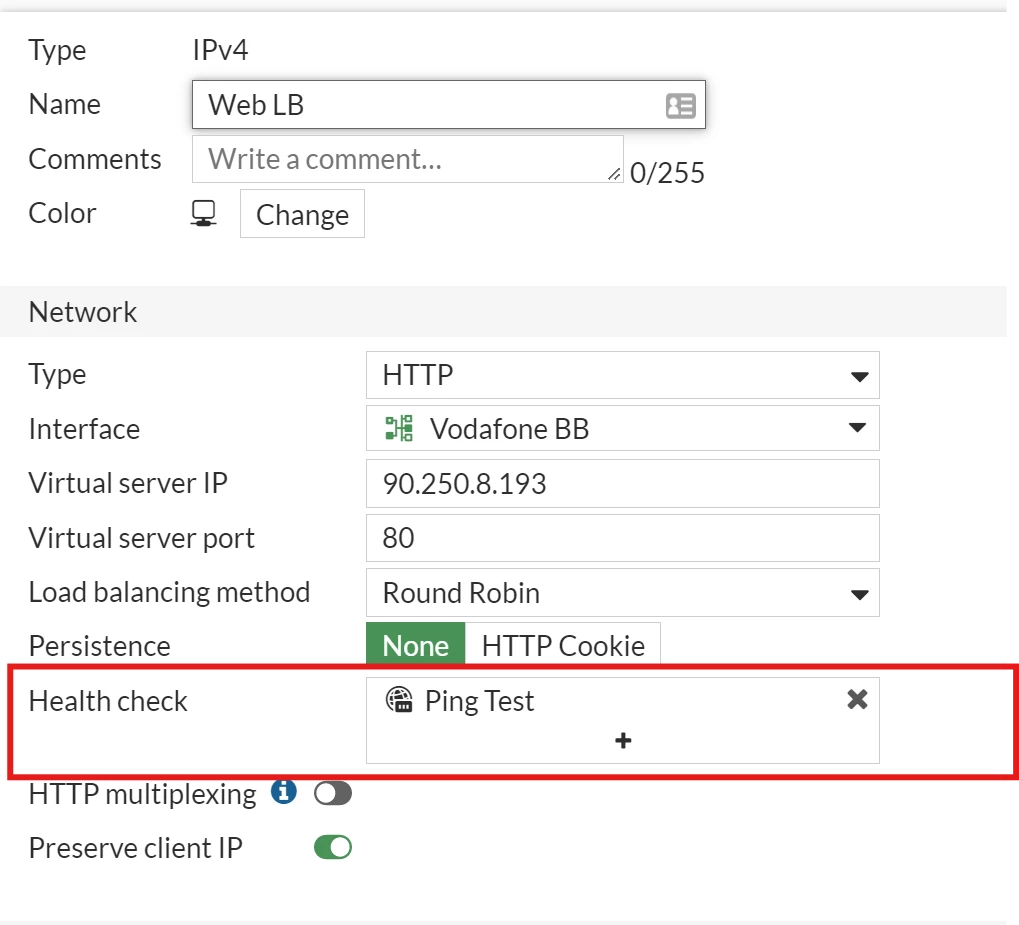
This configuration is only available through the CLI:
config firewall ldb-monitor edit "Test" set type ping set interval 10 set timeout 2 set retry 3 set port 0 set src-ip 0.0.0.0 <- Use this command to specify the IP address of the local interface configured in the IPsec phase2 SA. next end |