Technical Tip: Blocking Dropbox using an application signature
| Description | This article describes how to block Dropbox using an application signature. |
| Scope | FortiGate. |
| Solution | Verify that the application control database has been updated. By viewing the link below, it is possible to view the version:
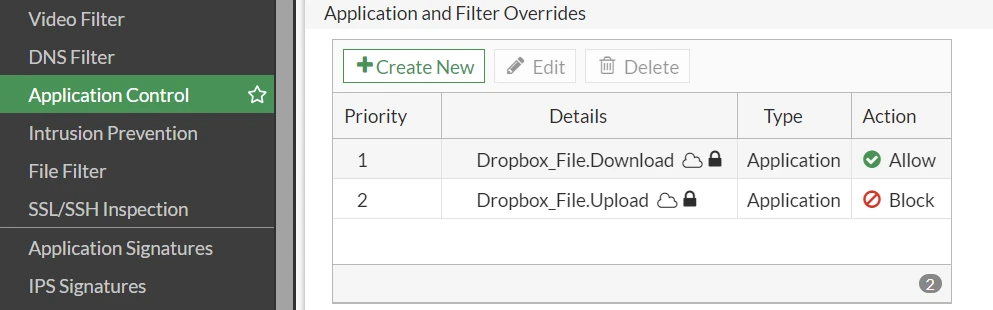
Navigate to Application Control in the security profiles section after the database has been updated. Create a new application and filter override:
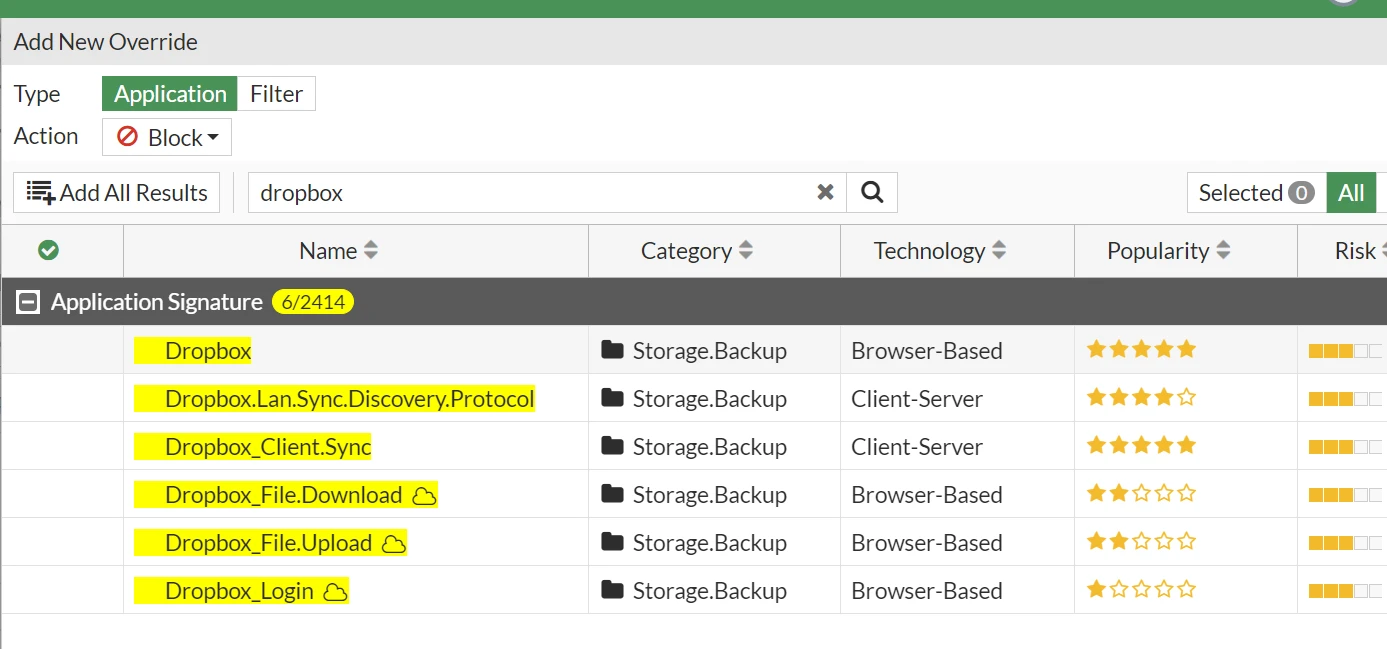
Search for Dropbox signature.
Select the signature and then choose the required action.
Over here we will be allowing downloads and blocking uploads. To inspect the traffic we will have to use deep packet inspection in the firewall policy.
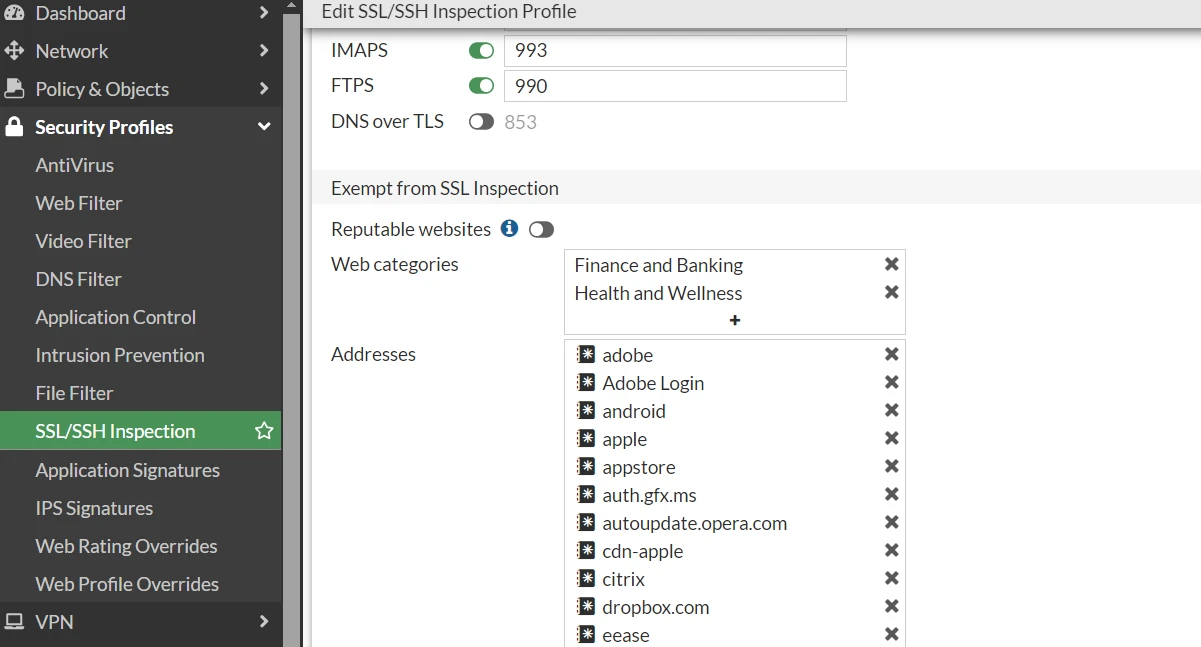
Remove the Dropbox exemption from the SSL/SSH Inspection.
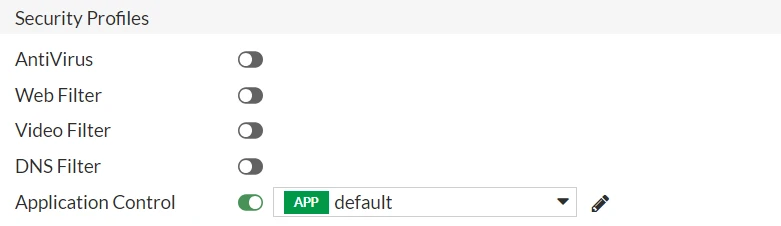
Apply the application control on the firewall policy after completing the aforementioned steps.
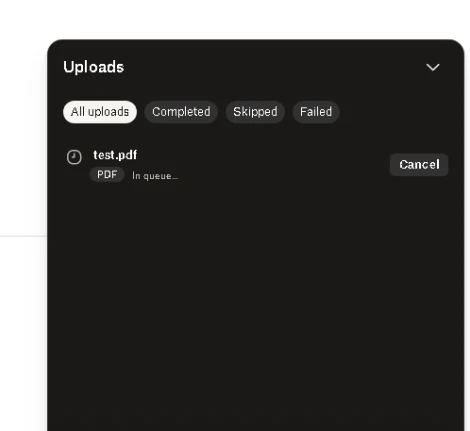
From the below result we can see that the file upload status is 'In queue':
|