


Technical Tip: Active authentication firewall policy fall-through changes
Description
This article describes how users can now define and force the authentication to always take place if necessary.
On FortiOS firmware v5.2 onwards, there is an added feature of implicit fall-through, where if there are firewall policies at the bottom without authentication, the user will always match the bottom policies even if there are active authentication policies at the top.
Scope
FortiGate
Solution
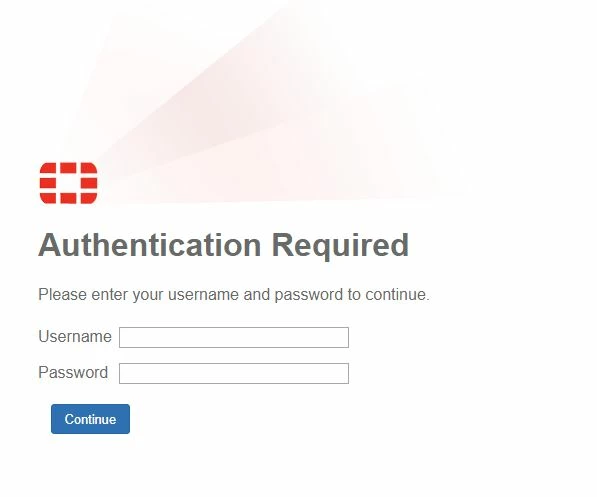
Implicitly (default) - Implicitly trigger firewall authentication on demand.
Example:
With auth-on-demand set to always, it will always match policy ID 1 and prompt for authentication.
This feature can be set on a per-VDOM basis.
Note:
Setting auth-on-demand to 'always' will cause problems with passive authentication on FortiOS(RSSO, FSSO). In this scenario, the FortiGate will not allow authentication to fall through to different passive authentication policies.
To check whether or not auth-on-demand is responsible for FSSO authentication failing, the following diagnostics can be run on the CLI:
diagnose debug flow filter clear
diagnose debug flow filter addr <client-ip-address>
diagnose debug flow show ip enable
diagnose debug flow show function enable
diagnose debug console time enable
diagnose debug enable
diagnose debug flow
Test with any traffic flow that would match an FSSO policy from the <client-ip-address> device, and check if the following debug message is seen:
id=65308 trace_id=13286 func=__iprope_user_identity_check line=1894 msg="ret-stop"
If a line containing both 'func=__iprope_user_identity_check' and 'msg="ret-stop"' is visible, then auth-on-demand is preventing passive authentication from functioning as expected. To allow FSSO traffic to function as expected, set 'auth-on-demand' to 'implicitly'.
In the case that the user group over the policy is referred to trigger a 2FA (By SAML or captive portal), this remediation is necessary because if not, the 2FA and/or captive portal will never be shown to the user at the moment that hits the policy.

Related articles:
Technical Tip: Implicit fall-through feature for user authentication policies in 5.2


