


Missing FSSO groups
Description | How to troubleshoot missing FSSO groups on FortiGate. |
Scope | FortiGate and FSSO. |
Solution | From the Domain Controller, the user group is created but is not reflected on FortiGate accordingly. 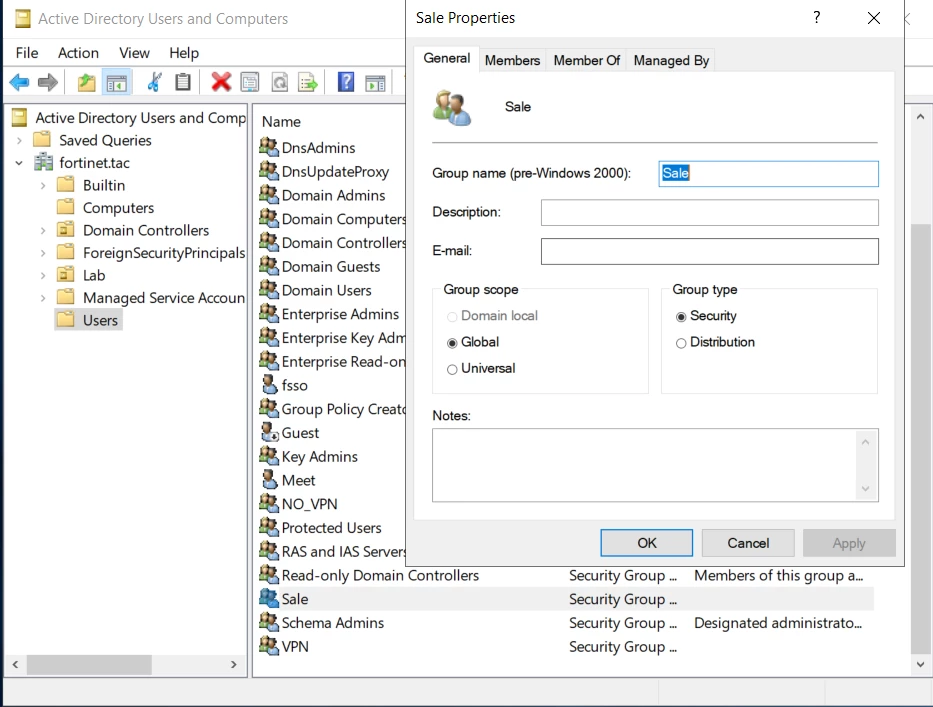
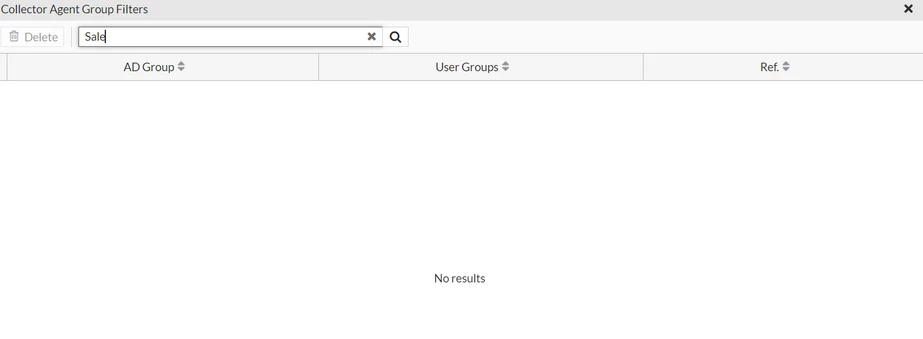
Check the FSSO log; the base DNS search is set to a specific OU. Since the group does not belong to that specific OU, the group is not reflected on FortiGate. 
Change the base DN to the whole domain in 'Set Directory Access Information' and refresh the connector on FortiGate. 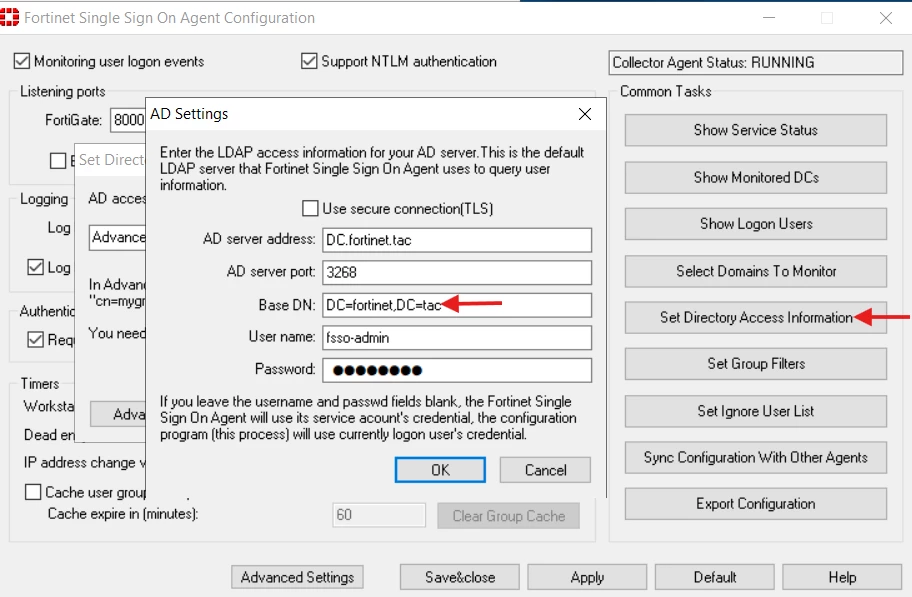
Verify that the group is reflected on FortiGate.  Note: If group filtering is configured on the Collector Agent (CA) and the group filters have outdated OU values, the corresponding FSSO groups will not be displayed on the FortiGate. This situation can occur if the Organizational Unit (OU) changes after the group filters have been configured. For example: Existing OU: After the OU has changed to However, the group filter pushed to the FortiGate by the CA still references the old OU. As a result, the correct group will not be available on the FortiGate in Related article: |
