


2-Factor Auth Using Email on FortiGate
Putting together a presentation I am giving to some customers and decided I wanted to put together an article with a topic that is rarely discussed. The FortiGate firewall can do two-factor authentication via email, and the beauty is it is included. No additional license is required. It is a very simple set up. The downside to this method is similar to the SMS type OTP, if you do not have good signal, you may not get the email. Let's get started.
Configuring Email Server
You can either use the Fortinet email server that comes configured or you can add your own.
config system email-server set server "notification.fortinet.net" set port 465 set security smtps end
You can also see this in the GUI
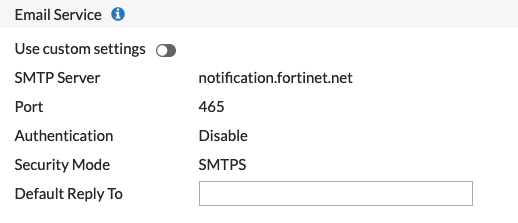
These settings are under System then Settings
Creating the User
This user will need to be created on the CLI
config user local edit "epass" set type password set two-factor email set email-to "manny@infosecmonkey.org" set passwd SuperSecretPassword next end
In my example, the username is epass and the type is password . The other options for type are:
LAB-FW-01 (epass) # set type password Password authentication. radius RADIUS server authentication. tacacs+ TACACS+ server authentication. ldap LDAP server authentication.
The two-factor type is email these are the other options
LAB-FW-01 (epass) # set two-factor disable disable fortitoken FortiToken email Email authentication code. sms SMS authentication code. fortitoken-cloud FortiToken Cloud Service.
The email is the email address that will receive the OTP. And finally, we have the password the user will need to enter before the email gets set to them.
I used my iPhone for the test but it will work with FortiClient for desktops as well.
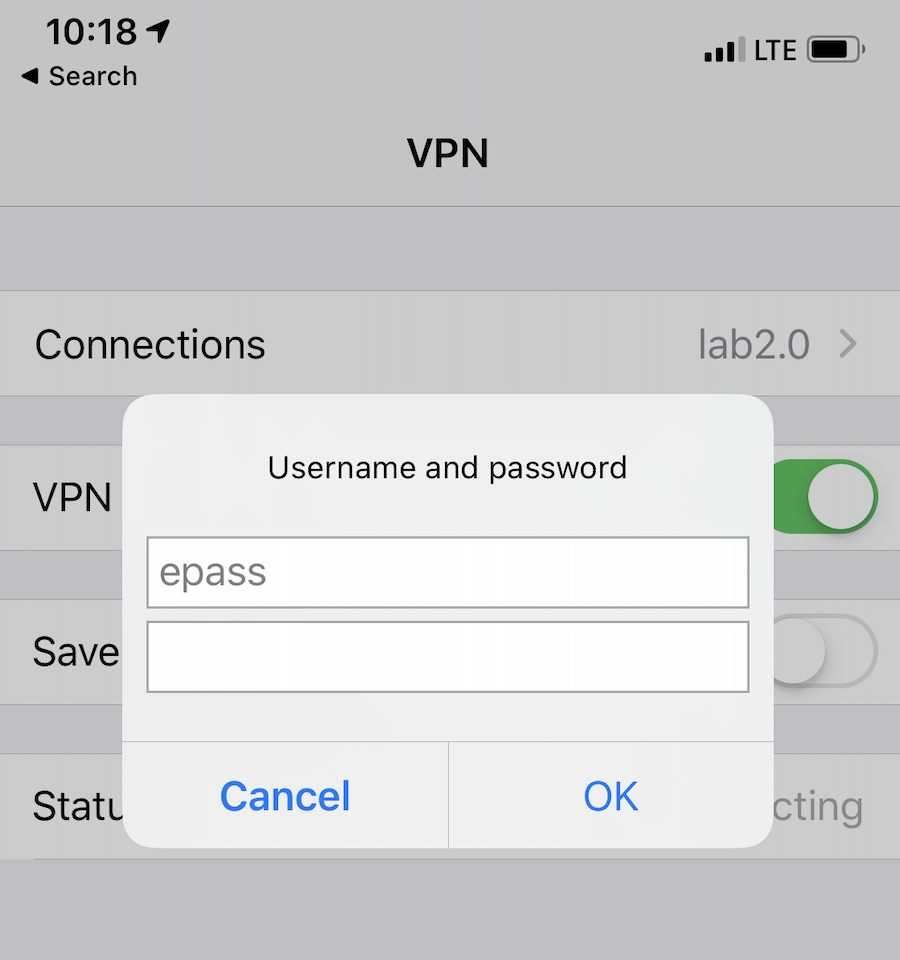
Here I enter my username and password and hit OK
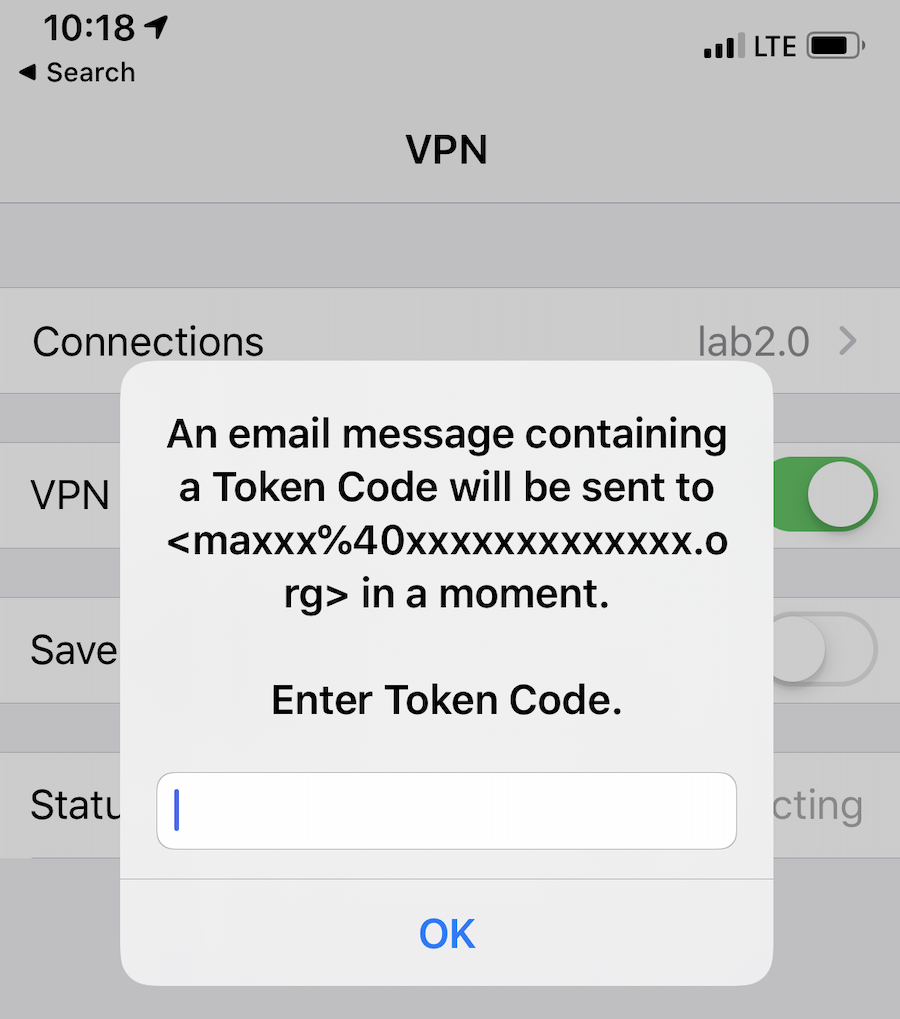
I can look at my email now and get the One Time Password or OTP
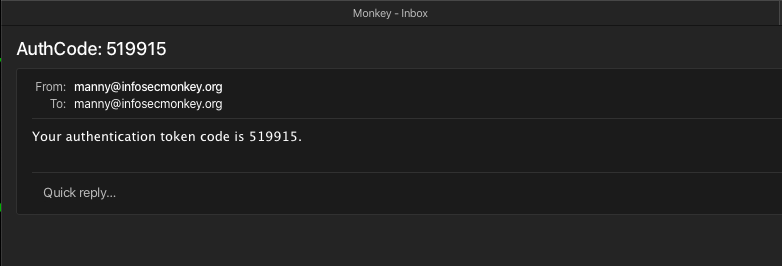
Here we can see the OTP is 519915
Hope this helps.


