


Technical Note: How to check the system ID on Infrastructure Controllers
Description
Solution
The system ID is a mandatory parameter which is required to generate license files for the device. This article explains how to check the system ID from the CLI and GUI.
Solution
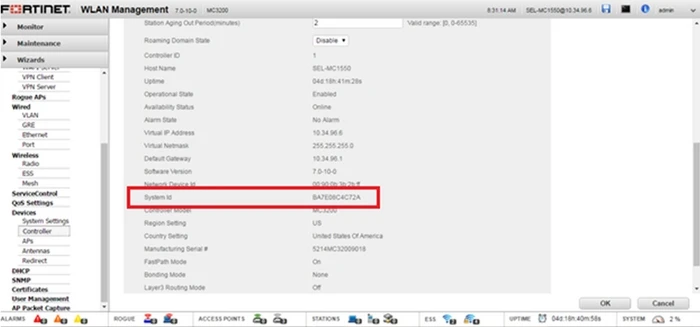
From Web access (GUI)
Login to the GUI and go to > Configuration > Devices > Controller.
From CLI
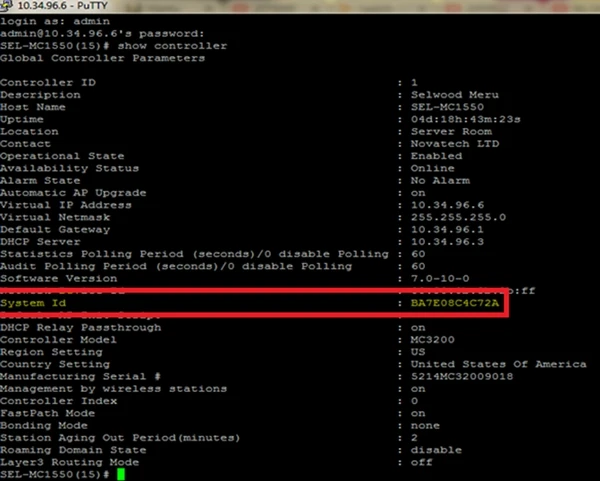
Use putty, tera term application to login to CLI. Execute the following command:
Login to the GUI and go to > Configuration > Devices > Controller.
From CLI
Use putty, tera term application to login to CLI. Execute the following command:
SEL-MC1550(15)# show controller
