Troubleshooting Tip: FortiManager database checking tools
Description
This article describes how to verify and correct certain database integrity errors.
CLI commands that can be used:
diagnose pm2 check-integrity all
diagnose dvm check-integrity
diagnose cdb check objcfg-integrity
diagnose cdb check policy-assignment
diagnose cdb check policy-packages root
diagnose dvm check-integrity
diagnose cdb check objcfg-integrity
diagnose cdb check policy-assignment
diagnose cdb check policy-packages root
diagnose cdb check adom-integrity
diagnose cdb upgrade check +all
Not all integrity problems can be detected and corrected by these commands.
If a database correction is attempted, it is recommended to run the command a second time in order to confirm that the changes were correctly done.
Scope
FortiManager.
Solution
The FortiManager database can also be checked using the SQLite Studio application from sqlitestudio.pl. Here is the procedure to use it:
- Rename the FortiManager Backup with a .tgz extension and unarchive to disk. Locate the /var/pm2/global.db files.
- Open these files with the SQLite Studio application.
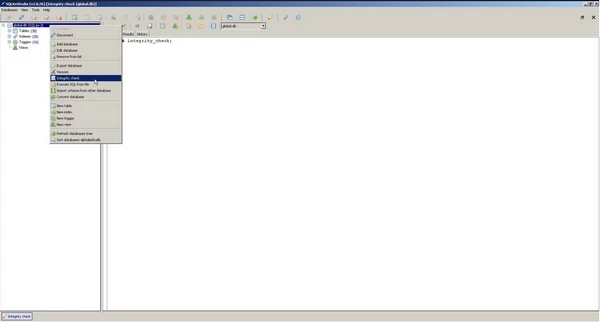
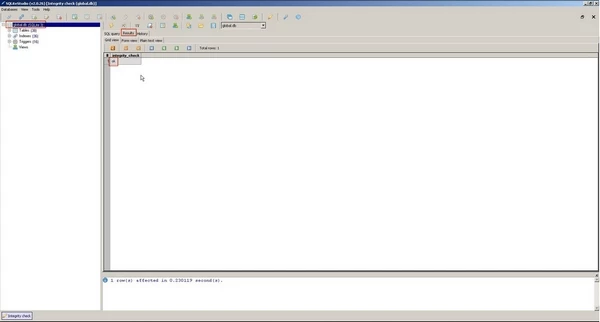
- Perform an Integrity check as per the following screenshots. The results should indicate 'ok' if the FortiManager database is in a good state.