Troubleshooting Tip: FortiClient EMS Log Rotation Issue
| Description | This article describes an issue where FortiClient EMS logs do not rotate as configured. |
| Scope | FortiClient EMS. |
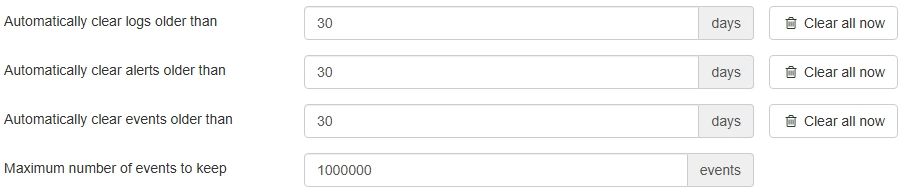
| Solution | In FortiClient EMS versions before v7.2.5, there is a known issue where logs do not rotate according to the values set in System Settings -> Log Settings. As a result, old logs may continue to accumulate without being properly archived or deleted.
For v7.2.x, the status of the logs can be verified by checking the following directories. If this issue applies, there may be initial logs remaining from when EMS was first installed.
This behavior may be associated with Bug ID 956383, and it has been resolved in v7.2.5 and v7.4.0. If the logs are consuming excessive disk space, it is possible to address the issue by manually deleting the log files in the relevant directory. If an upgrade is possible, proceed with the upgrade to confirm whether the issue has been resolved. |