amatos
Staff & Editor
Staff & Editor
April 24, 2025

Troubleshooting Tip: Error while installing FortiClient version 7.4.3 in Windows ARM

  • April 24, 2025
  • 1 reply
  • 4156 views
Description

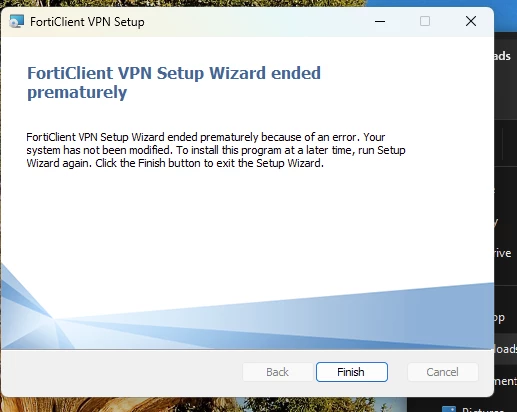
This article describes an issue while trying to install the FortiClient version 7.4.3 on a Windows ARM. If the user uses an .exe file, it may present a message similar to the following, stating that the Setup Wizard ended prematurely because of an error.


Forticlient .png

Scope FortiClient.
Solution

This issue has already been addressed by the developers, and the fix should come in a newer FortiClient release. As a workaround, users can use the .msi installer instead of the .exe, which fixes the issue.


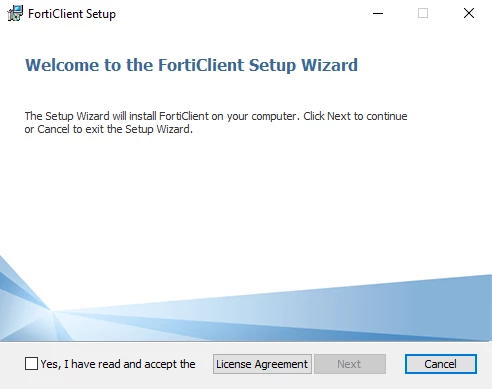
  1. Execute the .msi installer until the wizard opens, but do not proceed with the installation:


forticlient_wizard.png


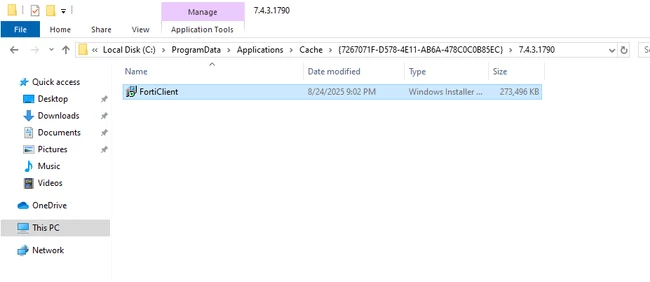
  1. Navigate to C:\ProgramData\Applications\Cache\<GUID of fclient ver>\7.X.X.XXXX.
    Note: If there is already an existing folder of the FortiClient GUID, delete that entire folder, restart the PC, and start from Step 1 again.


forticlient_msi_directory_example.png


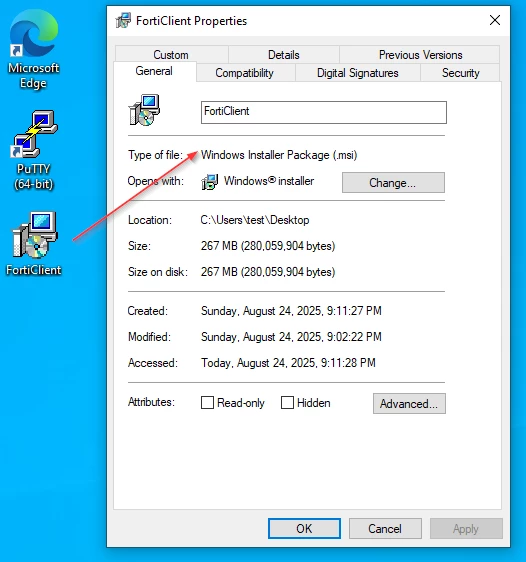
  1. Copy the .msi file to a known directory.


forticlient_msi_file.png


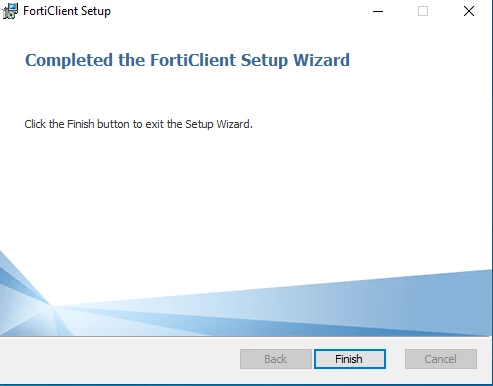
  1. Install the .msi file located in the directory where it was copied and follow the installation steps until it is finished.


forticlient_finished.png

    1 reply

    New Member
    July 1, 2026

    Same error

    Thought Leadership Security Summit. Outpace New Threats with AI - enhanced defense. Tuesday, Septmeber 15, 8:30 AM - 2:30 PM PT. The Golf Club at Newcastle, WA.
    Virtual event | September 2026. SASE summit. The age of autonomous trust. Register here!