



Technical Tip: WVSD process
Description
This article describes the function of the WVSD process.
Related document:
Vulnerability scans
Scope
FortiWeb.
Solution
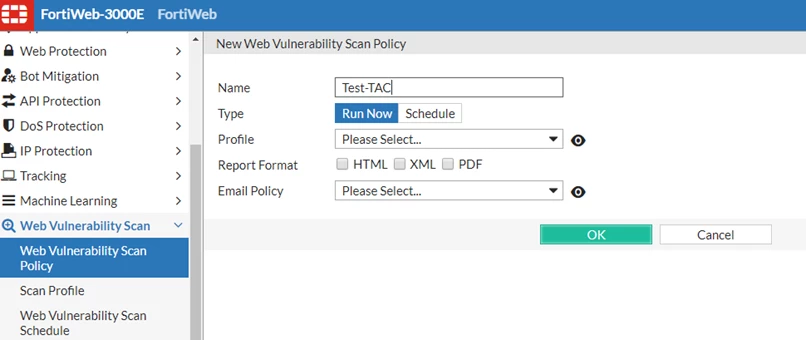
This process is triggered if the 'Web-vulnerability' scan is going on.
It is recommended that this scan is turned off during production hours.
Here is the CLI output if this process is running:
diagnose system top
Mem: 2719192K used, 1327840K free, 133384K shrd, 394860K buff, 442972K cached
CPU: 10.0% usr 90.0% sys 0.0% nic 0.0% idle 0.0% io 0.0% irq 0.0% sirq
Load average: 1.98 1.79 1.76 2/227 23477
PID PPID USER STAT VSZ %VSZ CPU %CPU COMMAND
2338 1 root S 585m 14.7 0 80.0 /bin/wvsd <---
Here is a screenshot (center).
If this process is consuming the CPU and stopping it does not reduce the CPU, it needs to be killed manually.
Below are the steps from CLI to kill this process:
Below are the steps from CLI to kill this process:
- Get the process-id of WVSD from 'diag sys top command'.
- Kill the process from the CLI.
diag sys kill 11 2338


