




Troubleshooting Tip: Resolving remote backup configuration save errors
Description | This article describes the steps to resolve issues when saving remote backup configurations. The user may encounter an error message when attempting to save the configuration. The error contains the message 'There was a problem with the request/data provided.' |
Scope | FortiNAC. |
Solution | When the user attempts to save the configuration, the following error is observed: 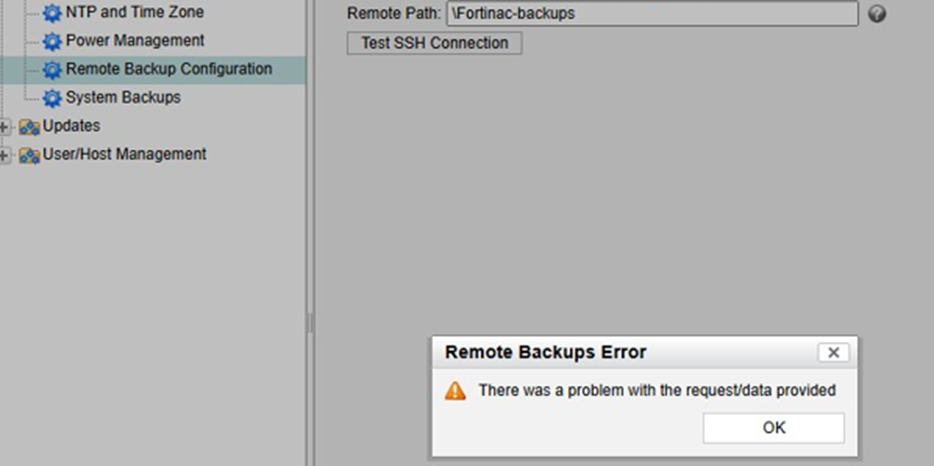
By following these steps, the error message should be resolved, allowing the remote backup configuration to be saved successfully.
|

