Technical Tip: How to delete FortiManager CLI scripts using CLI
| Description | This article describes how to delete FortiManager CLI scripts using the CLI. In some versions of FortiManagers, users can delete CLI templates. In some cases, FortiManager returns an error, or the user may receive the message 'deleted successfully' while the script is still present; this typically occurs due to bugs. |
| Scope | FortiManager. |
| Solution | Use the FortiManager CLI to delete the template.
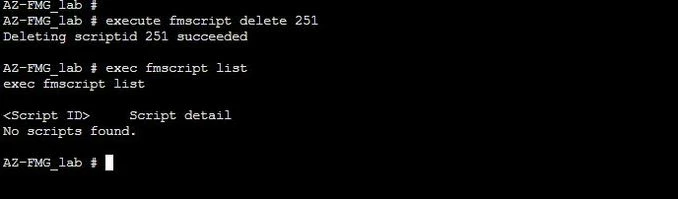
Step 1: Run the command first to get a list of all CLI scripts:
execute fmscript list
Step 2: Use the script ID from the above command to delete the script
execute fmscript delete <script ID>
Related articles: Technical Tip: CLI Script behavior to run in FortiManager Technical Tip: FortiManager failed to execute script in the Device Database Technical Tip: How to do bulk retrieve config in FortiManager using a script |