- Get the existing Template Group(s):
{
"method": "get",
"params": [
{
"url": "pm/tmplgrp/adom/ADOM_NAME"
}
],
"session": "{{session}}",
"id": 1
} Sample output: 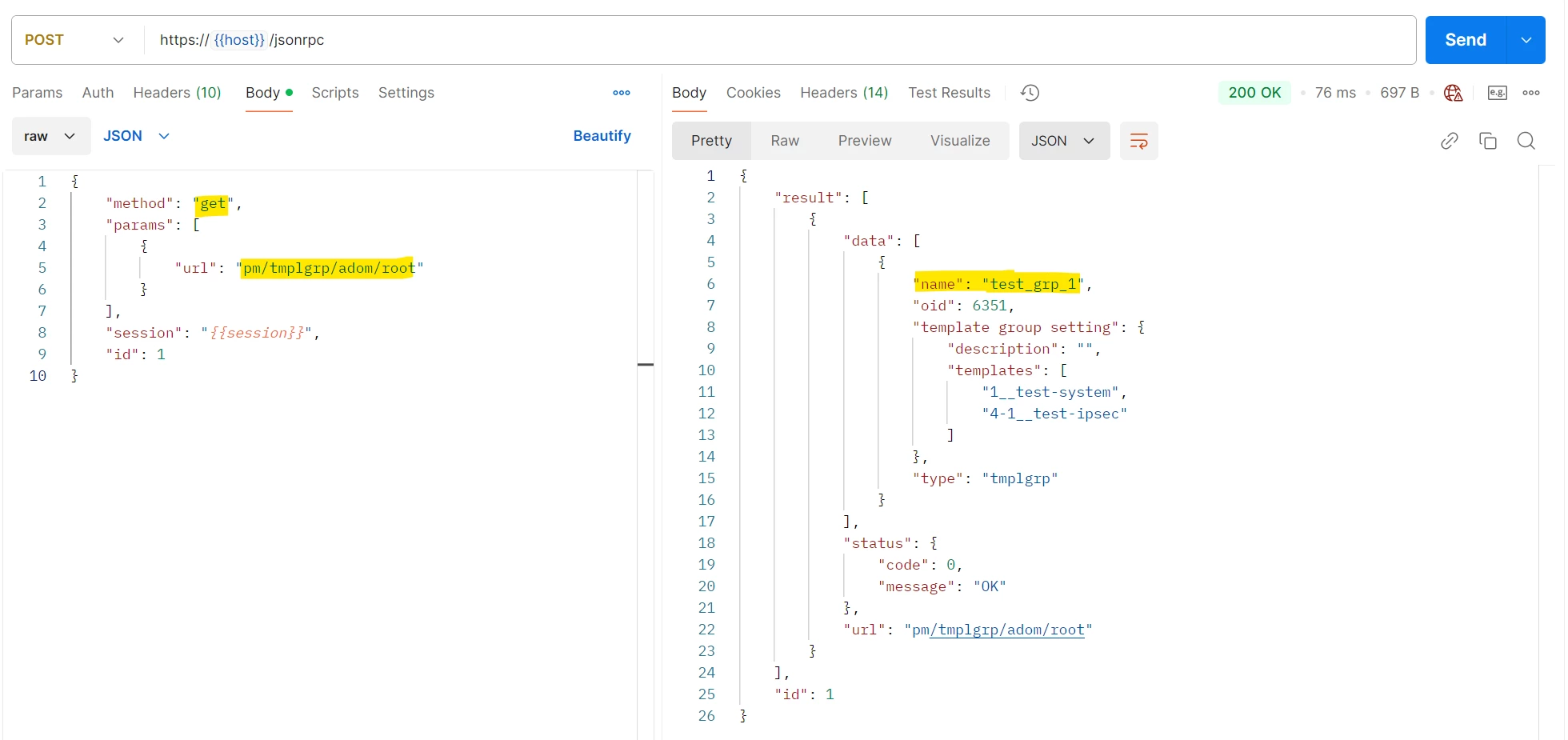
- Create a new Template Group:
{
"id": "1",
"method": "add",
"params": [
{
"url": "pm/tmplgrp/adom/ADOM_NAME",
"data": [
{
"name": "TEMPLATE_NAME",
"type": "tmplgrp",
"scope member": [],
"template group setting": {
"description": "Test template group",
"cliprofs": [
"test_cli_grp"
],
"fspprofs": [
"test-fsw"
],
"fxtprofs": [
"test-fex"
],
"wtpprofs": [
"test-ap"
],
"templates": [
"1__test-system",
"3__test--tw",
"4-1__test-ipsec",
"4-1240__test-bgp",
"4-2__test-static-route",
"5__test_sdwan"
]
}
}
]
}
],
"session": "{{session}}"
}
Sample output:
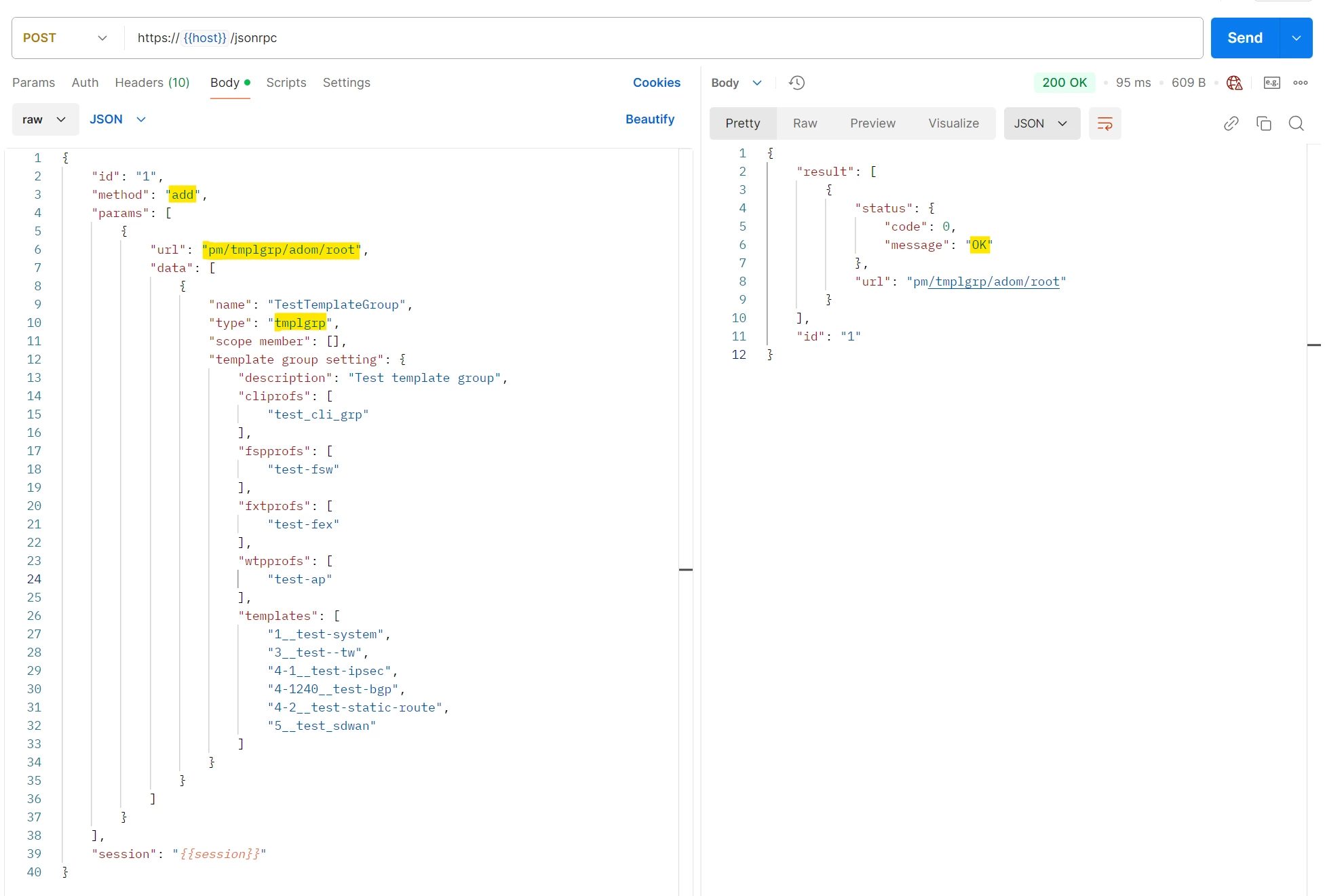
Note: 'cliprofs': CLI Templates.
'wtpprofs': FortiAP Templates.
'fspprofs': FortiSwitch Templates.
'fxtprofs': FortiExtender Templates.
'templates': This includes the rest of the templates. Codes for the templates are below: 1__ = System template.
3__ = Threat Weight Template.
4-1__ = IPSec Template.
4-1240__ = BGP Template.
4-2__ = Static Route Template.
5__ = SD-WAN Template. - To assign the Template Group to a device (or a device group), the initial 'add' request can be modified to add a scope member or create a new 'update' request:
{
"id": "1",
"method": "update",
"params": [
{
"url": "pm/tmplgrp/adom/ADOM_NAME",
"data": [
{
"name": "TestTemplateGroup",
"type": "tmplgrp",
"scope member": [
{
"name": "DeviceGroup"
},
{
"name": "FortiGate-60F",
"vdom": "root"
}
]
}
]
}
],
"session": "{{session}}"
}
Sample output:
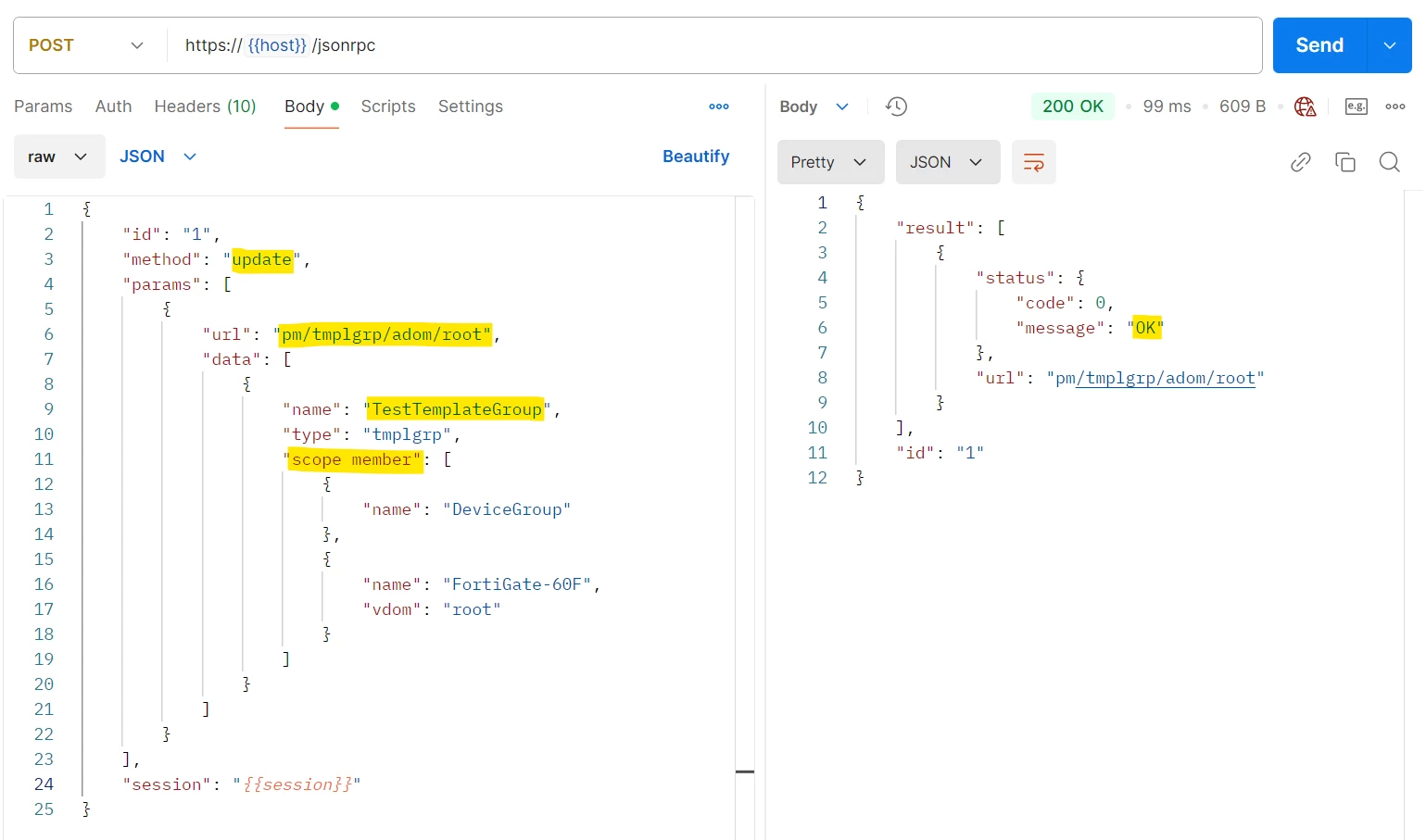
Note: Specify the device group 'name' to assign to a device group. For individual devices, specify the 'Name' and the 'vdom'. Troubleshooting: The following commands can be used on the FortiManager CLI to debug the API Calls: diagnose debug service rpc-auth 255 diagnose debug service main 255 Related documents: Technical Tip: Using FortiManager API Fortinet Development Network (FNDN) - FortiManager Technical Tip: How to create IPSec Template and assign to a device using JSON API Technical Tip: How to create SD-WAN Template and assign to a device using JSON API Technical Tip: Managing the JSON API call with Postman and how to delete, create and update an ADOM... |