Technical Tip: Cannot communicate with remote unit error when configuration was done from CLI
| Description | This article describes how to correctly configure FortiGate to be managed by FortiManager from CLI.
By configuring FortiManager IP in central-management section FortiGate doesn't send a registration request by default resulting in a situation below:
- On FortiGate:
# config system central-management
- On FortiManager:
# diag dvm device list
TYPE OID SN HA IP NAME ADOM IPS FIRMWARE
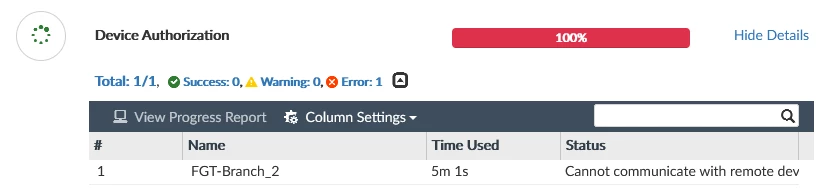
The current status of FortiGate is unregistered. However if administrator tries to authorize it from FortiManager GUI the following error will be shown:
|
| Scope | |
| Solution | In addition to FortiManager IP configuration of FortiGate it is also necessary to send an authorization request using the following command:
# exec central-mgmt register-device<fmg-serial-no> <fmg-register-password>
It will show the output as below:
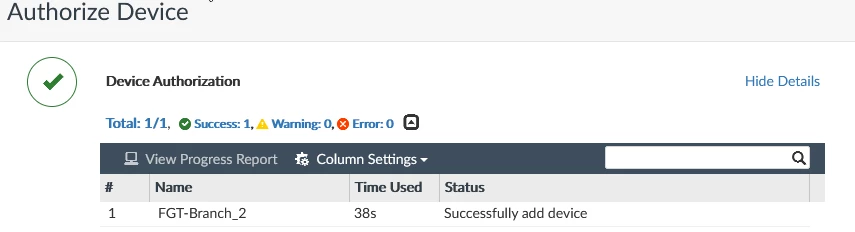
After that FortiGate can be correctly authorized on FortiManager.
 |