
Technical Tip: System Quarantine emails missing
| Description | This article describes how to find old System Quarantine emails. |
| Scope | FortiMail: All firmware versions. |
| Solution | When it is impossible to find the system Quarantine mail older than 7 days:
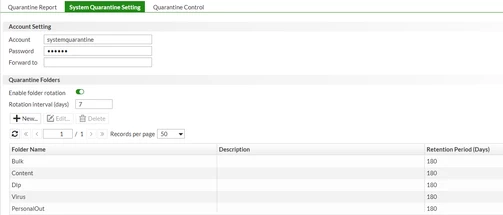
As shown in the screenshot below, every 7 days System Quarantine folder will rotate and will create a new folder on every 7th day.
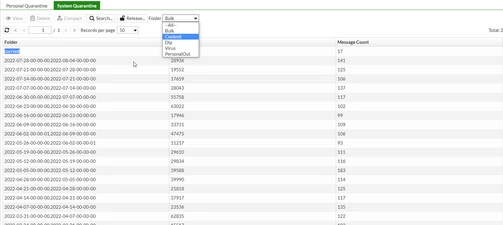
Go to Monitor -> Quarantine -> System Quarantine. To find older mail and folders, select 'Folder' and then select the folder that the user is looking for. The list of quarantined folders date-wise is reflected now as expected.
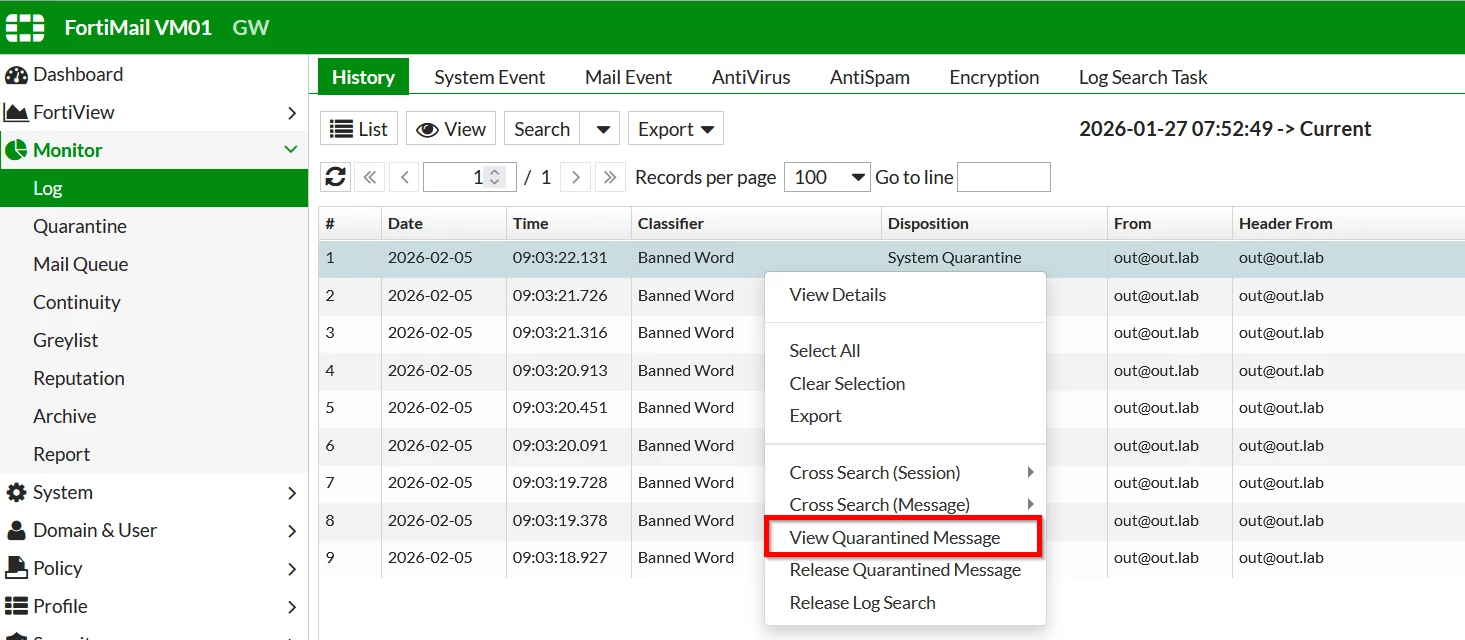
Note: To see a quarantined message, simply 'right-click' the entry in the History Log and choose View Quarantined message.
|