


Technical Tip: How to enable FortiGate Cloud logging from the CLI
Description
This article describes how to enable FortiCloud logging on the FortiGate.
Scope
FortiCloud and FortiGate.
Solution
Enabling FortiCloud setting from CLI.
To enable FortiCloud logging, use any SSH/Telnet client (e.g., PuTTY) to access the FortiGate through the CLI, or use the 'Web Interface' by selecting the 'CLI Console' from the top right corner.
Once logged in, execute the following commands:
config log fortiguard setting
set status enable
end
Note: In case of an error while enabling FortiGuard logging, log in to FortiCloud via 'CLI Method' first, then reissue the above commands.
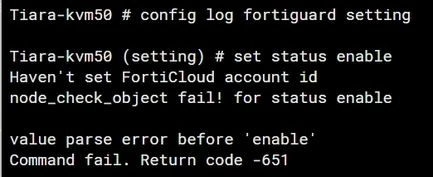
Activating the FortiCloud Account.
CLI Method:
execute fortiguard-log login <email> <password> <domain>
Note: The domain can be one of the following: US, Europe, or GLOBAL.
Example:
execute fortiguard-log login johndoe@fortinet.com password GLOBAL
Note: On branches v7.4 and v7.6 the command works without selecting a domain:
Example:
execute fortiguard-log login <account_id> <password>
GUI Method:
Locate the FortiGate cloud section under System -> Dashboard and select Activate to create a FortiGate Cloud account or log into the existing account.
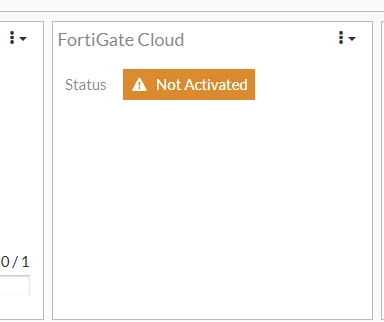
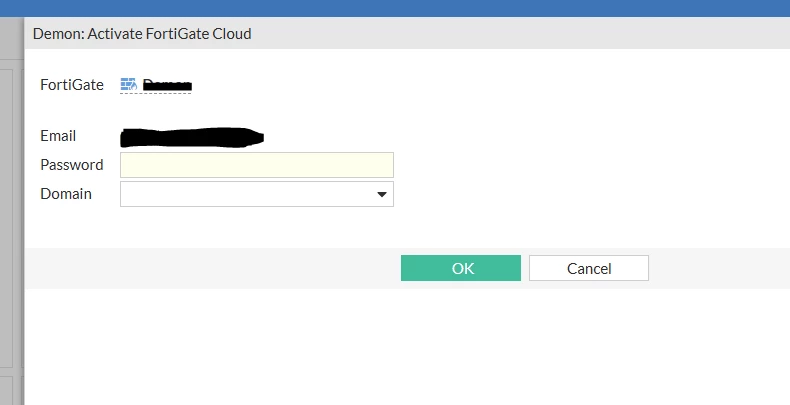
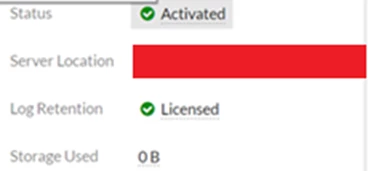
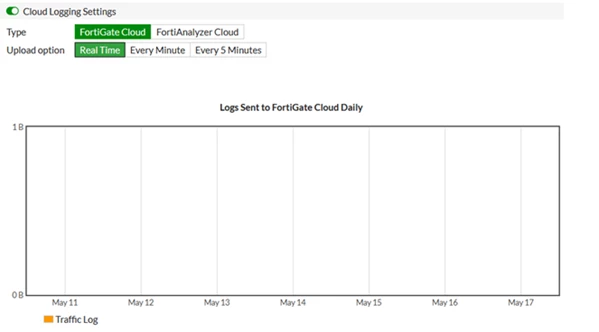
Go to Log & Report -> Log Settings -> Cloud Logging Settings.
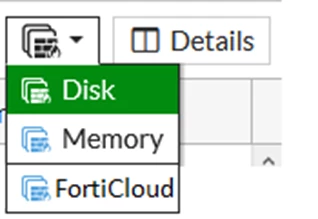
To display logs from FortiCloud on the FortiGate, navigate to: Dashboard -> Log & Report -> Events -> System Events -> FortiCloud. This displays logs directly from FortiCloud, especially when logs are not being saved to Disk or Memory.
Go to Policy & Objects -> IPv4, enable Log allowed traffic, and select the logging option (Security Events/All Sessions).

Note:
If all of the above settings are checked and the logs are still not received on the Cloud, make sure that FortiGate is running the latest firmware if using a Free Subscription with FortiGate Cloud.
Starting from February 28, 2025, a FortiGate without an active FortiGate Cloud subscription is required to upgrade to the latest firmware patch within 7 days of a new GA patch release, or FortiGate Cloud services will be paused for that device.
This will affect the cloud retention service, where logs will not be forwarded to FortiCloud until the device is updated to the latest firmware patch if using a Free FortiGate Cloud account. See Technical Tip: Security enforcement change for FortiGates provisioned to FortiGate Cloud without active subscriptions.
The log usage under 'Fabric Connectors' is shown as daily logs, as in the screenshot below:
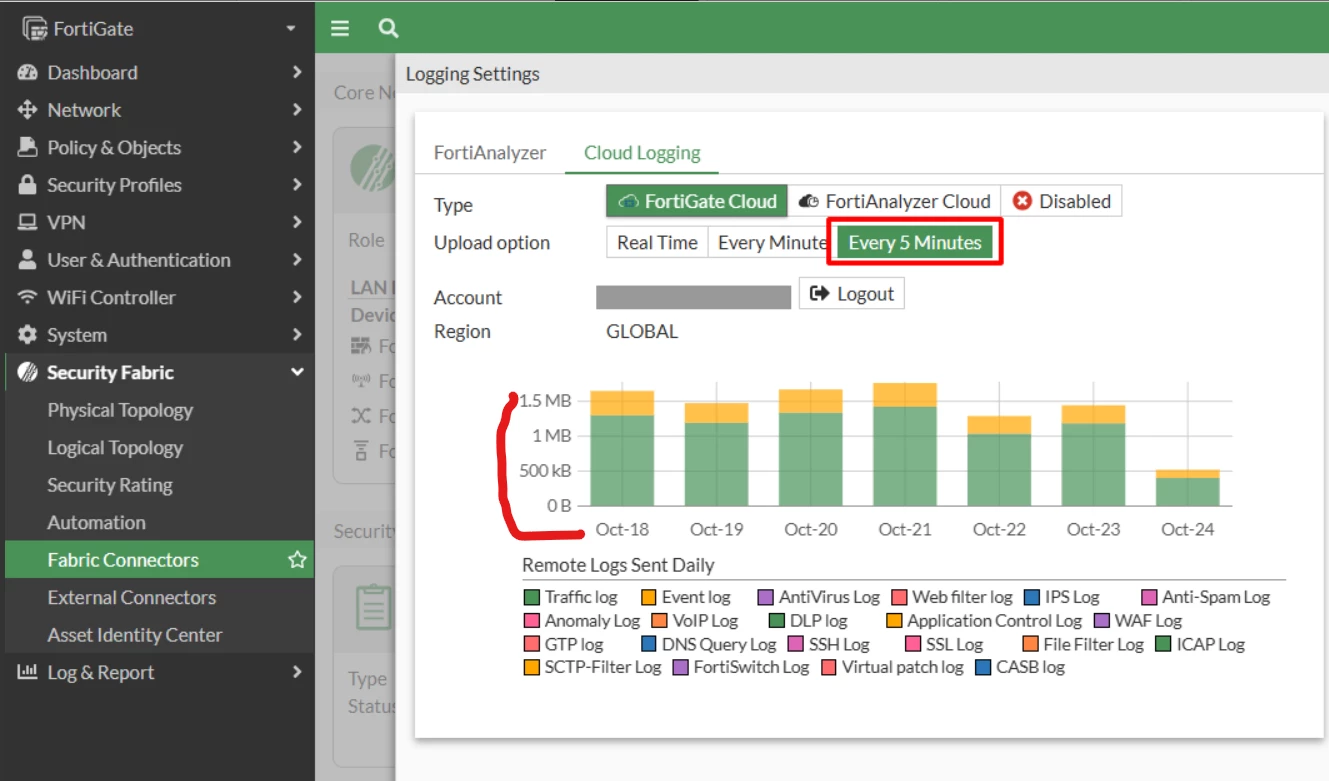
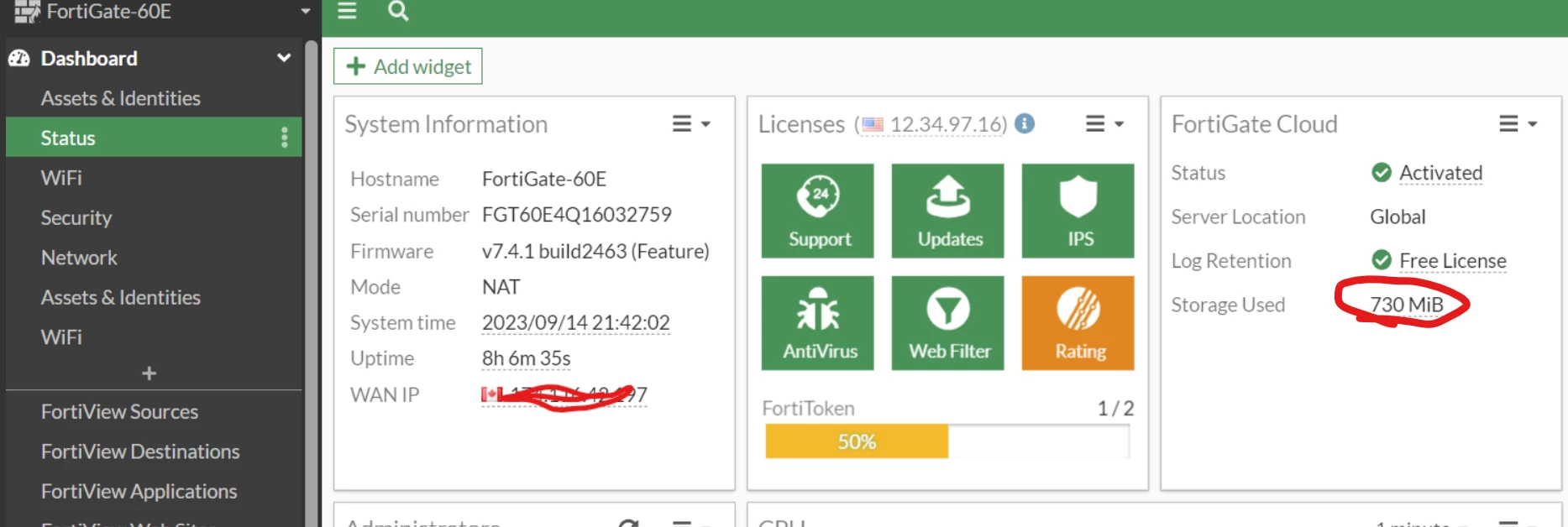
However, the log usage under 'dashboard' shows the total amount of usage since the FortiGate Cloud has been used (see the screenshot below); these two parts are not equivalent, as expected.
Related documents:

