


How to delete logs
Description
Steps to delete FortiGate logs that are stored on the FortiCloud portal.
Scope
FortiGate.
Solution
Log in to the FortiCloud portal and open FortiGate.
Select Settings.
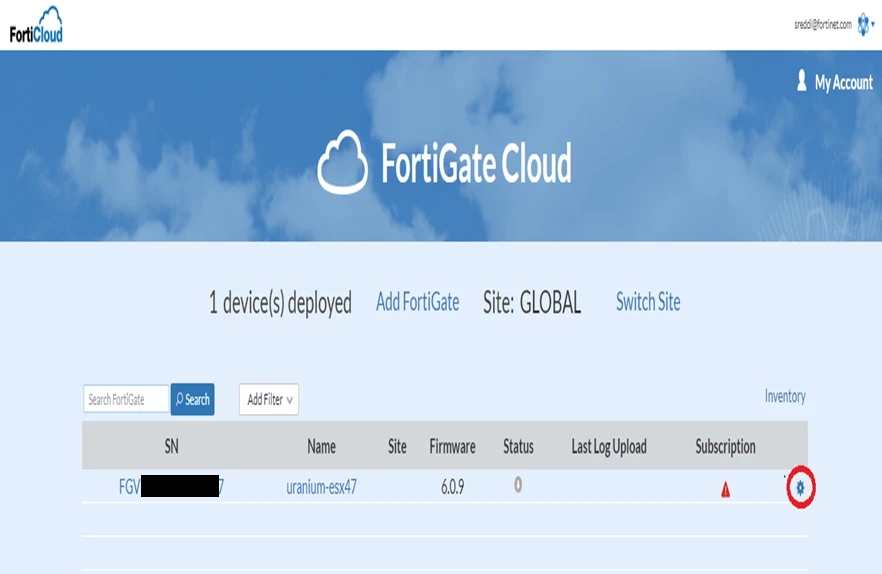
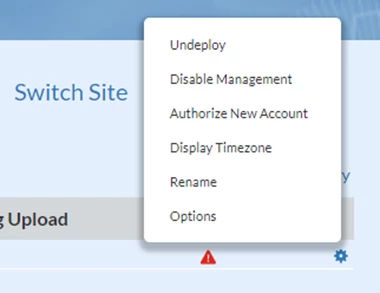
Select Options.
Under Options, note the "Delete Data before" form.
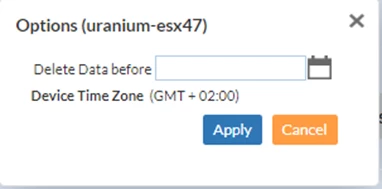
Select "Date and time" and select Apply.
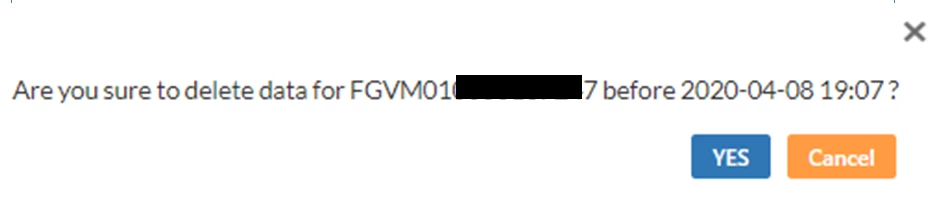
A warning page will appear. After acceptance, all of the older logs will be deleted.
Note: This method is not supported in the most recent versions of FortiManagement Cloud.
