
Troubleshooting Tip: Email Generated Reports button is grayed out
| Description | This article describes how to fix an issue in FortiGate where the Email Generated Reports button is grayed out. |
| Scope | FortiGate, FortiOS. |
| Solution |
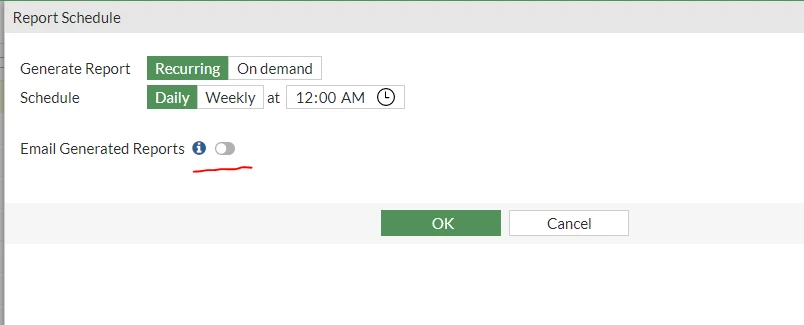
In new versions of FortiOS, the 'Email Generated Report' button might be greyed out under the Log & Report -> Reports section. For example, the following message may be seen even when the email service has already been configured in the GUI:
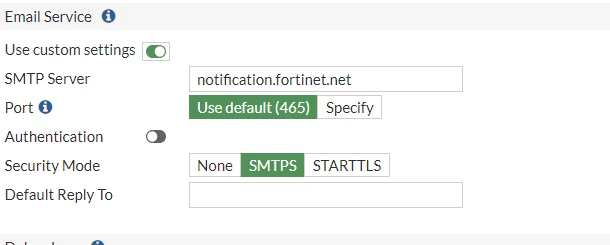
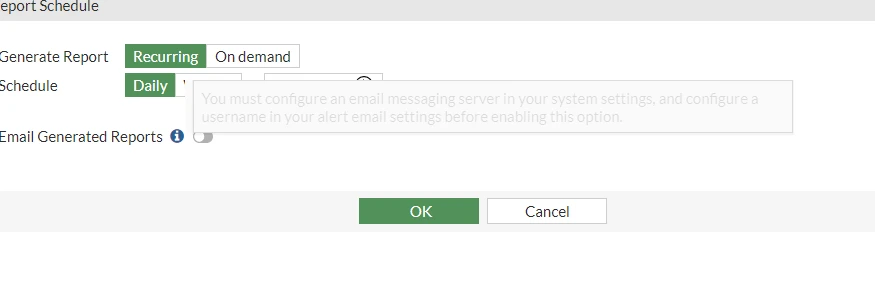
To configure a username in alert email settings, run the following commands in the CLI (Not available in the GUI).
config alertemail setting set username username@domain-name end
Change the username to the desired username in the email service, or an existing email in the mail server.
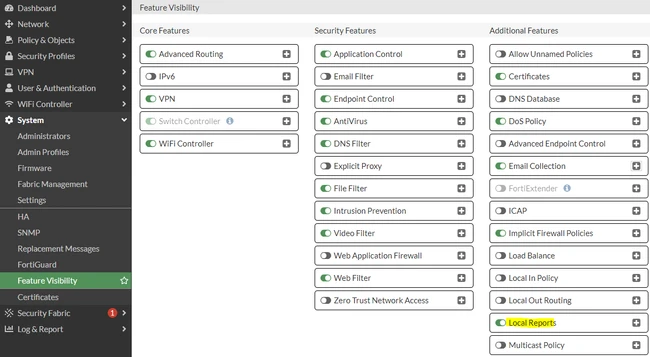
For FortiOS 7.2.3 and below, navigate to System -> Feature Visibility, enable 'Local Reports' and select Apply:
It can also be enabled from the CLI using the following commands:
config system setting set gui-local-reports enable end
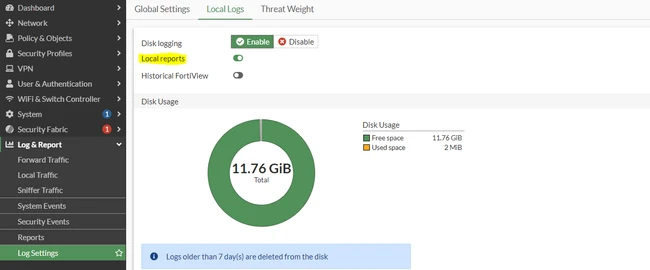
If disk logging is available, navigate to Log & Report -> Log Settings -> Local Logs and make sure 'Local reports' is enabled.
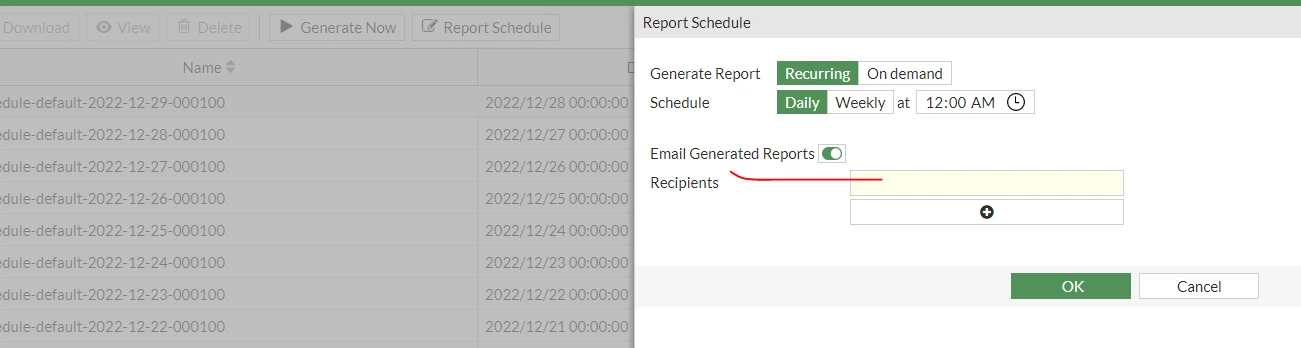
After this change, the previously disabled button becomes active:
Related articles: |