Troubleshooting Tip: Avoid errors when adding an interface to an SD-WAN
Description
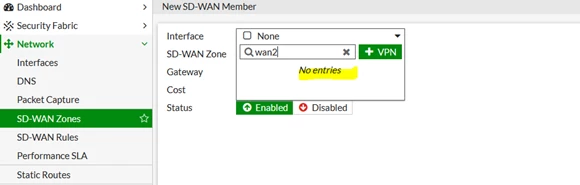
This article describes how to avoid common errors when adding an interface to an SD-WAN.
Scope
FortiGate.
Solution
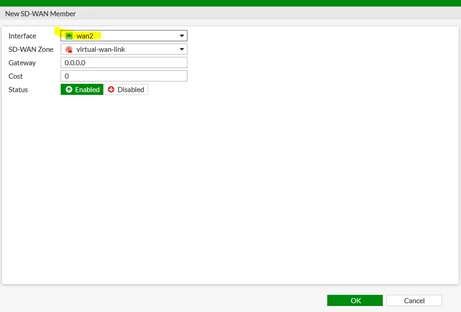
Before configuring FortiGate interfaces as SD-WAN members, it is necessary to remove or redirect existing configuration references to those interfaces in routes and security policies.
This includes the default Internet access policy that’s included with many FortiGate models.
Note that after removing the routes and security policies, traffic cannot reach the WAN ports through the FortiGate.
Redirecting the routes and policies to reference other interfaces prevents the need to create them again later.
For example:
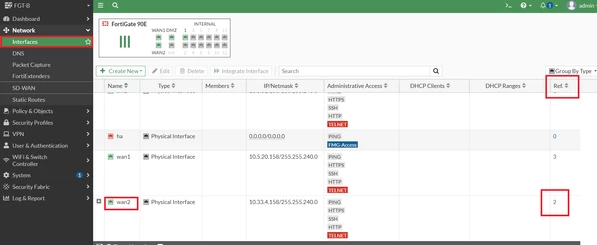
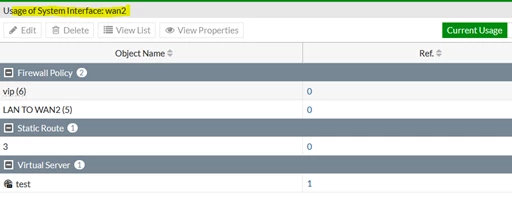
1) WAN2 is the physical interface to add the SD-WAN member into, but WAN2 has a reference in the static route and policies.