Technical Tip: Verifying two-factor authentication is enabled for SSL VPN users
| Description | This article describes how to check whether two-factor authentication is enabled for SSL VPN users. |
| Scope | FortiGate with Local/LDAP/RADIUS users with two-factor authentication enabled. |
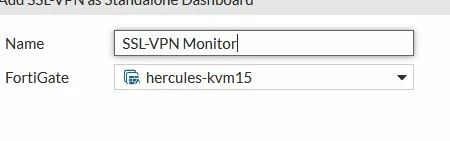
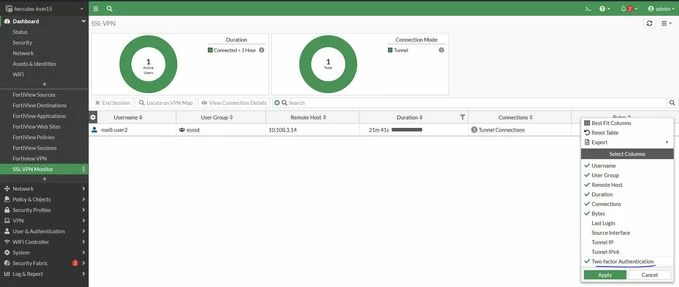
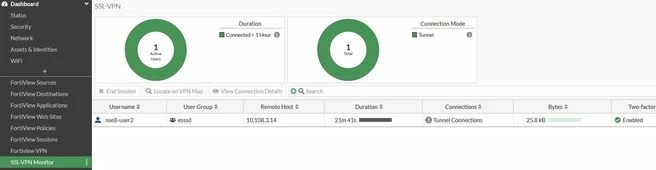
| Solution | To verify that two-factor authentication is enabled for SSL VPN users, follow these steps:
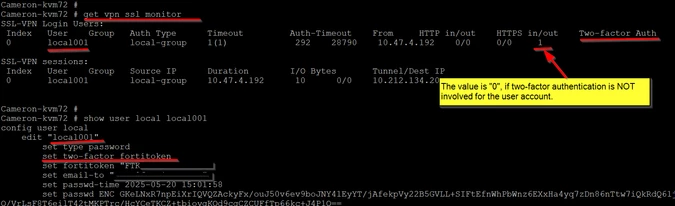
4. Another method is to use the CLI command 'get vpn ssl monitor'.
|