


Technical Tip: Using Ping with Timestamp for Packet Loss Analysis
| Description | This article describes that for a deeper analysis, use the ping command with timestamps. This technique provides precise timing information for each packet sent and received, allowing to identify of patterns and potential issues in the network. |
| Scope | Windows machine, FortiGate. |
| Solution | To identify the exact time packet loss, use the ping command with timestamps. This method is particularly useful in scenarios where tools like PRTG are generating packet loss notifications. For example, if receiving a packet loss alert from PRTG, set up a machine behind a FortiGate or connect it directly to it, and perform a ping test with timestamps. By comparing the timestamp of the packet loss notification in PRTG with the timestamped results from the ping test, verify if the packet loss coincides in both cases. This approach helps to accurately pinpoint when and where packet loss is happening, making troubleshooting more efficient.
Command:
ping.exe -t 8.8.8.8 | Foreach {"{0}-{1}" -f (Get-Date),$_}>> ping_test.txt 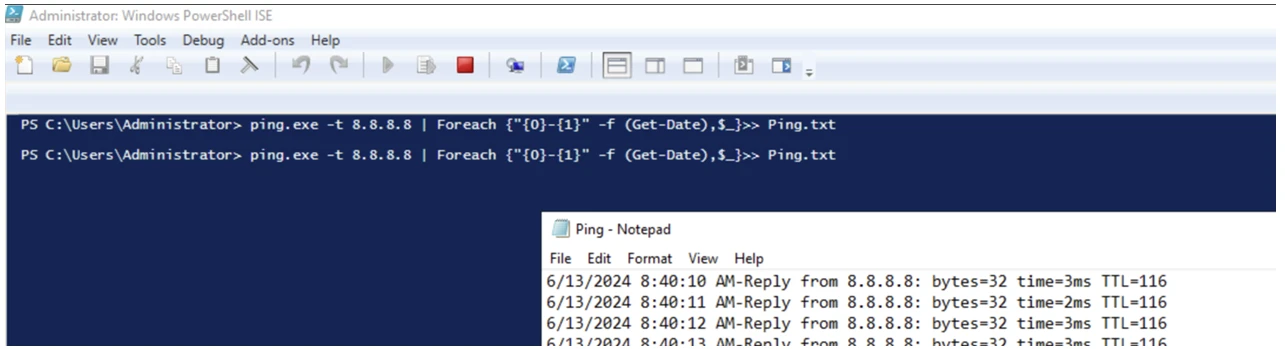 |
