



Technical Tip: Traffic shaping application missing applications
Description | This article describes how to enable the missing applications in traffic shaping. |
Scope | FortiGate v7.x. |
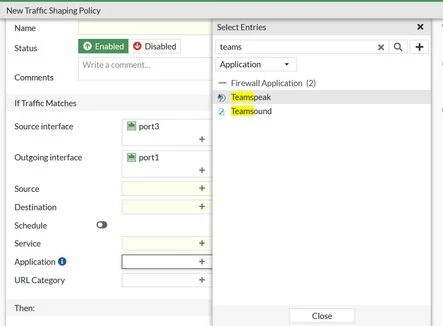
Solution | For example, the Microsoft Teams application is missing in the traffic shaping policy.
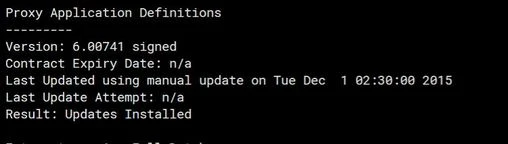
Check the current version of application definitions:
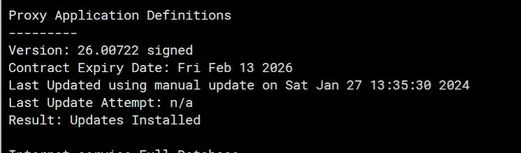
Download the application definitions from the Fortinet Support portal and upgrade the application control definitions manually. See the following article with the steps to manually update the Definition: Technical Tip : How To Upgrade Application Control Definitions Manually
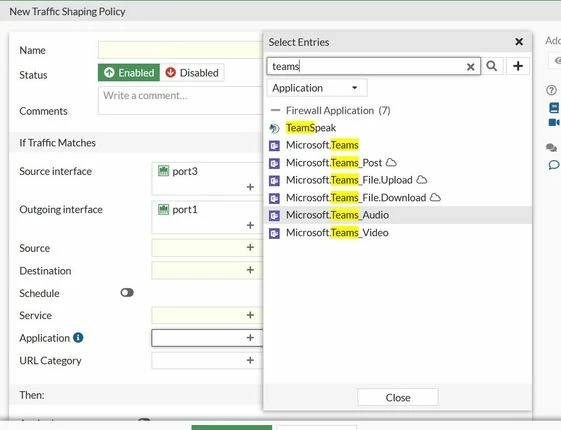
Now Microsoft Teams is visible in the traffic shaping policy.
 |

