


Technical Tip: Rename interface
| Description | This article describes how to rename an interface. |
| Scope | FortiGate. |
| Solution | There is no way to modify the interface name in CLI/GUI once the interface is created.
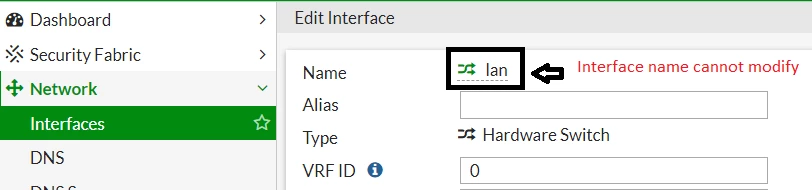
This applies to interface types 802.3ad Aggregate, EMAC VLAN, FortiExtender, Hardware Switch, Loopback Interface, PPPoE Interface, Redundant Interface, Software Switch, VLAN, and WiFi SSID.
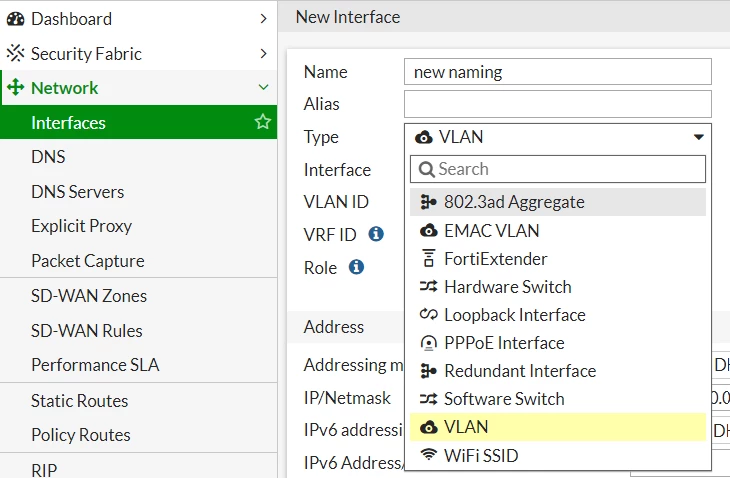
It is necessary to delete the interface and recreate it. Make sure to remove all the references related to the interface to be able to delete it.
In the GUI: Look for the 'Ref' column:
In the CLI:
diagnose sys cmdb refcnt show <path.object.mkey>
Example:
diagnose sys cmdb refcnt show system.interface.name LAN |


