Technical Tip: Reference Python script to take action based on output of FortiGate CLI commands
Description
This article provides the reference python script that take action based on the output of Fortigate CLI commands.
Scope
FortiGate
Solution
A Python script is attached and can be used as a reference whenever required in a scenario where from the output of CLI command, need to take certain action or run certain command.
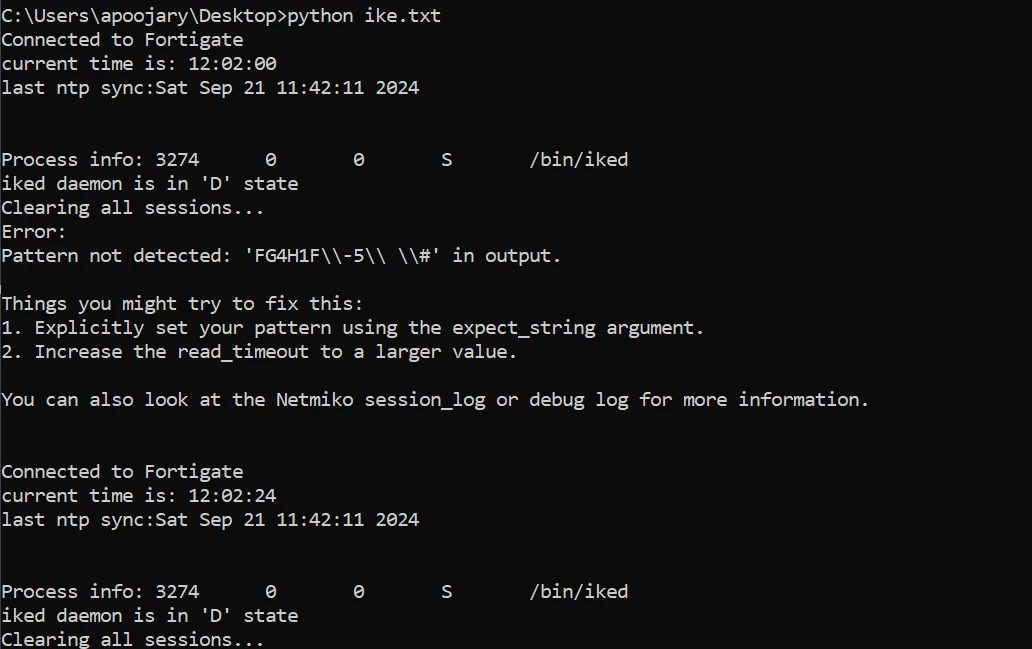
What this attached Python script does is it continuously monitors the iked process by running the command 'fnsysctl ps', identifying iked and checking for 'D'. if it sees D in output, it will clear all sessions.
I
t will automatically reconnect to Fortigate when sessions are cleared.
This Python script was created for one of the users, to get minimum downtime of services when the iked process gets in D state and does not come out of its state and needs to do manual session clear.the script will identify the iked state fast as it monitor every 10 seconds and will kill sessions accordingly. This script was given until a permanent fix is obtained.
Below is the screenshot, when ike works normally and no action is taken.
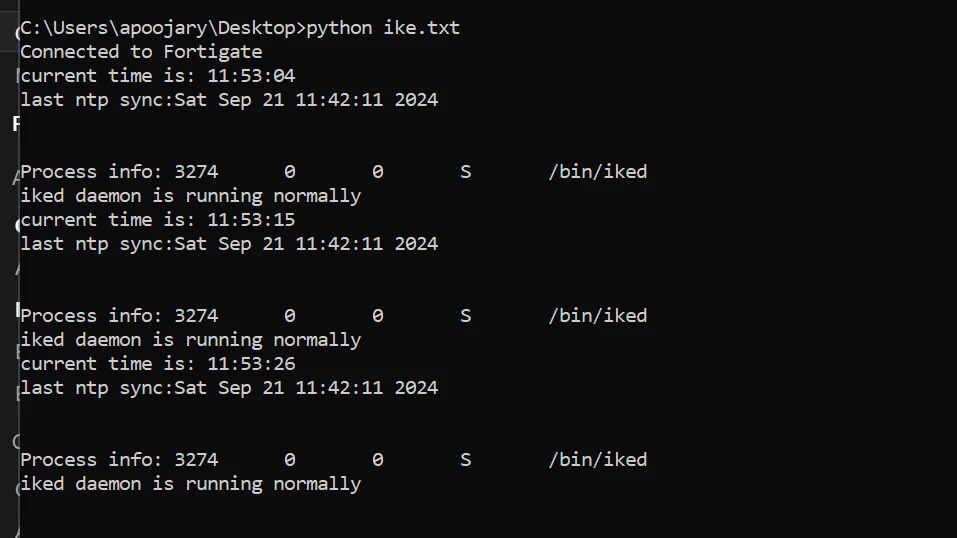 When iked is in S state,no action taken.
Did some changes in the script, trigger action even iked state is S as reproducing iked to D state is a bit difficult in the lab.