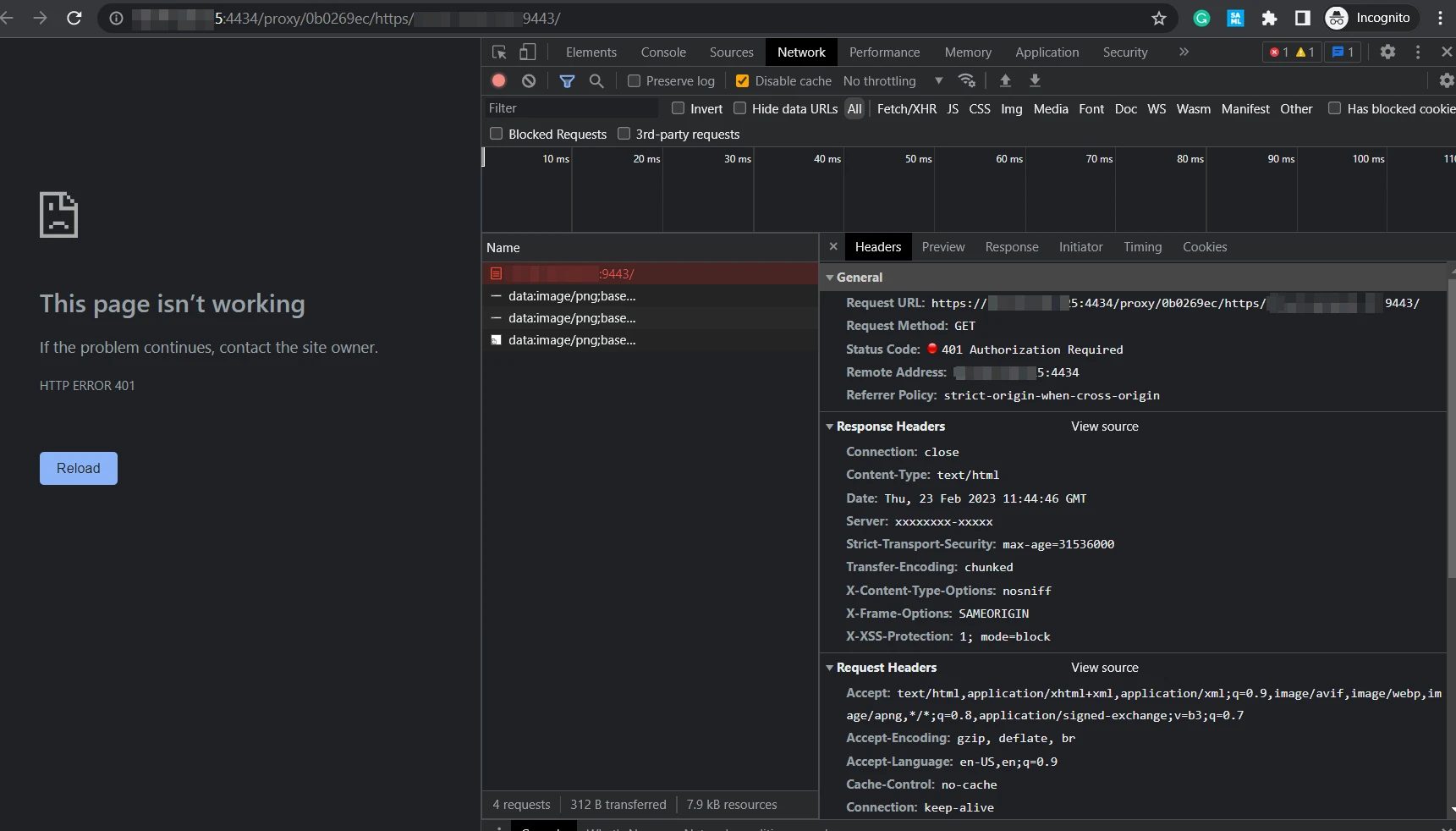
Technical Tip: HTTP 401 error in SSL VPN Web mode
| Description | This article describes what to do when having HTTP error '401 Authorization Required' through SSL VPN web mode. |
| Scope | SSL VPN Web mode, FortiGate. |
| Solution | For this case, when getting HTTP error '401 Authorization Required' through SSL VPN web mode, the bookmark will be used as an example.
It should be noted that this error is not from the FortiGate. It comes from whatever Web Server the user is trying to access. It is always best to check on the Web Server or application to see why it is giving this response back. This is the command to send the HTTP header 'as-is' from the client:
config vpn ssl setting set header-x-forwarded-for pass end
It is also possible to configure it as 'remove'. Try both to see which one the Web Server prefers: Options:
|