



Technical Tip: Get backup config file on FortiGate using RestAPI via Python script
| Description | This article describes another way to get the backup configuration file on FortiGate using HTTPS RestAPI calls from a Python script. |
| Scope | FortiGate. |
| Solution |
config system api-user
Import requests:
import requests api_url = 'https://10.191.20.122/api/v2/monitor/system/config/backup?scope=global&access_token=Api_Key_Generated'
requests.packages.urllib3.disable_warnings() data = requests.get(api_url, verify=False) with open('/home/api_configbackup.conf' ,'wb') as f: for line in data: f.write(line)
Where 10.191.20.122 is the IP of the FortiGate.
For FortiOS v7.4.5 +, the authentication needs to be passed in the header, and Api_Key_Generated needs to be moved from the link inside the get request header. Script will be:
import requests api_url = 'https://10.191.20.122/api/v2/monitor/system/config/backup?scope=global' requests.packages.urllib3.disable_warnings() with open('/home/api_configbackup.conf' ,'wb') as f: for line in data: f.write(line)
The scope is global for the global configuration of the FortiGate.
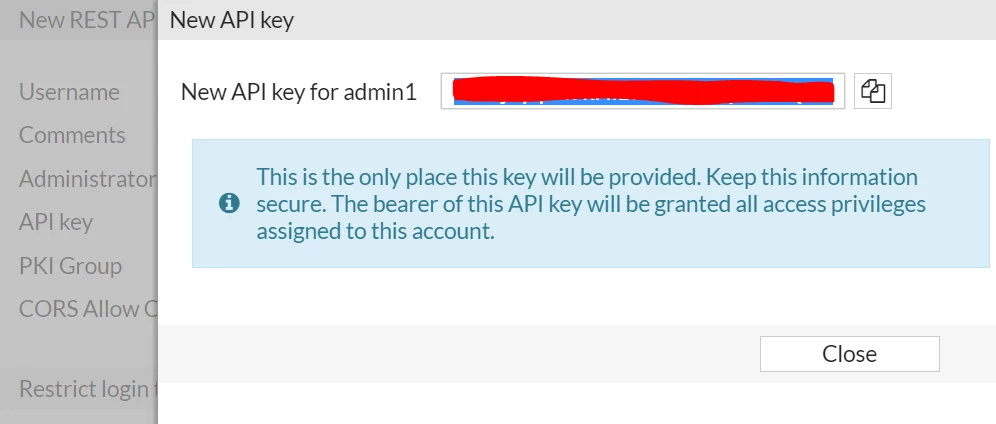
Api_Key_Generated is the value of the token previously generated. /home/api_configbackup.conf is the place in the Linux machine where to save the backup file.
Tip: Before executing the command python3/home/backup.py, it is possible to intuitively test whether the config backup file can be retrieved successfully using the following command.
curl -k -H "Authorization: Bearer Api_Key_Generated" "https://10.191.20.122/api/v2/monitor/system/config/backup?scope=global" -o api_configbackup.conf
The file api_configbackup will be created in the specified directory with the configurations of the FortiGate included.
Exporting in YAML format: Just add '&file_format=yaml' as additional parameter as follows:
..."https://10.191.20.122/api/v2/monitor/system/config/backup?scope=global&file_format=yaml"...
For chassis-based products (such as 6K - 7K), it may be necessary to set the scope to Global in the account profile to make this work as expected:
config system accprofile end |

