
Technical Tip: Expected behavior on admin Idle timeout
| Description | This article describes the FortiGate GUI access Idle timeout behavior after value change. |
| Scope | FortiGate v7.4.0 and onwards. |
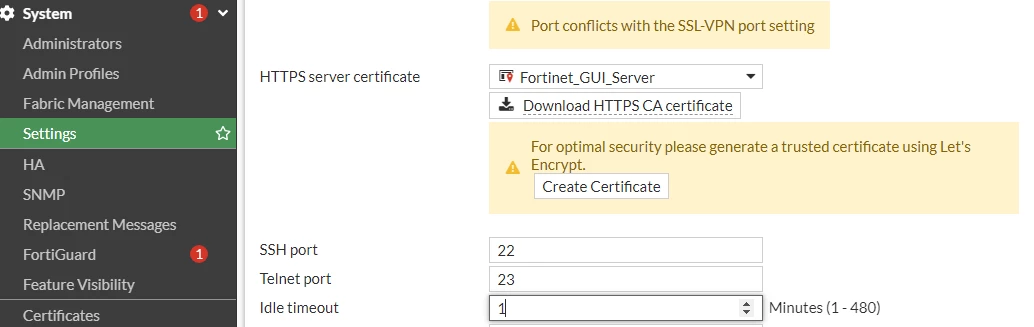
| Solution | For older firmware versions such as 7.2, under System -> Settings -> Administration Settings -> Idle timeout', change the default 5 minutes to 1 minute.
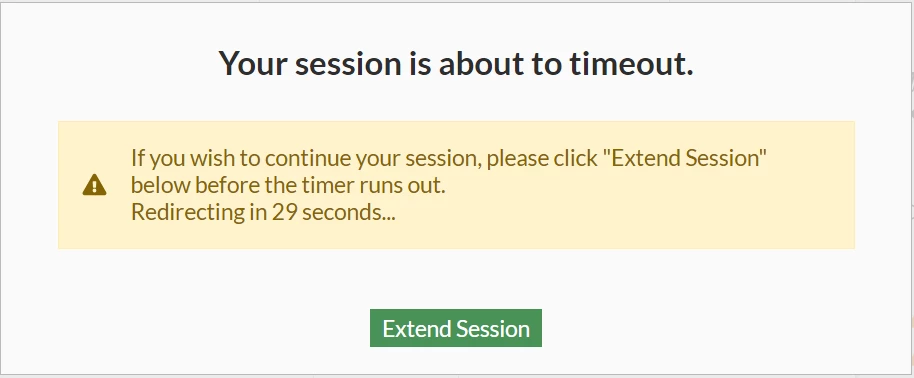
There will be a message 'Your session is about to timeout.' 30 seconds before, it logs out automatically which is 1 minute timeout.
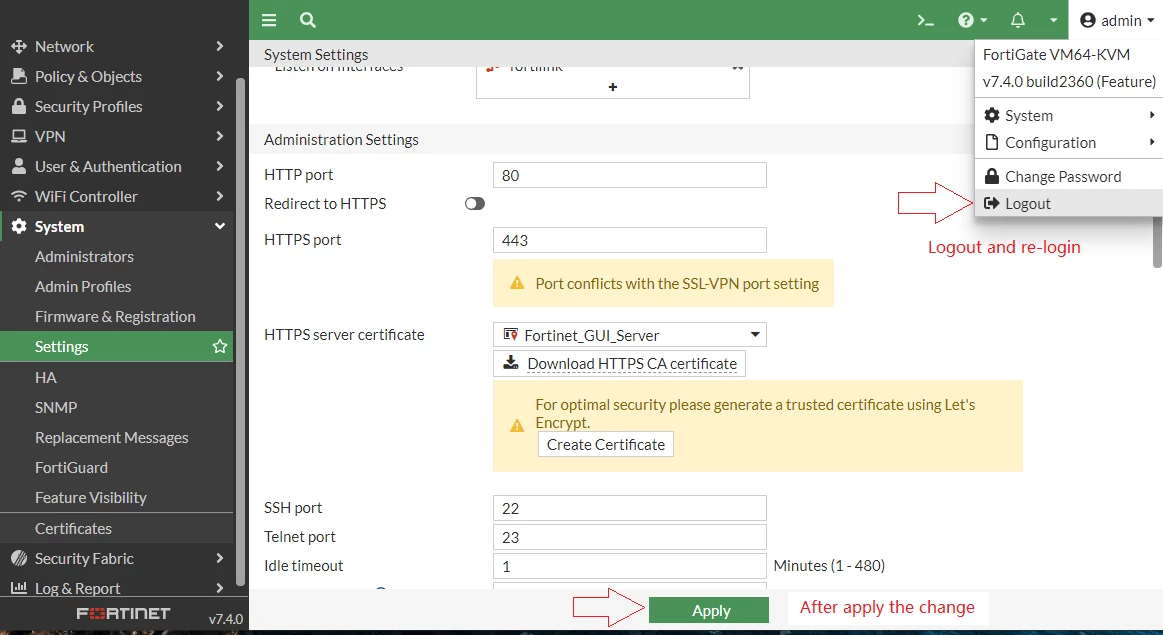
For firmware version 7.4.0 and onwards, no message will appear, and the timeout will be cached in the previous value until logout and re-login. The idle timeout will only be applied to sessions created after the timeout period has been changed, so it is NECESSARY to log out and re-login to FortiGate GUI every time the value of the idle timeout is modified.
Related documents: Technical Tip : What is the meaning of 'admin-console-timeout 0' |