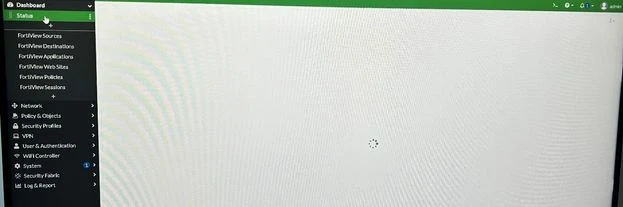
Technical Tip: Dashboard Status not loading
| Description | This article describes that, when the dashboard has been customized and recently upgraded, it seems to be not loading on different browsers and devices. |
| Scope | FortiGate. |
| Solution | The Dashboard status does not load. Verify the following settings on CLI to see if 'Status' is present.
config system admin edit <admin name> config gui-dashboard show
config system admin edit <admin name> config gui-dashboard edit <dashboard number> end
config system admin end end
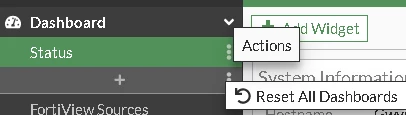
Then it is necessary to reset the GUI settings to gain again the Dashboard -> Status page.
It is possible to do this by:
Select Optimal or Comprehensive and select 'OK'.
This will restore all the Dashboard settings and the Status page will load and then, it is possible to customize as needed. |