



Technical Tip: CLI Console Terminal Features
Description
This article describes additional features of the CLI console from the FortiGate GUI.
Scope
FortiOS version 7.0 and later
Solution
Here is a guide for managing the CLI console effectively:
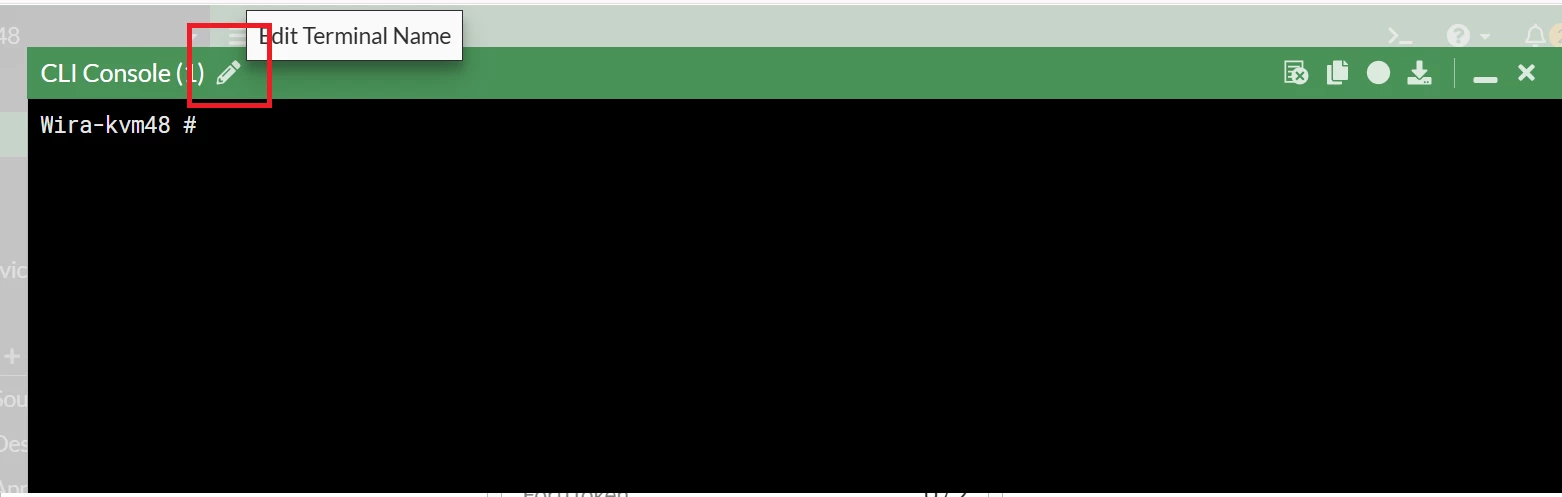
- Edit Terminal Console Name:
Look for the Pencil icon below. Selecting this allows renaming the console, which is particularly helpful when multiple console windows are open and differentiation is needed.
Firmware 7.4 and later: 
Firmware 7.0 - 7.2.x
- Clear All Console Output:
Select the Clear icon, to remove all current output in the console window and start fresh without closing the terminal.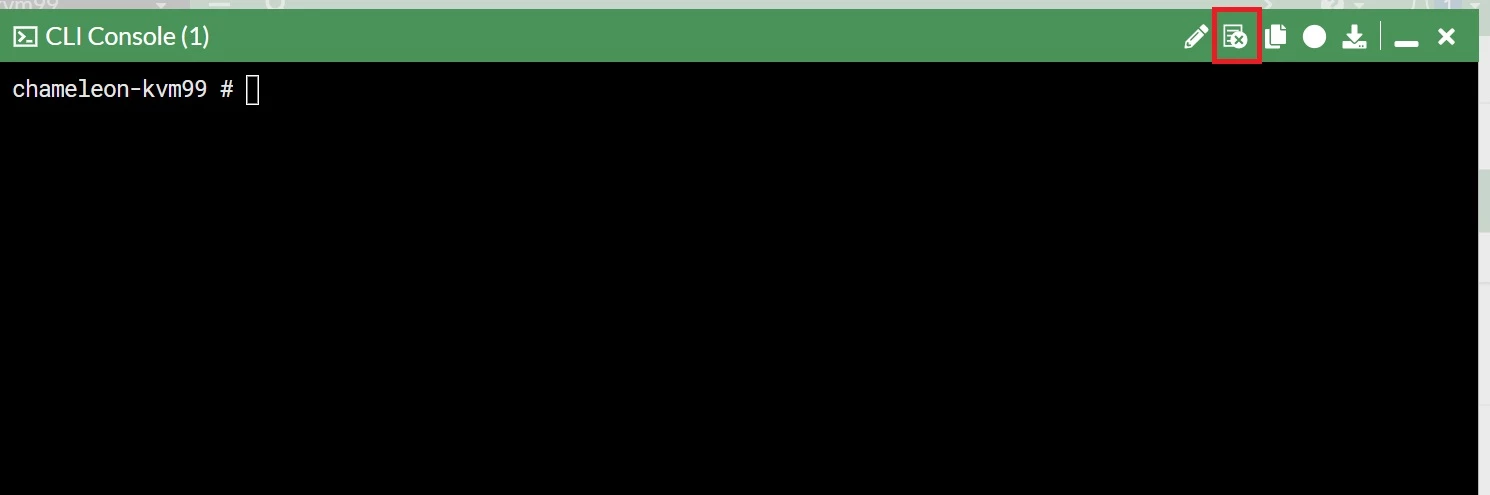
-
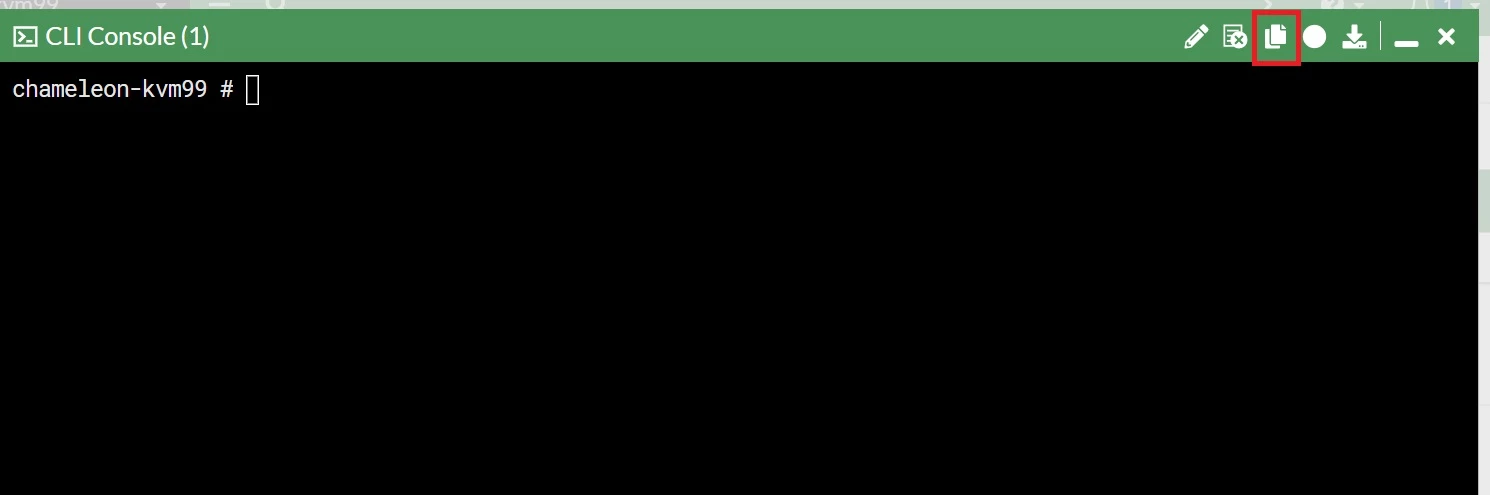
Copy Command Line Output:
By selecting the icon below, all command line output can be copied and pasted into the clipboard.
-
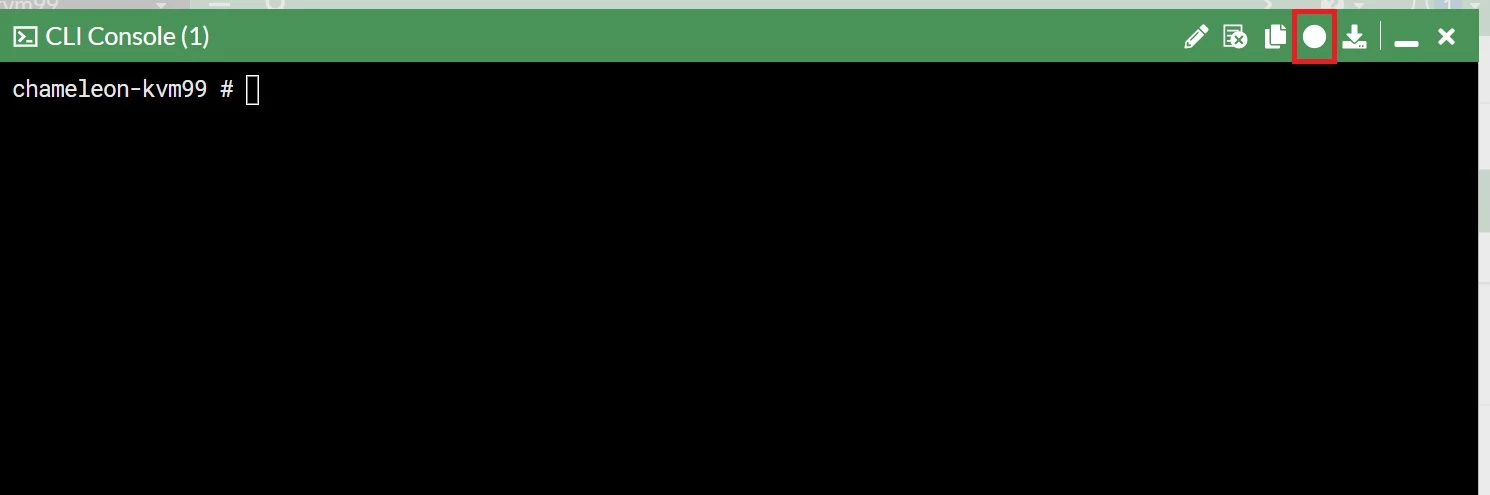
Record CLI Commands:
Utilize the Record icon represented by a dot, to record only the commands typed into the console to the clipboard, excluding the output. This feature is useful for saving commands for documentation purposes.
-
Download Console Output:
Access the Download icon, represented as a downward arrow, to download all console output. This feature is useful for collecting logs while troubleshooting and saving them for reference.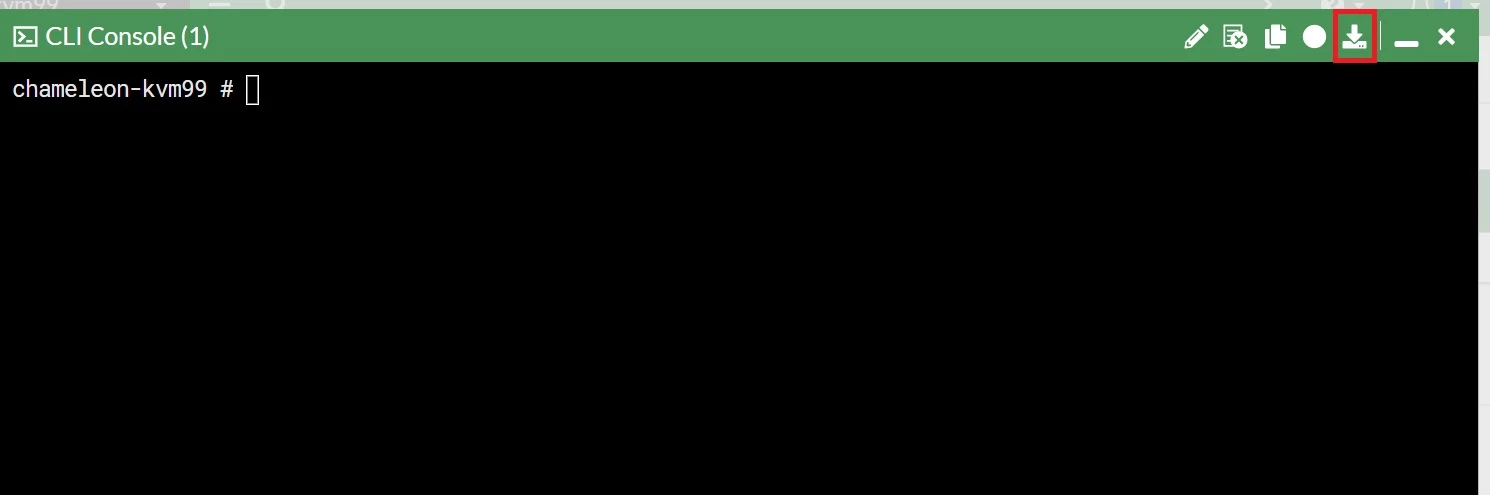
Each of these features facilitates better management and utilization of the CLI environment, making it easier to handle multiple tasks and keep track of outputs and commands.
Note:
The CLI Console is intended to be used for quick changes in CLI, and not for collecting extensive amounts of data (packet capture, debugs, etc).
There is a buffer limit of ~100.000 lines which cannot be extended. As soon as this limit is reached, all output from before reaching the limit will be lost.
Related articles:
Technical Tip: How to increase the buffer length of the FortiGate GUI CLI Console


