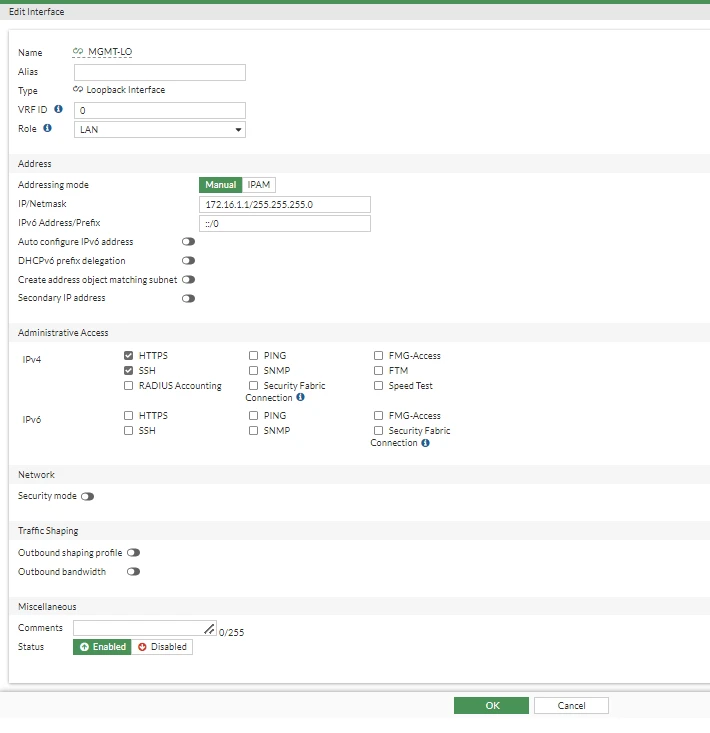
config system interface
    edit "MGMT-LO"
        set vdom "root"
        set ip 172.16.1.1 255.255.255.0
        set allowaccess https ssh
        set type loopback
        set role lan
        set snmp-index 15
    next
end
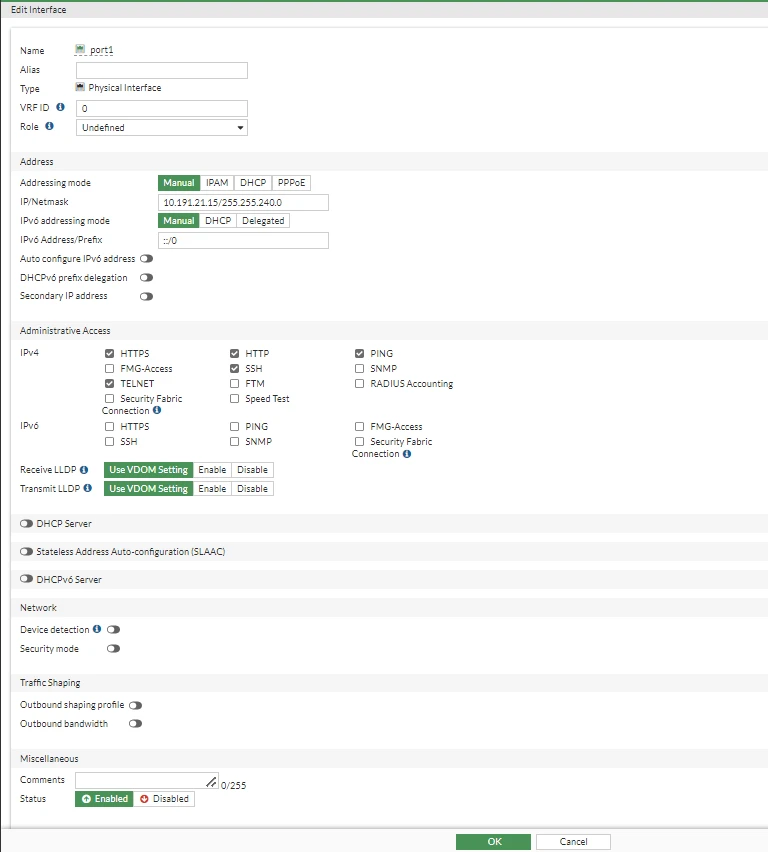
config system interface
    edit "port1"
        set vdom "root"
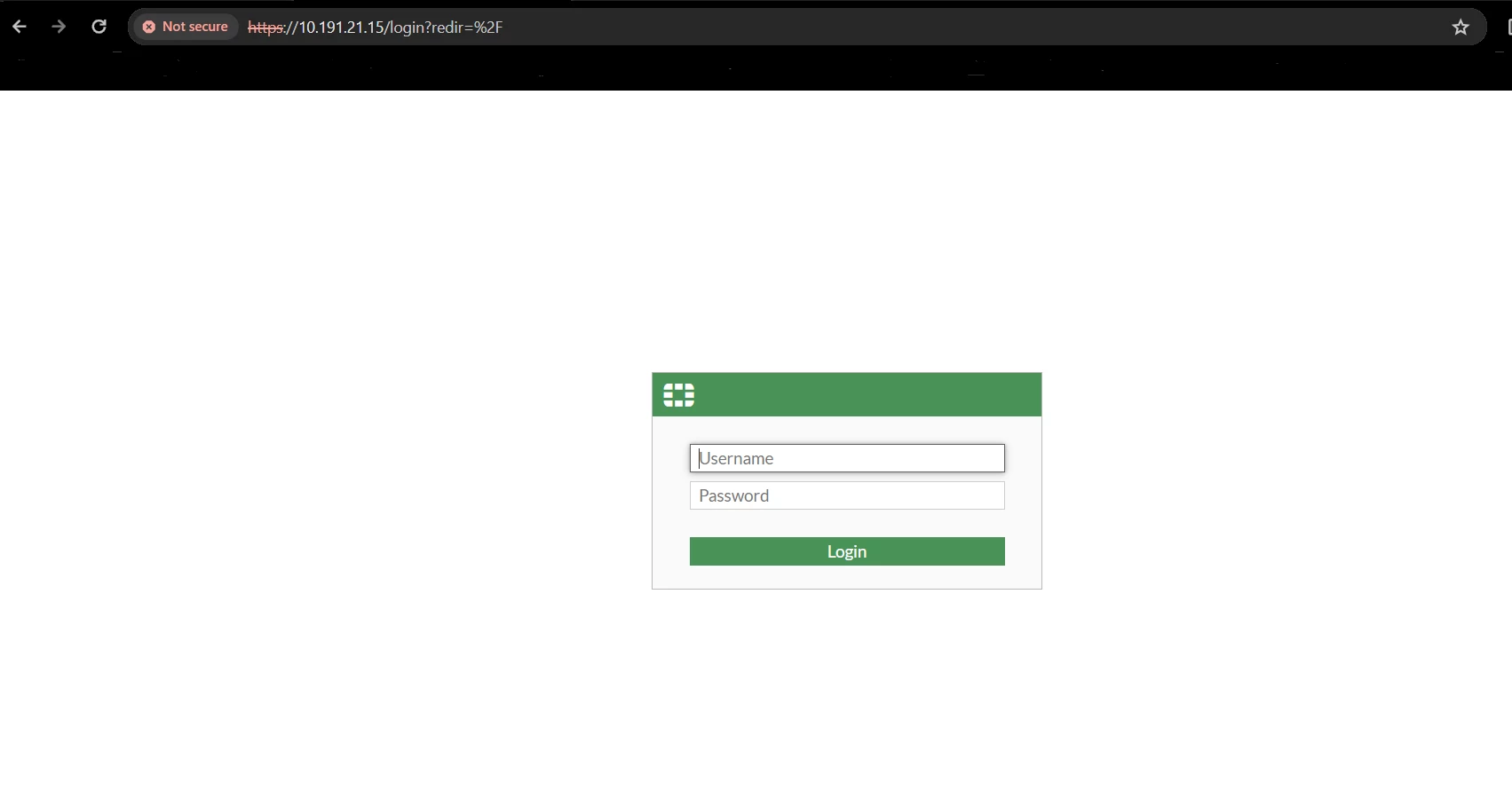
        set ip 10.191.21.15 255.255.240.0
        set allowaccess ping https ssh http telnet
        set type physical
        set snmp-index 1
    next
end
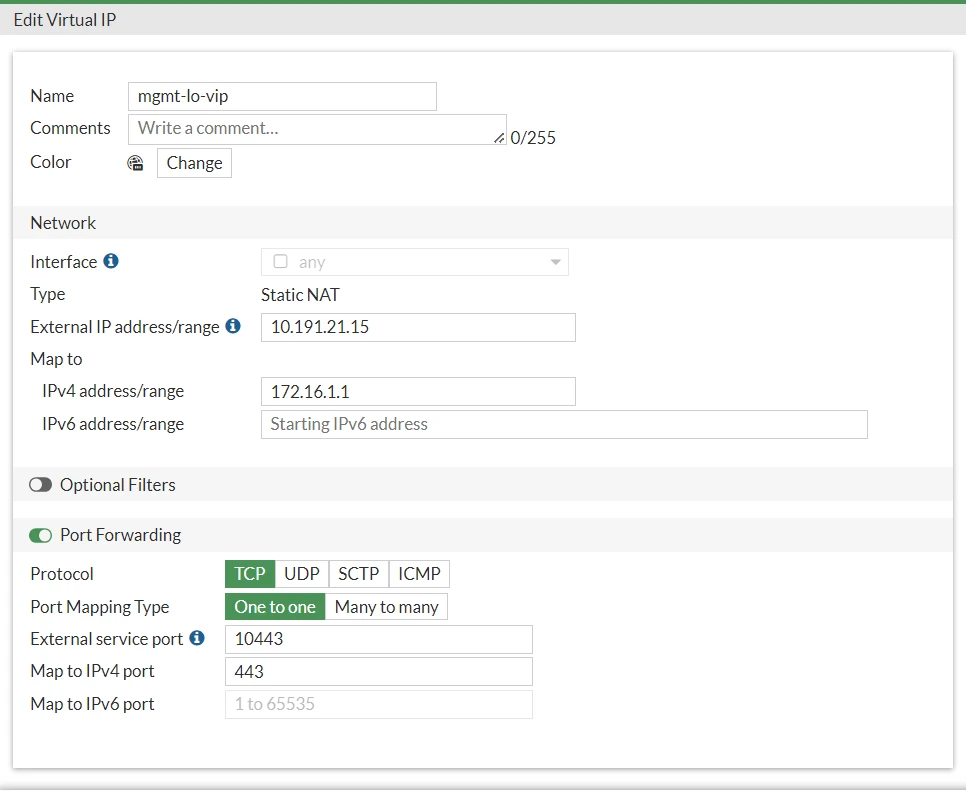
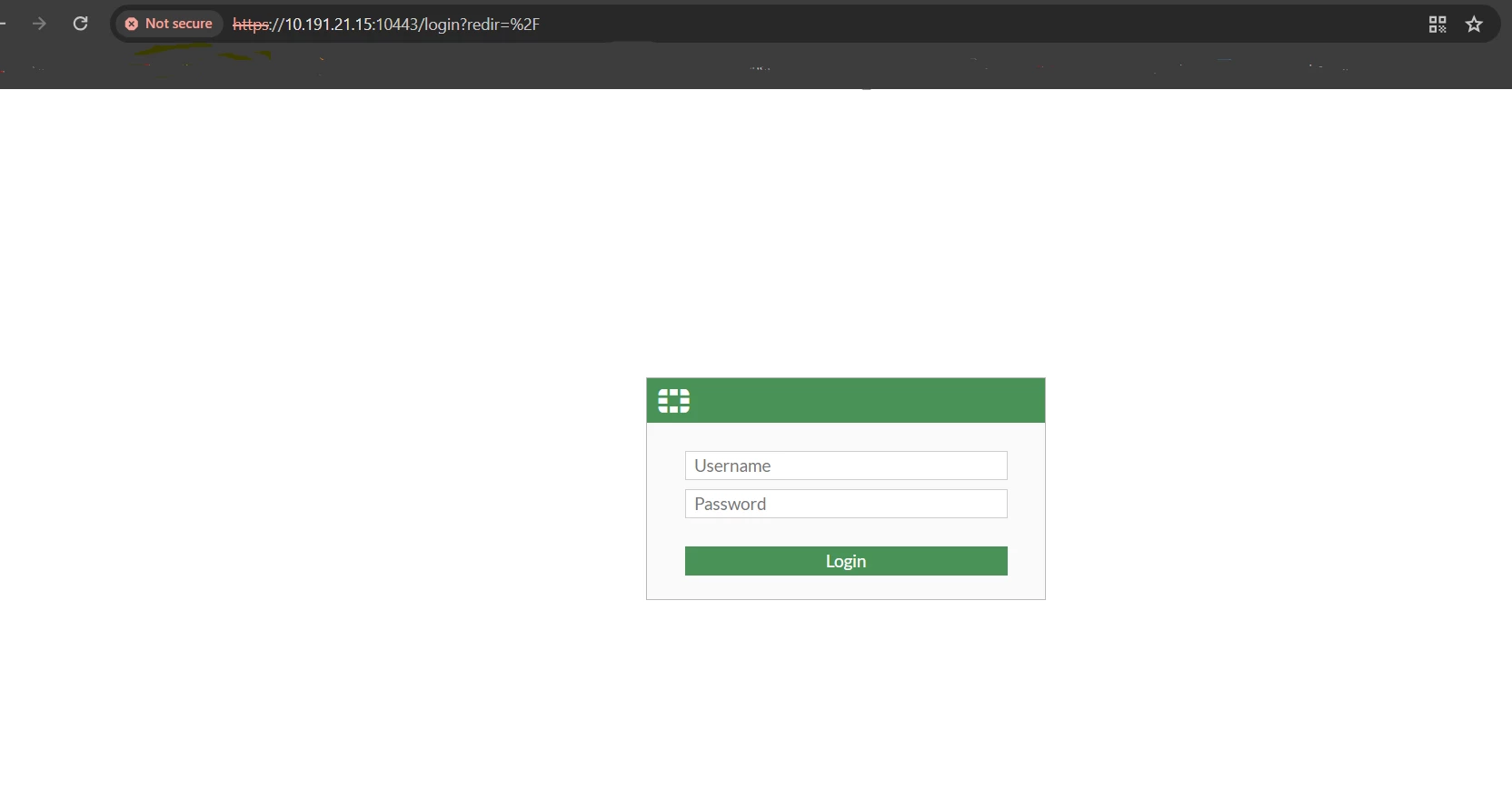
config firewall vip
    edit "mgmt-lo-vip"
        set uuid 383740ea-b60f-51ee-f91a-bb56173ab47c
        set extip 10.191.21.15
        set mappedip "172.16.1.1"
        set extintf "any"
        set portforward enable
        set extport 10443
        set mappedport 443
    next
end
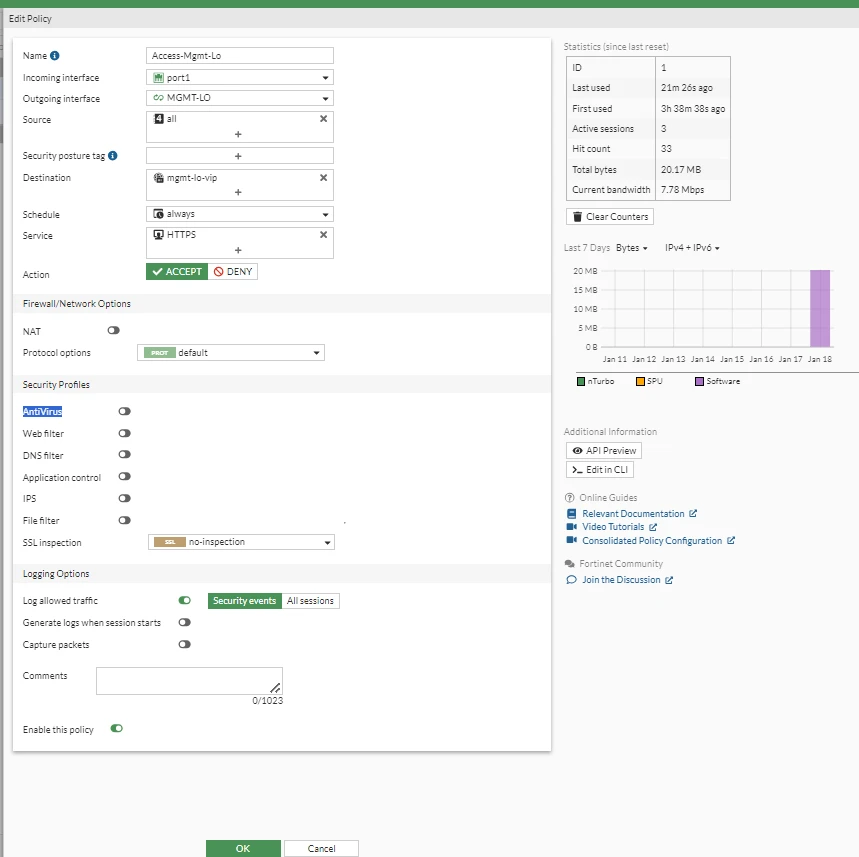
config firewall policy
    edit 1
        set name "Access-Mgmt-Lo"
        set uuid 5c08d9e8-b60f-51ee-7585-7c63bae0531a
        set srcintf "port1"
        set dstintf "MGMT-LO"
        set action accept
        set srcaddr "all"
        set dstaddr "mgmt-lo-vip"
        set schedule "always"
        set service "HTTPS"
    next
end
The same behavior is observed for ICMP protocol.
Even with allowaccess ping enabled on the loopback interface, incoming traffic arriving on another port is dropped by default at the local-in inspection (policy 0) unless a Firewall Policy is created from the ingress interface to the loopback interface.
If the client machine on the internal subnet attempts to ping loopback interface, ping fails with a 100% packet loss:
C:\Users\fortinet>ping <loopback interface>
Request timed out.
Request timed out.
Request timed out.
A packet sniffer shows the incoming ICMP Echo Request, but no reply is generated:
diagnose sniffer packet any 'host IP and loopback IP' 4 0 l
interfaces=[any]
2026-08-17 02:37:10.886226 port4 in <client_IP> -><loopback_IP>: icmp: echo request
2026-08-17 02:37:15.928112 port4 in <client_IP> -> <loopback_IP>: icmp: echo request
Debug flow shows as below:
0:id=65308 trace_id=12 func=fw_local_in_handler line=620 msg="iprope_in_check() check failed on policy 0, drop"
  | 


