Technical Tip: Windows command to manually trigger vulnerability scan
| Description | This article describes command to manually trigger vulnerability scan in Windows endpoint. |
| Scope | FortiClient Windows. |
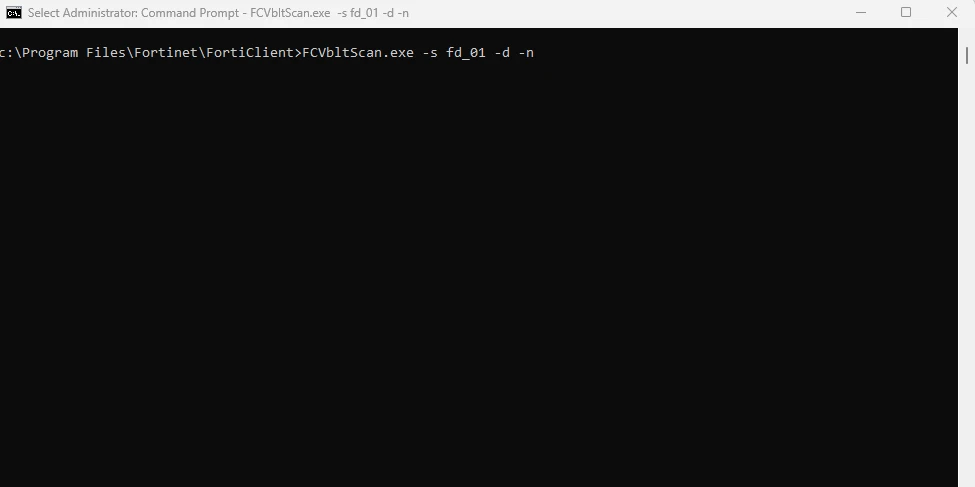
| Solution | To manually trigger vulnerability scan in Windows endpoint, in an elevated command prompt (running as administrator), run command as below:
fcVlbtScan.exe -s fd_01 -d -n
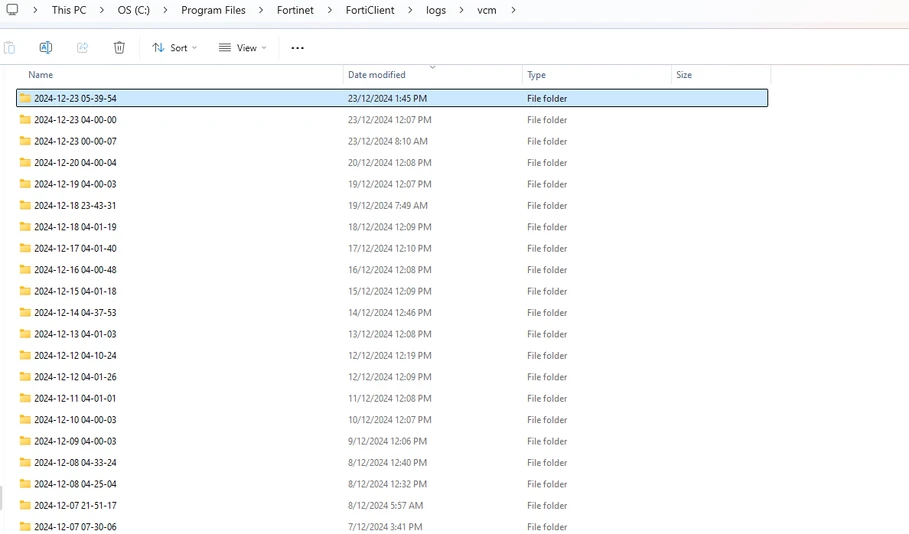
Vulnerability scans will start scanning automatically for vulnerable applications. The vulnerability scan results will be included in 'C:\Program Files\Fortinet\FortiClient\logs\vcm\timestamp_folder'.
|