


Technical Tip: Changing the GUI idle timeout
Description
This article explains how to configure GUI idle timeout via GUI or CLI.
Solution
To change the idle timeout via GUI:
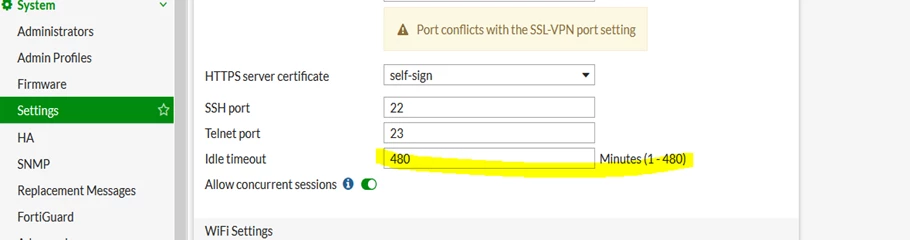
1) Go to system -> settings
2) Change the idle timeout in minutes (1 to 480 minutes) as required.
3) Select 'OK' to save the setting.
This article explains how to configure GUI idle timeout via GUI or CLI.
Solution
To change the idle timeout via GUI:
1) Go to system -> settings
2) Change the idle timeout in minutes (1 to 480 minutes) as required.
3) Select 'OK' to save the setting.
To change the idle timeout via CLI:#config system global
set admintimeout <1 to 480 minutes>
end


