Technical Tip: Missing or incomplete predefined data patterns
| Description | This article describes how to fix missing or incomplete predefined data patterns issue symptoms in FortiCASB. |
| Scope | FortiCASB. |
| Solution | FortiCASB provides predefined data patterns for administrators to monitor cloud application file activities.
Issue:
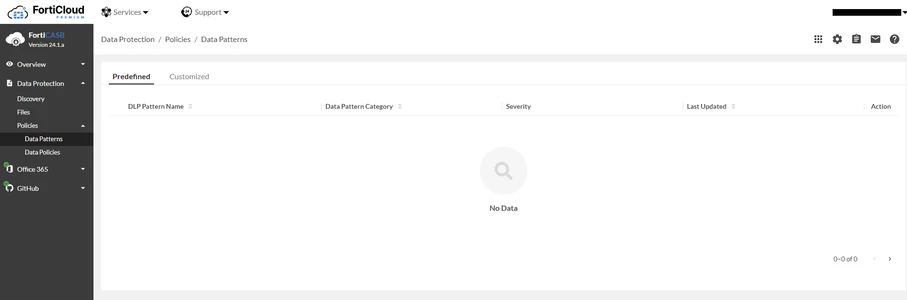
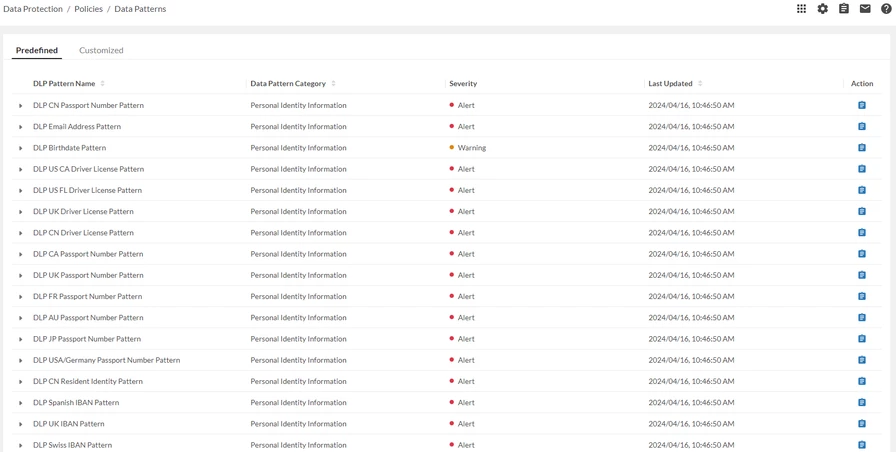
Predefined data patterns are missing and ‘No Data’ is displayed in Data Protection -> Policies -> Data Patterns.
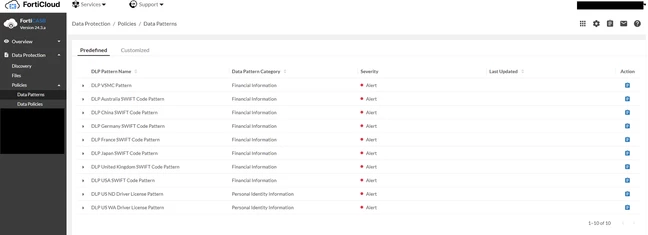
Predefined data patterns are incomplete in Data Protection -> Policies -> Data Patterns. The example above shows only 10 predefined data patterns (currently, at the time of writing this article, the predefined data pattern is 113).
Steps to fix:
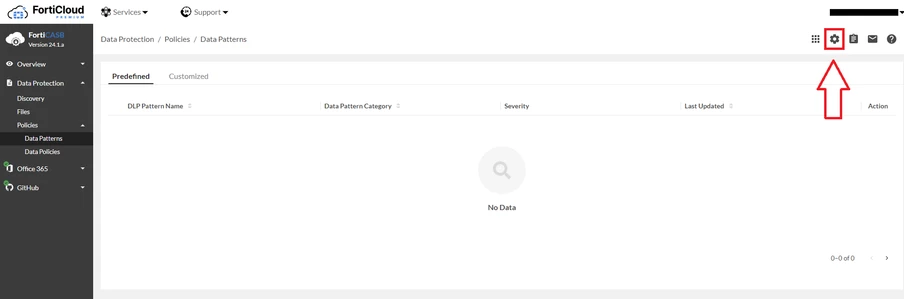
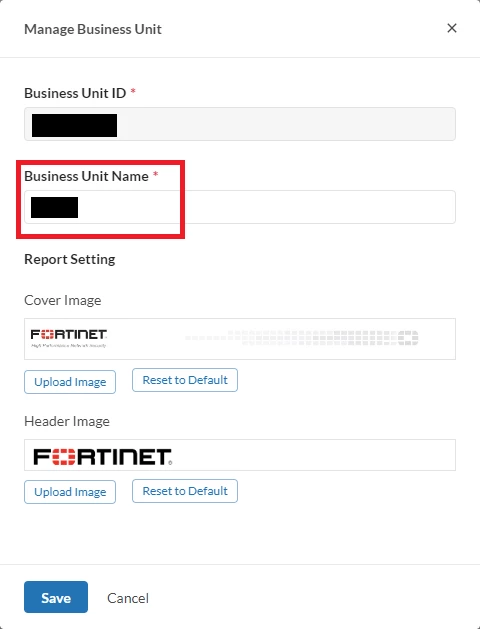
Update ‘Business Unit Name’ and select Save. For example, rename ‘Business Unit Name’.
Note: By updating the Business Unit page, it will restart the initiation process.
For more information about data patterns, visit FortiCASB Online Help documentation: |