Technical Tip: FortiAppSec Cloud update subscription
| Description | This article describes how to subscribe to the FortiAppSec Cloud status update. |
| Scope | FortiAppSec Cloud. |
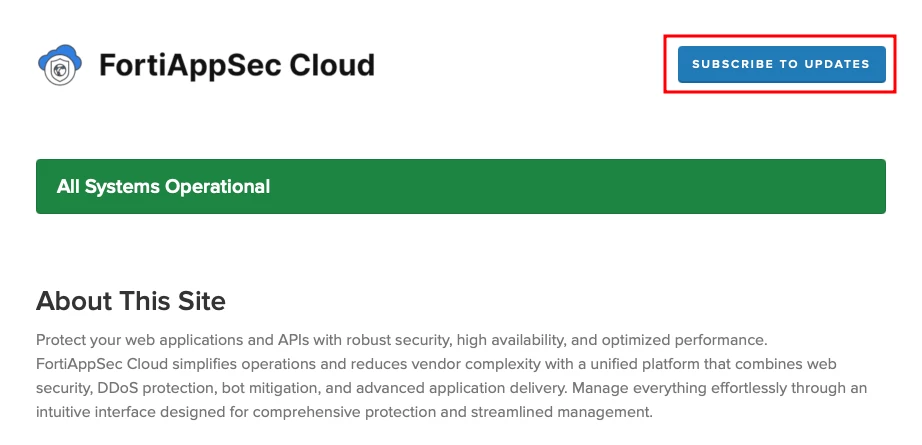
| Solution | FortiAppSec Cloud provides a status page for customers to monitor FortiAppSec Cloud's global services' operational status in real time. The status page reports details of incidents and maintenance activities: https://status.appsec.fortinet.com/
Cloud administrators might not proactively monitor the status of FortiAppSec Cloud services. The status page offers methods to subscribe for real-time updates whenever FortiAppSec Cloud creates, updates, or resolves an incident.
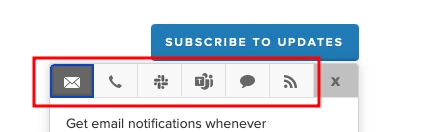
Located in the top-right corner of the status page, there is a 'Subscribe To Updates' button. Selecting this button opens a window pane that offers methods for subscribing to updates.
Email notification. Text message notification. Slack App notification. Teams App notification. RSS feed. |