Technical Tip: Export system debug file via REST API
| Description | This article describes how to use Postman/curl to export FortiADC system debug files through REST API. |
| Scope | FortiADC, FortiADC VM. |
| Solution |
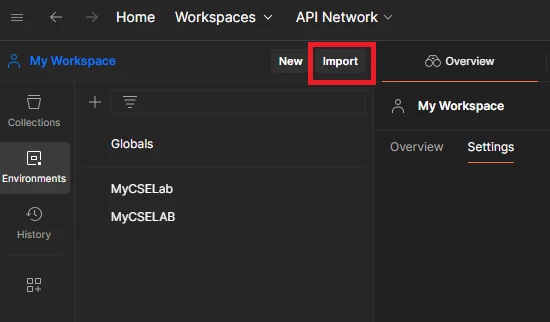
Prepare cURL commands that meet the required format specifications for the request.
A sample of the cURL command would look like below:
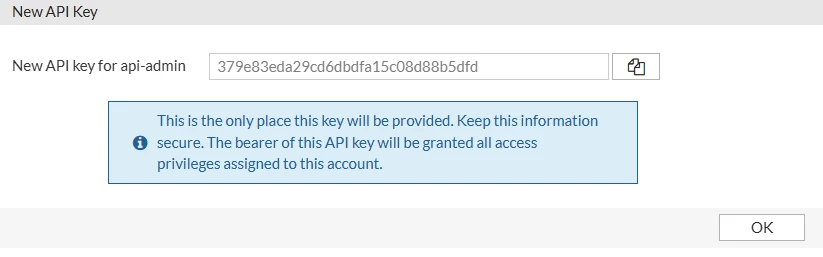
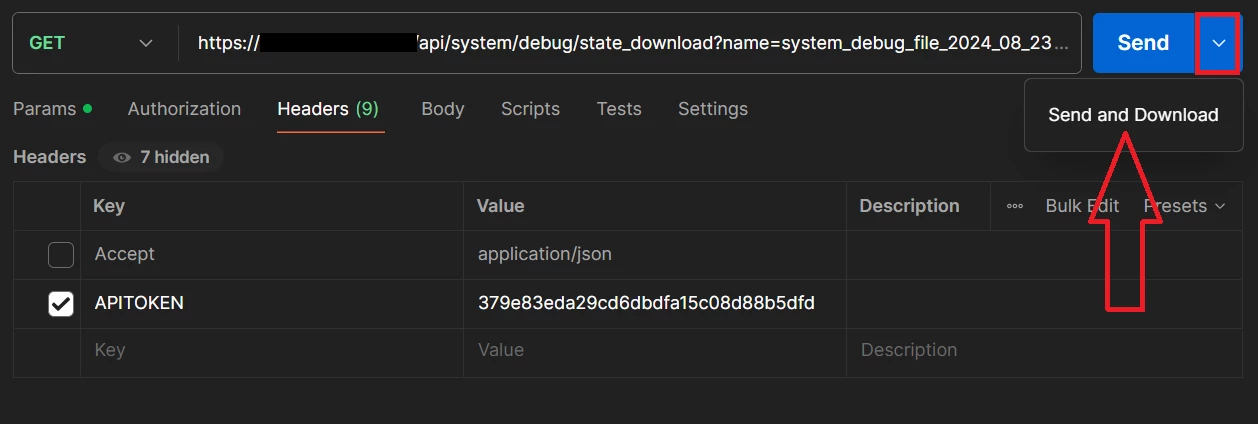
curl -ik -X GET -H ‘Accept: application/json’ -H ‘APITOKEN: <token>’ https://<FADC-IP>/api/system/debug/state_download?name=<debugfilename>
Steps to perform in Postman:
To generate a system debug file: Method: POST. URL: /api/system/debug/save_state.
To get a list of available debug files: Method: GET. URL: /api/system/debug/get_statefile_list.
Note: The cURL command can also be used in a terminal when cURL is installed.
curl -ik -X GET -H ‘Accept: application/json’ -H ‘APITOKEN: <token>’ https://<FADC-IP>/api/system/debug/state_download?name=<debugfilename> > <dest-filename>
For more information, refer to FortiADC RESTful API Reference: |