| Starting from FortiOS v7.4.1, a global command has been provided to disable SSL VPN web mode globally, which will prevent SSL VPN web mode configuration in all SSL VPN portals. config system global set sslvpn-web-mode disable end
For further information on disabling SSL VPN web mode, refer to: Technical Tip: How to disable SSL VPN web-mode globally.
When sslvpn-web-mode is disabled under system global settings and SAML authentication is enabled, the FortiClient internal browser gives a 403 Forbidden error for SAML authentication. 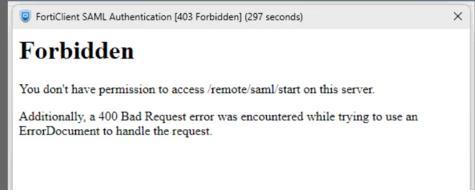
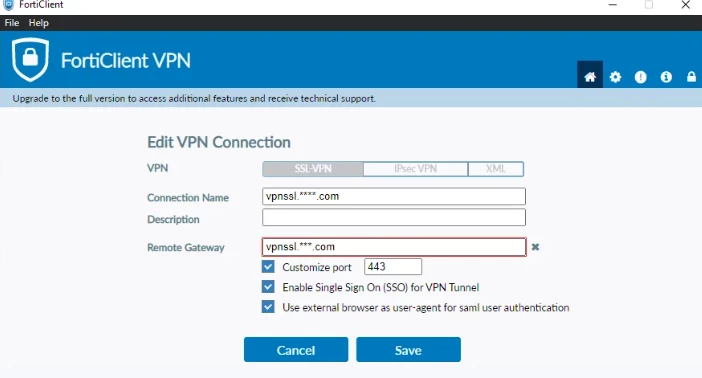
This behavior is not expected and has been resolved in FortiOS v7.4.8 and v7.6.1. In some cases, to work around this issue, select 'Use external browser as user-agent for SAML user authentication' in FortiClient settings.
Note:
SSL VPN will be limited to specific FortiGate models; refer to this article: Technical Tip: SSL VPN support on FortiGate models for more information. Web Mode will be referred to as Agentless VPN.
Related article: Technical Tip: SAML Authentication Fails on Windows FortiClient Machines when SSL VPN Webmode is Disabled Globally | 



