This article describes how to disable session start logs.
There are occasions where a user may want to disable the traffic logging on some firewall policies due to the need to see only certain logs on other firewall policies on either FortiGate’s GUI or FortiAnalyzer.
The 'Log Allowed Traffic' option is already set off on the GUI:

However, on the FortiGate or FortiAnalyzer or any other syslog servers, users can still see the messages 'Accept: session start' with the respective firewall policy name and ID associated: 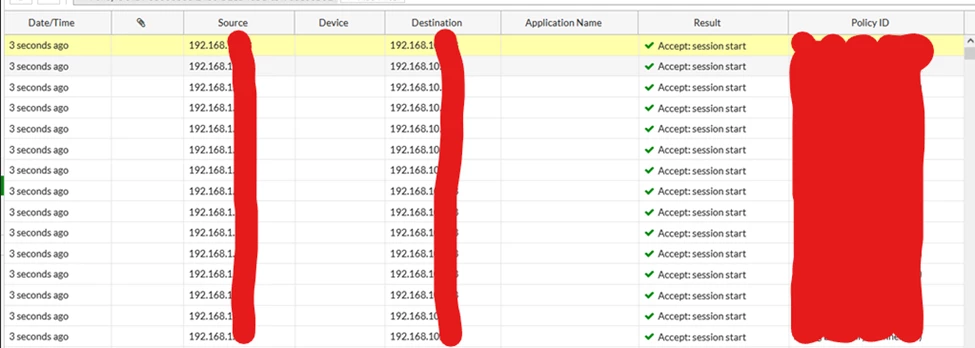 date=2026-06-01 time=xx:xx:xx eventtime=1780326670178650102 tz="-0400" logid="0000000015" type="traffic" subtype="forward" level="notice" vd="vd" srcip=x.x.x.x srcport=51362 srcintf=”srcintf" srcintfrole="undefined" dstip=y.y.y.y dstport=10051 dstintf="dstintf" dstintfrole="undefined" srccountry="Reserved" dstcountry="Reserved" sessionid=1043478050 proto=6 action="start" policyid=100 policytype="policy" poluuid="0240d3a8-edd6-51ee-d105-c05dddbf6f1d" policyname="policy" service="tcp/10051" trandisp="noop" appcat="unscanned" duration=0 sentbyte=0 rcvdbyte=0 sentpkt=0 rcvdpkt=0 sla(0x0), gid(1), num of pass(0), selected" vwlname=" vwlname "
| 




