



Technical Tip: Unable to create multiple security profiles in GUI/CLI
Description
This article describes the issue where customer is unable to create multiple security profiles as the ‘create new’ drop-down list is not available in GUI.
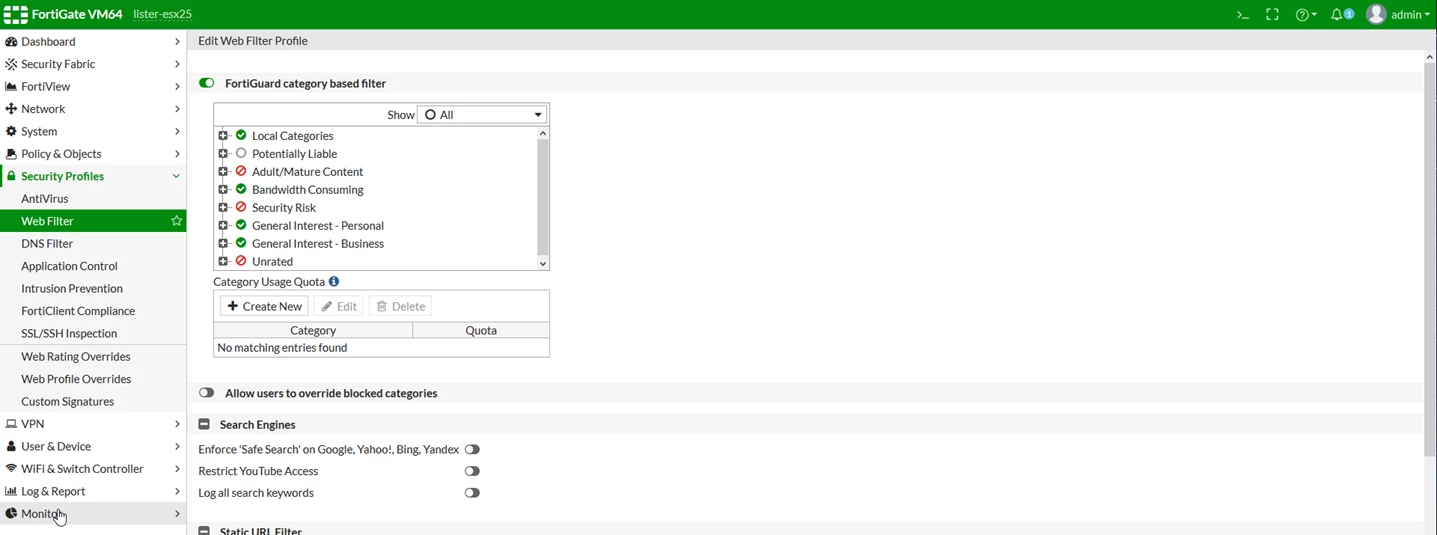
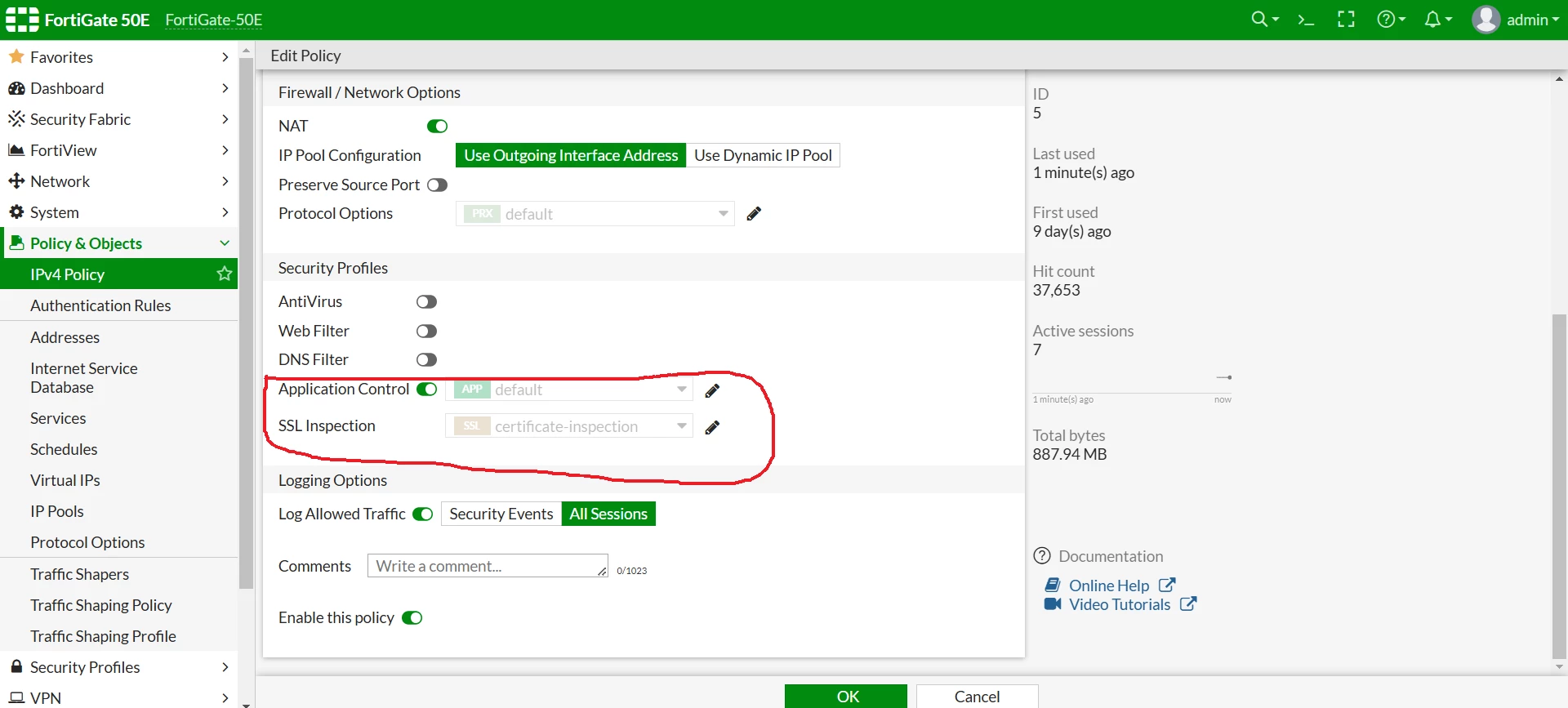
While trying to add a security profile to the security policy, only the default profile will be selected, and the option to change it will be greyed out.
Security profiles can be added from the CLI without any issue by using the 'config firewall policy' command.
Solution
Via GUI:
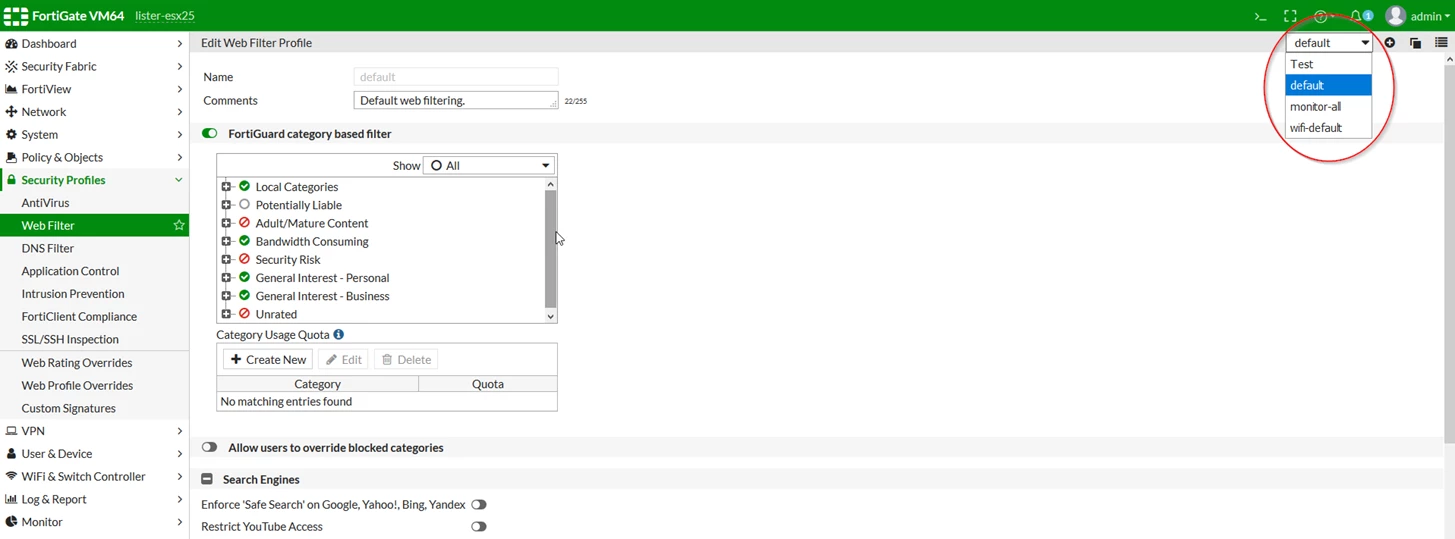
Go to: System -> Feature Visibility. Enable ‘Multiple Security Profiles’ and select the 'Apply' button.
Via CLI:
FGT # config system settings
FGT # set gui-multiple-utm-profiles enable
FGT # end
Note:
Based on the device model and firmware versions, the maximum amount of UTM profiles might have a problem. To see how many profiles the device is supporting, check the article in the field 'Related Articles'.
Related article: