

It is not possible to delete rogue devices from the FortiNAC database if there are too many
Hi all,
I am installing FortiNAC in a large environment and I added the Aruba WLC to FortiNAC without any issues. 3 days later, FortiNAC performed L2 pooling and discovered over 400,000 rogue hosts. After that, I disabled L2 pooling for the WLC, which stopped it from discovering.
I use FortiNAC version 7.6.6 and have increased the VM to 16 CPUs and 32 GB of RAM.
After that, I set the aging period to 1 day for the rogue hosts, but it did not work. I found this command, but it returned an error;
> execute enter-shell
# client -rog -op delete
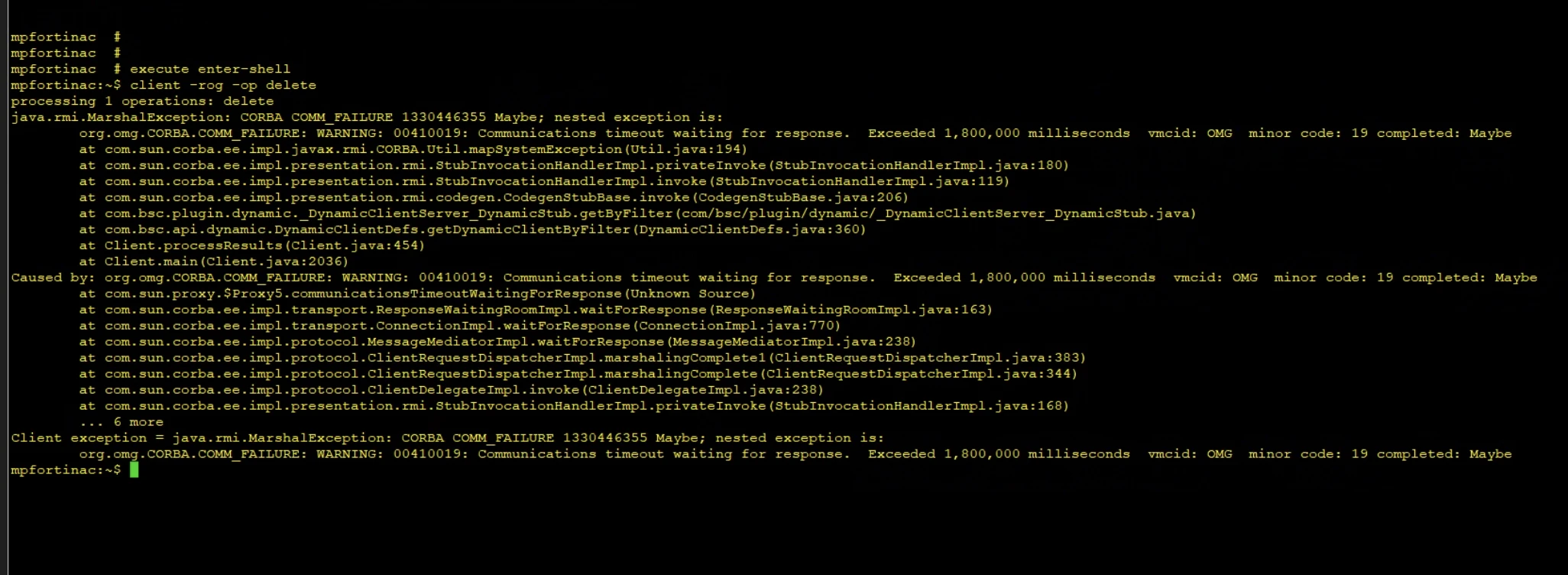
During this time, the FortiNAC RAM usage was at 92%, and the server was extremely slow.
I could not find a way to get rid of these rogue hosts. While I was working, it did not affect the appliance, but when I configured PA for endpoint compliance checks, it did. While testing, I saw that many hosts were at risk, so I tried to mark them all as safe, but FortiNAC got stuck, so we had to restart the appliance.
After that, I listed all the risky hosts and deleted them. I also disabled the endpoint compliance check, but the customer doesn't want to continue working without deleting the rogue hosts.
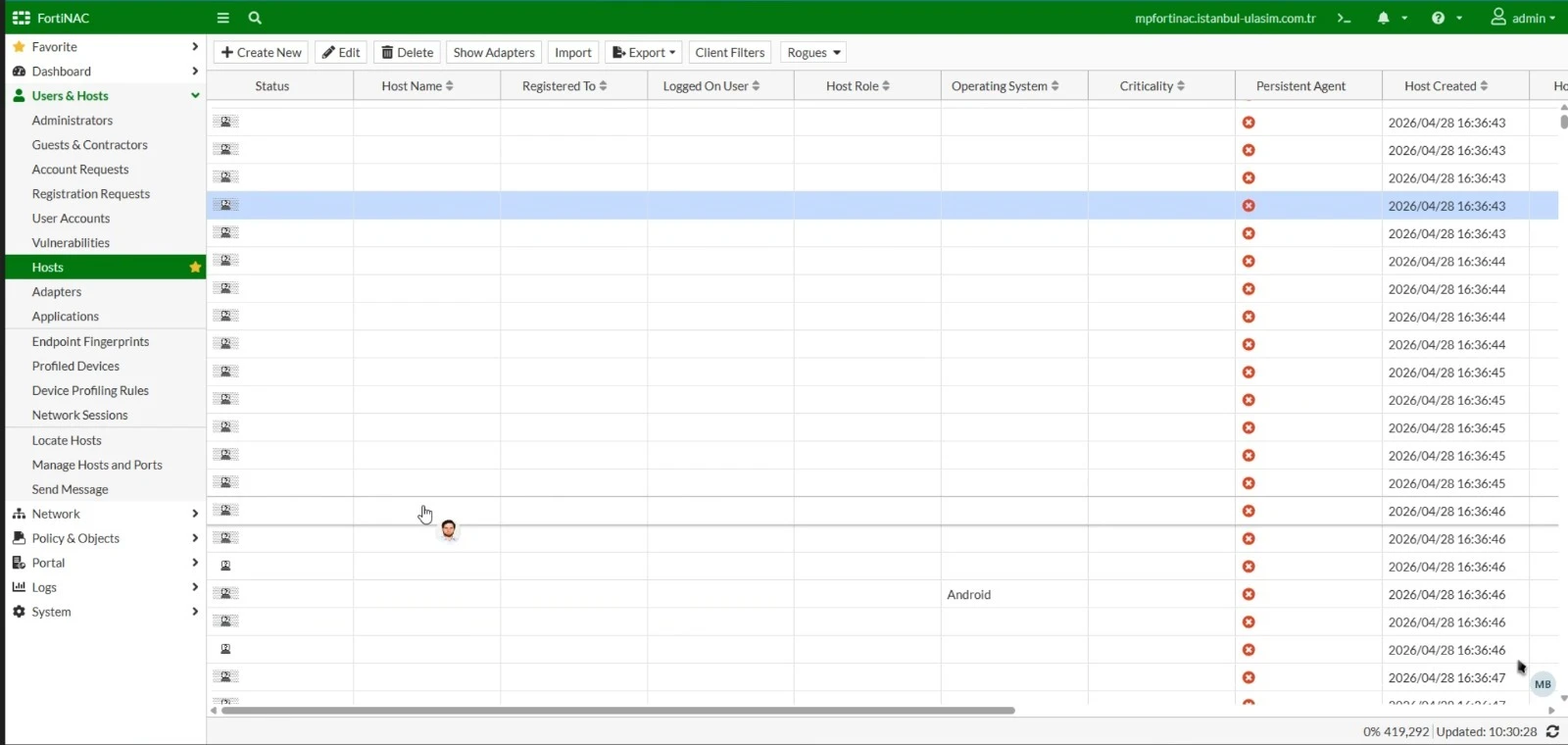
Do you know of a way to delete all hosts from the database? Should I increase the FortiNAC resources to 32 CPUs and 96 RAM?
