jomof
New Member
Nov 27, 2024 8:27 PM UTC
Question

fortiagte v7.2.0 Automation Stitch for daily backup not running.

Hello Expert,


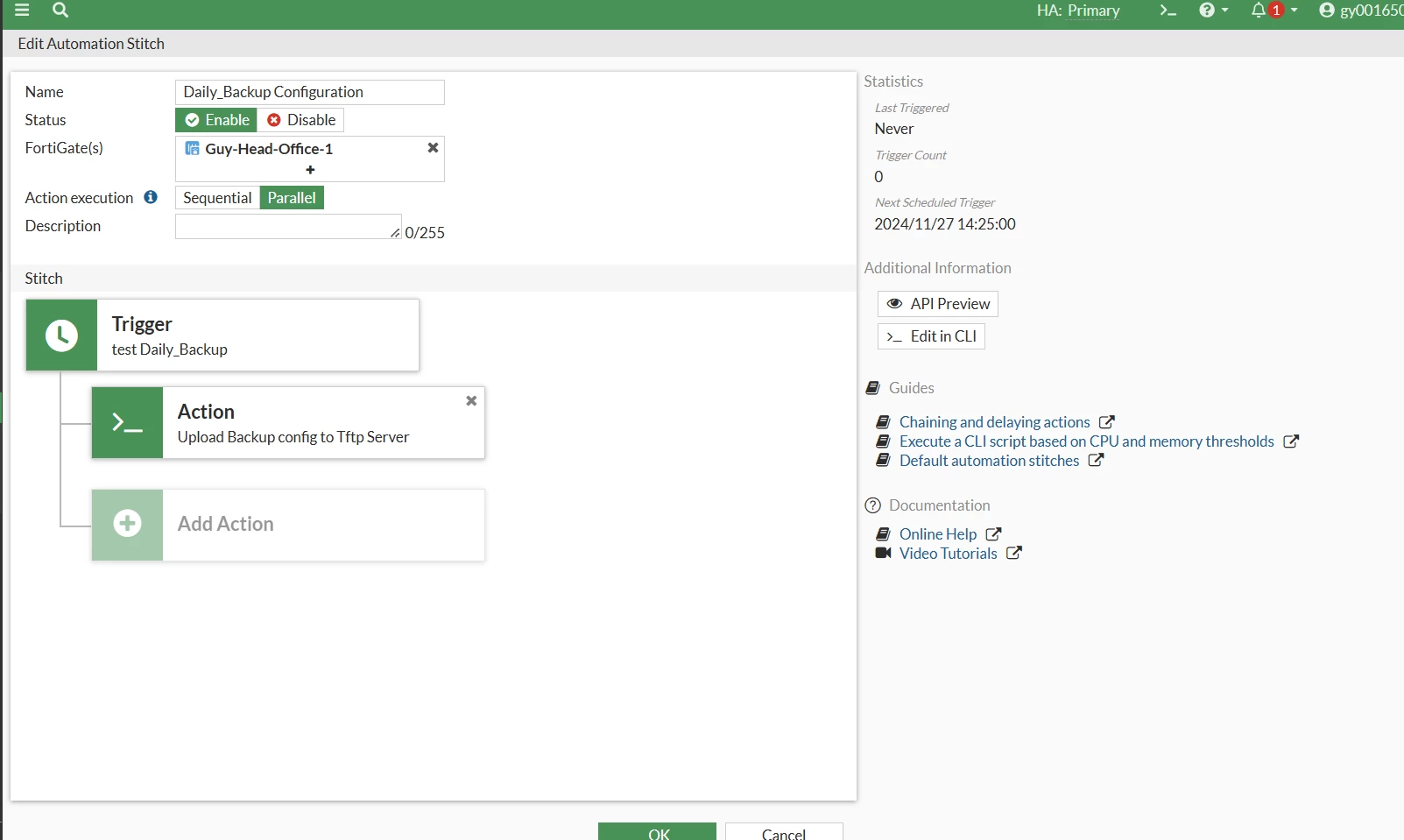
I create a automated stitch to schedule  daliy back and tftp the file to windows server.

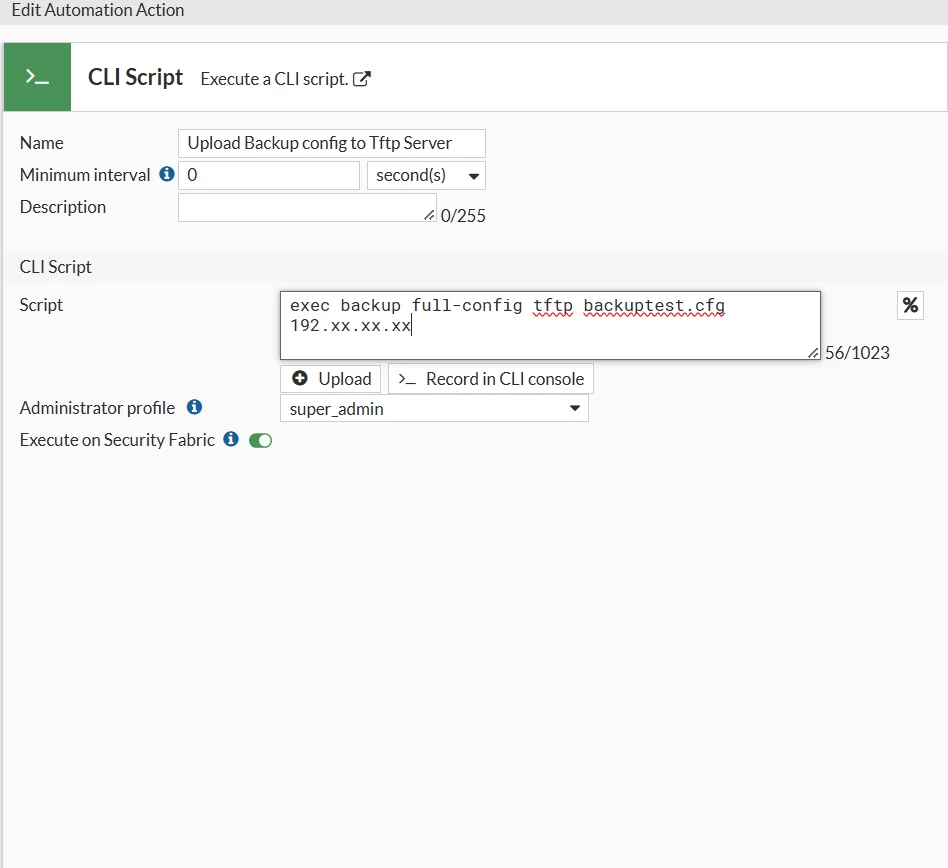
When I Test using a exec backup full-config tftp backup.cfg 192.xx.xx.xx from the fortigate the backup works okay.


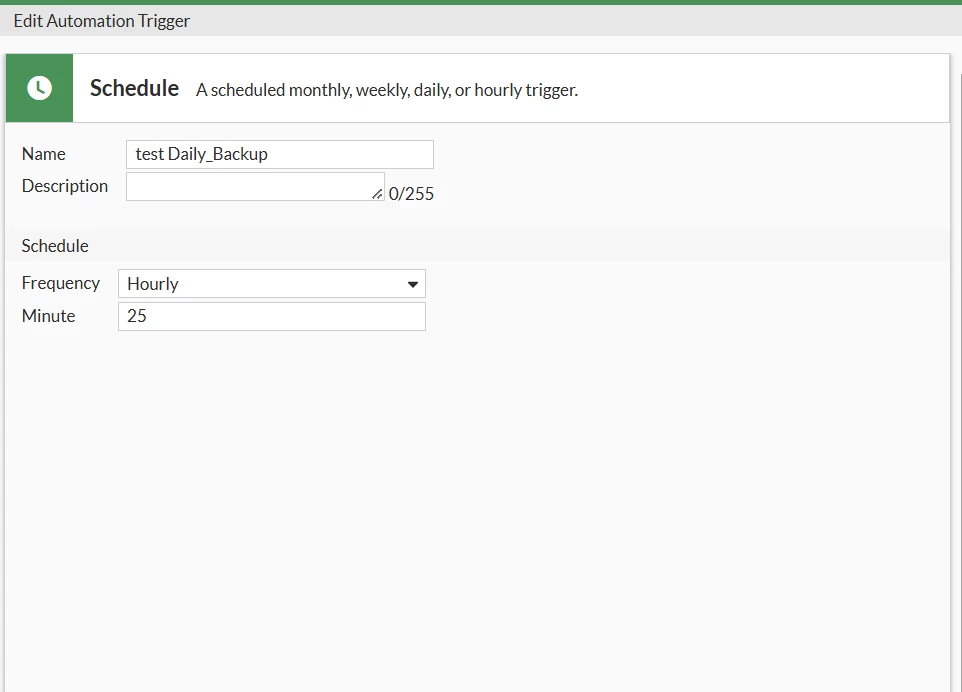
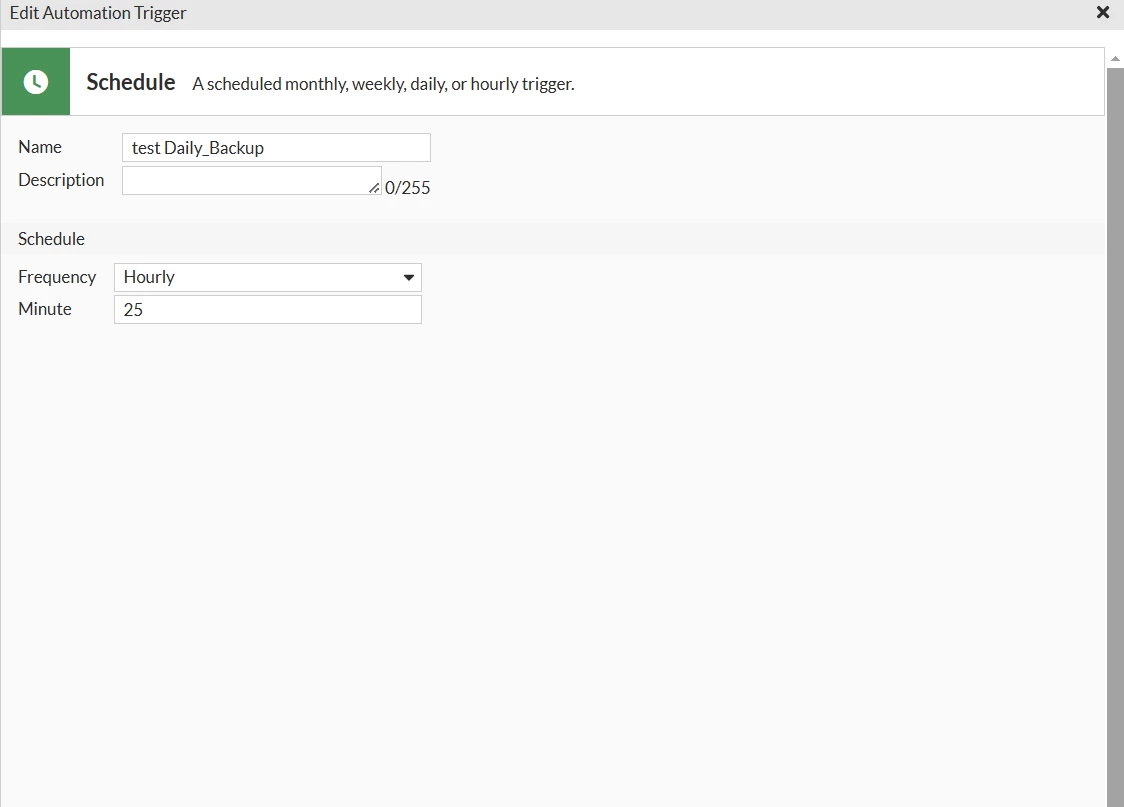
I created the action trigger and stitch but for some reason the backup is not generated at the designated time  as defind in the trigger.


I humbly request some guidance to troubleshootScreenshot 2024-11-27 161901.pngScreenshot 2024-11-27 161815.pngScreenshot 2024-11-27 155554.pngScreenshot 2024-11-27 155451.png Thank you
8 replies

saleha
Staff & Editor
Staff & Editor
Nov 27, 2024 9:48 PM UTC

Hello jomof,


Thank you for reaching out. My understanding is that the backup works through the stitch however it does not execute at the 25th minute of every hour according to the screen shot. You can try troubleshooting steps for automation stitches running a debug as advised on the following document:
https://community.fortinet.com/t5/FortiGate/Technical-Tip-How-to-check-why-automation-stitch-is-not-working/ta-p/190010

You can also check system event logs to verify if something wrong happened when the stitch is triggered from Log&Report>System Events menu.


Thank you,

saleha

Translate
DPadula
Staff & Editor
Staff & Editor
Nov 27, 2024 10:25 PM UTC

Change the 'action execution' from Parallel to Sequential. Did it work this time?

Translate
sjoshi
Staff
Staff
Nov 28, 2024 7:15 AM UTC

Hi @jomof,


If you run the same cmd manually on the CLI it works?


collect below output:-

diag debug app autod -1

diag debug enable


test the automation


Translate
Thanks, Salon
jomof
jomofAuthor
New Member
Nov 28, 2024 2:42 PM UTC

When i executed the command for debuging see screen shot. Screenshot 2024-11-28 103558.png

Translate
dingjerry_FTNT
Staff
Staff
Nov 28, 2024 4:51 PM UTC

Hi @jomof ,


Please disable the 'Execute on security Fabric' option in the CLI Script Edit page in the GUI for a try.

Translate
saleha
Staff & Editor
Staff & Editor
Nov 29, 2024 2:23 PM UTC

Hi jomof,


Yes it looks like the execution of the script expired. Do you get any notification on the tftp server that there was an attempt to connect or that does not even happen. Have you tried to rebuild the script specially the trigger and test again. can you share the stitch, action and trigger config in cli please:

show sys automation-stitch <name>

show sys automation-trigger <name>

show sys automation-action <name>


Thank you,

saleha

Translate
Risk and Resilience in the Age of AI. An OT Thought Leadership Summit for Houston's Critical Infrastructure Leaders. Date: Thursday, December 3, 2026. Time: 8:30 am - 1:30 pm (CT). Location: The Westin Houston, Memorial City | 945 Gessner Road, Houston, TX 77024