


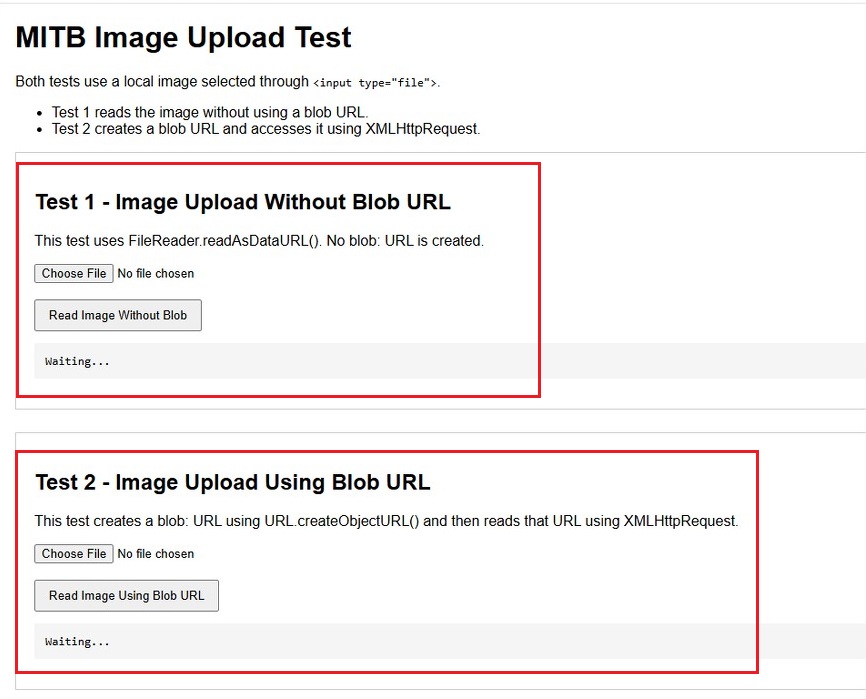
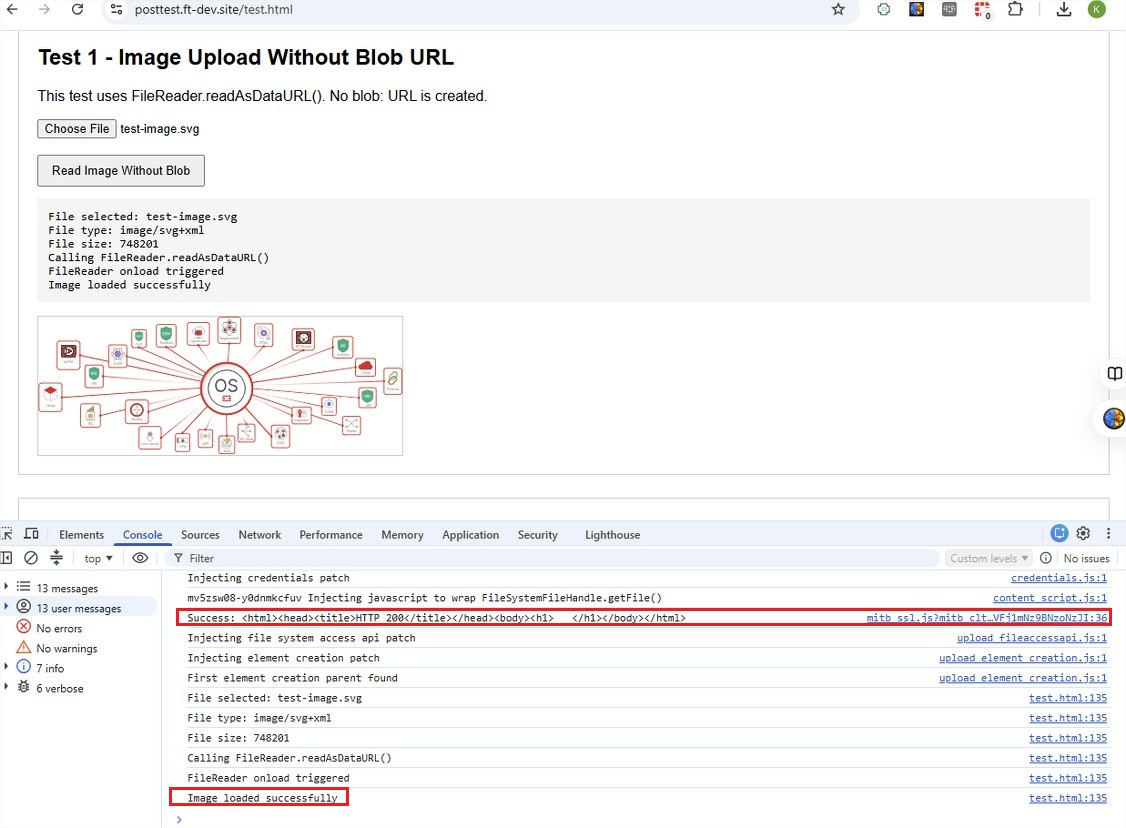
Troubleshooting Tip: How to troubleshoot the issue with the security JavaScript code inserted by MITB Protection which causes error on file upload to non-HTTP local URI schemas such as blob:, ‘data:’, ‘file:’ etc
Description | This article describes the steps to troubleshoot the issue with the security JavaScript code inserted by MITB Protection which causes error on file upload to non-HTTP local URI schemas such as blob:, ‘data:’, ‘file:’ etc |
Scope | FortiWeb. |
Solution | Prerequisite:
Issue: The Man-in-the-Browser (MITB) protection module with Ajaxcheck Status enabled in FortiWeb inserts JavaScript code into HTTP response bodies to protect user data from being sniffed by compromised browsers.
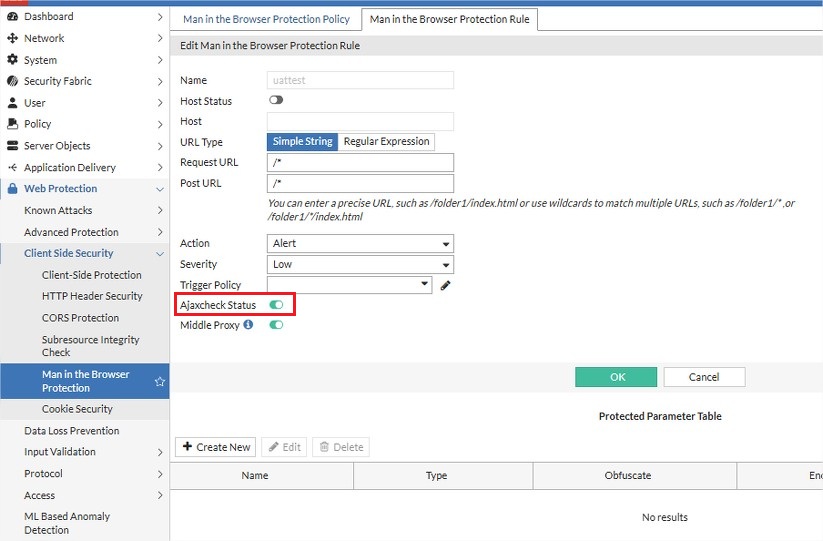
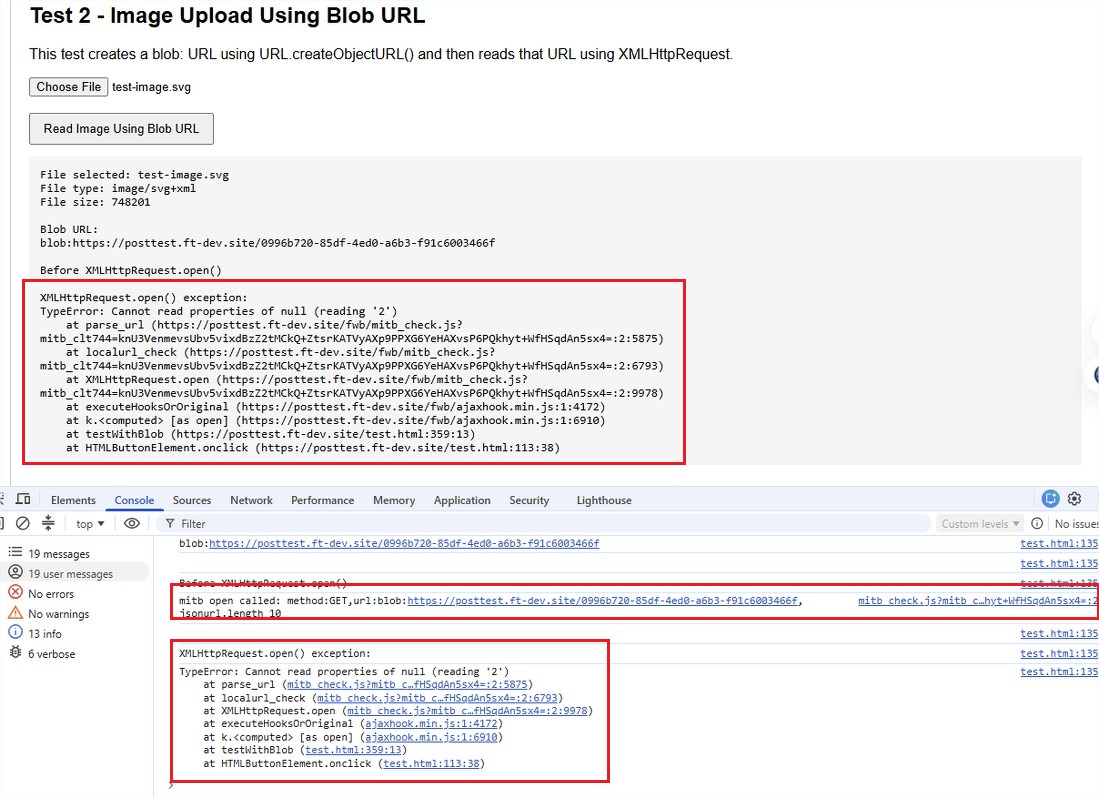
The temporary workaround is to disable the Ajaxcheck status option in the MITB Protection rule. 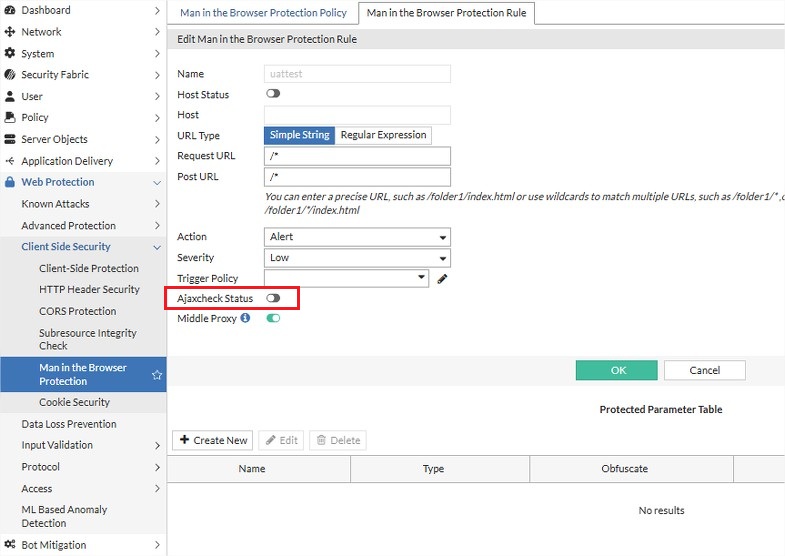 Resolution: The issue shall be fixed in v7.6.11 and v8.0.8. Upgrade to the fixed or latest version to resolve the issue.
Related document: AJAX Request allow list - Man in the Browser (MitB) Protection |
