Troubleshooting Tip: FortiWeb's Traffic logs are not showing Packet Header information in the GUI
| Description | This article describes how to show the Traffic logs' packet header information in FortiWeb's GUI. |
| Scope | FortiWeb, FortiWeb-VM. |
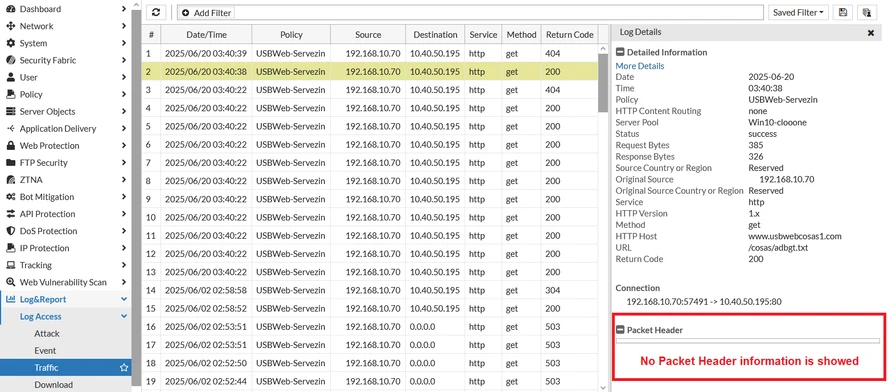
| Solution | When traffic logs are saved in FortiWeb, information about the packet header is required to check it in FortiWeb's GUI, by accessing Log&Report -> Log Access -> Traffic. However, when a traffic log is opened doing 'double-click', packet information is not shown:
To save this information and display it in the GUI, execute the following commands in the CLI:
config log traffic-log
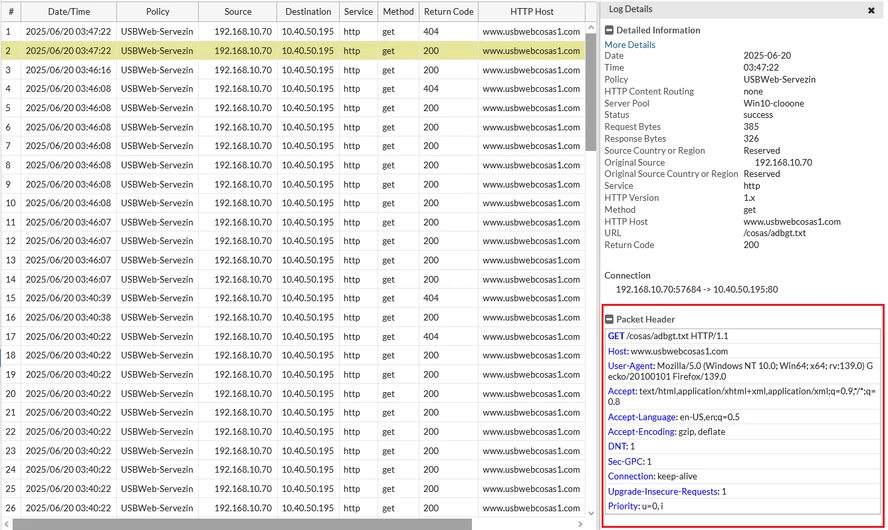
After that, traffic logs will show packet header information:
Important: This information will begin to be saved in the traffic logs generated after executing the commands. All logs before the executed commands will not show the packet header information.
Related article: Troubleshooting Tip: Check if FortiWeb is generating and saving Traffic logs |